SEQUENCER MODES
GLOBAL PARAMETERS
In any mode and in general, there are global parameters and per step parameters. To modify the
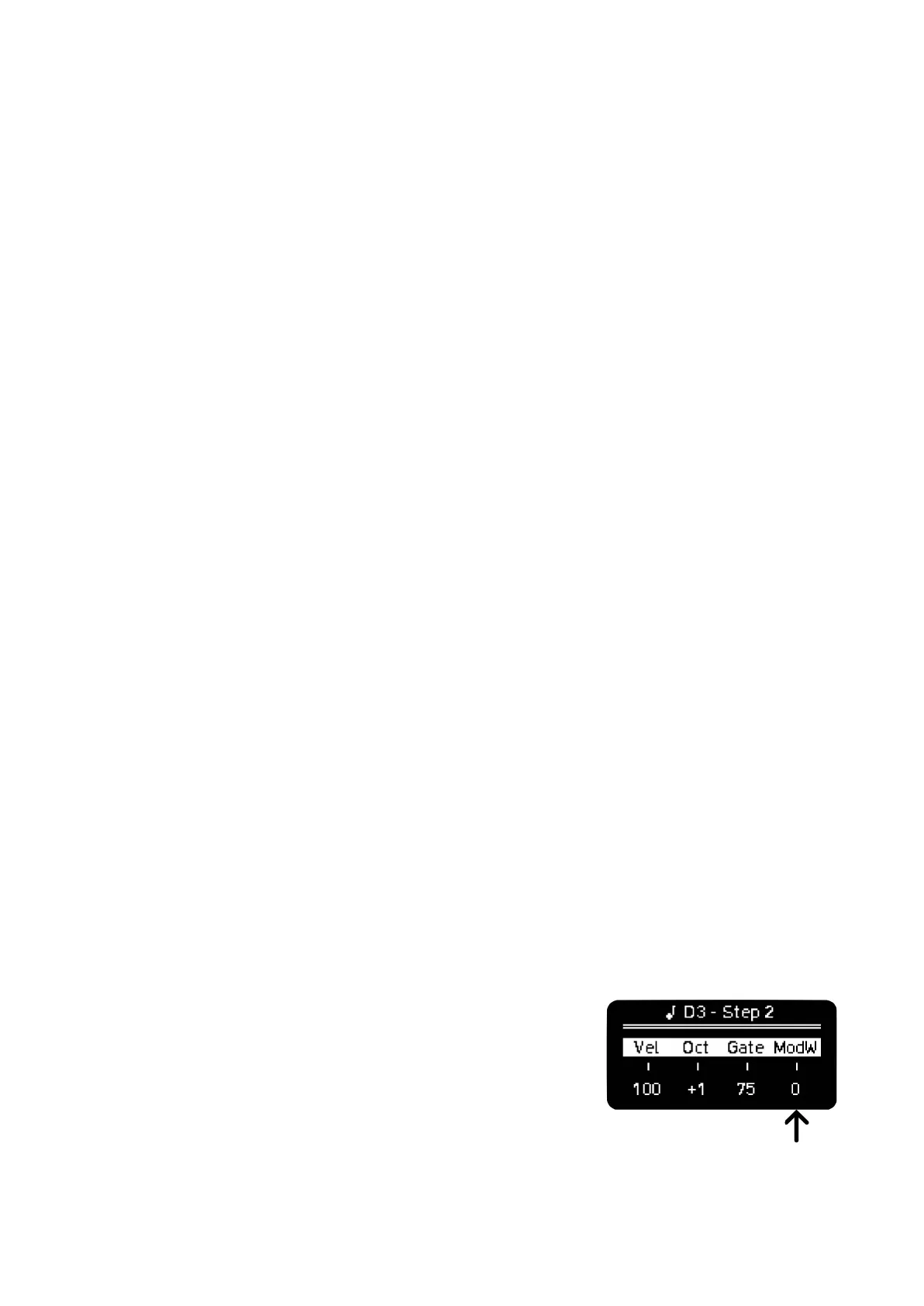
global parameters, use the encoders, adjusting the Velocity, Octave, Gate and Mod; Swing, Scale
and Root with SHIFT + encoder.
The global parameters Velocity, Octave, Gate and Mod act as an offset of the step parameters when
the steps have different settings, showing instead the minimum and maximum step values. For
example, the velocity of your sequence ranges from 50 to 110 (MIDI values range from 0 to 127), then
moving the global velocity CW will give you +1 increments on all the steps (51-111, 52-112 …).
When the maximum or minimum value is met and passed, the extreme values will be limited and this
range will be reduced, from our example before that would be 100-127 with an increment of 50
points. Reducing the global value again will keep the new range, returning to the example that’d be
80-107 with a decrease of 20 points.
With this implementation you can perform over global parameters without overwriting individual values
per step, and by reaching extreme values with the opposite one, you can quickly set the same value
for all steps again.
This behavior happens also when the values are automated with randomization and LFOs, so it acts
as an extra offset/limiting control.
In Gate values, after the maximum value of 100 you have LEGato, in which consecutive notes will play
with virtually no time separation between each other. After it you have TIE to set a step as a tied note
alternatively to the method seen above.
MODULATION LANES
Every Sequencer has 4 Modulation Lanes except for Multitrack that has 8 (1 per track in 2 banks of 4),
to access them press the 4th encoder that shows CC Perform. These 4 modifiers can be configured
in the CC Configuration screen. Each Lane has a value per step that would be saved with each
Pattern.
In CC Perform each encoder acts as a global control of each modulation lane. When playback is
active, you can hit the Rec button to record per step changes live by turning the encoders. When
recording is stopped, the encoder acts as an offset of the automation recorded, this way you can
perform over your manually recorded envelopes.
The last Modulation Lane used before exiting CC Perform screen will
be set as the global Mod control of the 4th encoder, so you still have
access to one modulation lane on Sequencer view and it’s user
configurable so you are not stuck with Mod Wheel as a mapped
control if you don’t need it. Mod Wheel is the default Mod.



 To Next Page