ENG-6
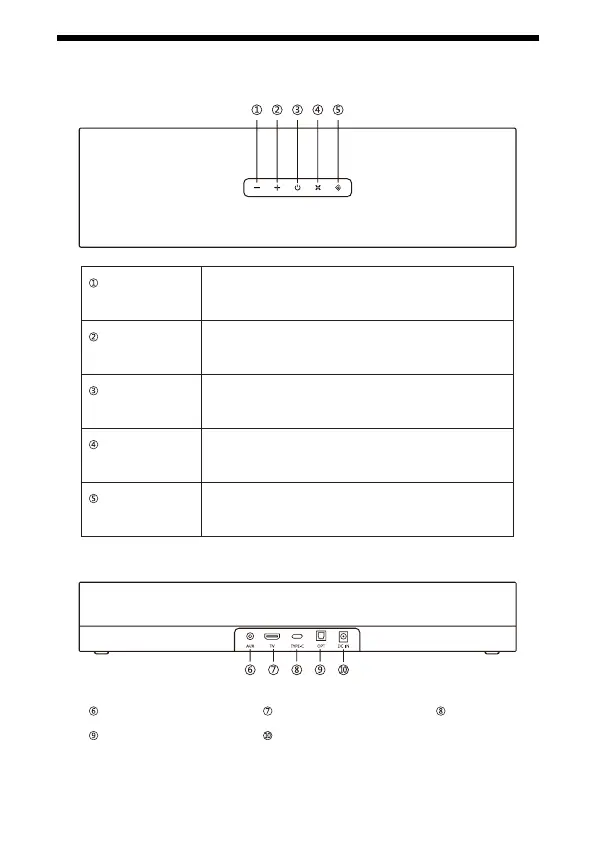
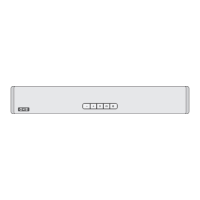
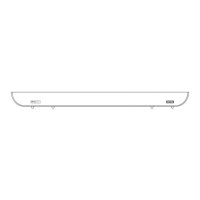
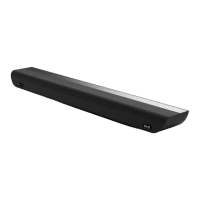
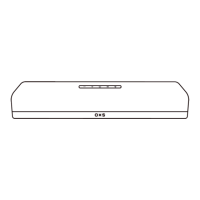
DEVICE LAYOUT
AUX (3.5mm jack)
Power (DC-IN)Optical
Type-CTV (ARC)
Volume down
Volume up
Power
Virtual surround
Input selector
Short press: Volume down
Press & hold: Volume goes down continuously
Short press: Volume up
Press & hold: Volume goes up continuously
Short press: Power on, standby, or o
LED indicates: Orange = on / Dimmed Orange = standby
Short press: Activates the virtual surround sound eect
LED indicates: Orange = on
Toggles between the 5 types of input:
TV -> OPT -> AUX -> BT -> USB C


 To Next Page