16
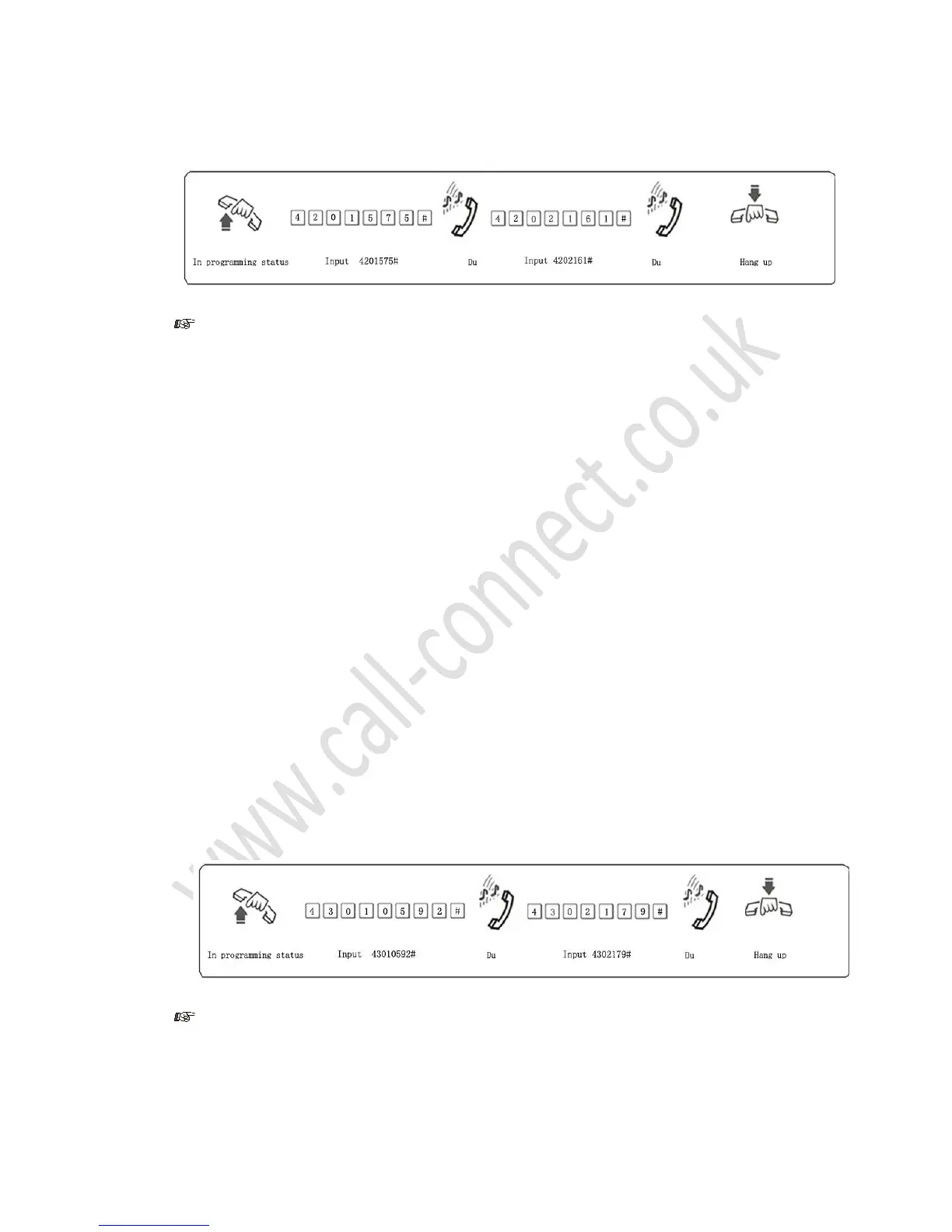
Example: Extension 606 is to be assigned dialing-out class 5 and you want to stop it dialing numbers
beginning with the initial digits – 575,161
1. Item B comprises 16 groups (01-16) of initial digits
2. Item B only works when you assign dialing-out class 5 to the extension
3.11.5 Clear a Specific Group Number Within Item B
Format: 42 Q #
Explanation: Where Q = The group number (01-16)
Description: Clears all numbers programmed in group Q.
3.11.6 Clear All Group Numbers Within Item B
Format: 4 2 #
Description: Clears all numbers programmed in all groups within Item B
3.12 Special Calling Numbers
3.12.1 Assign Special Calling Numbers for Class 0
Format: 4 3 P ABCD#
Explanation: Where ABCD = the initial digits of the calling number to be assigned, this number can be
from 1 to 4 digits in length; if less than 4-digits fill in the gaps with a #.
Where P = A group number from 01 to 16
Description: Permit an extension to only dial phone numbers starting with initial digits ABCD
Example: Extension 608 is be assigned dialing-out class 0 and you want to allow it to only dial the
numbers beginning with initial digits – 0592, 179
1. 16 groups (01-16) of initial digits can be set
2. This function only works when you assign dialing-out class 0 to the extension
3.12.2 Clear a Specific Group



 To Next Page