EasyManua.ls Logo

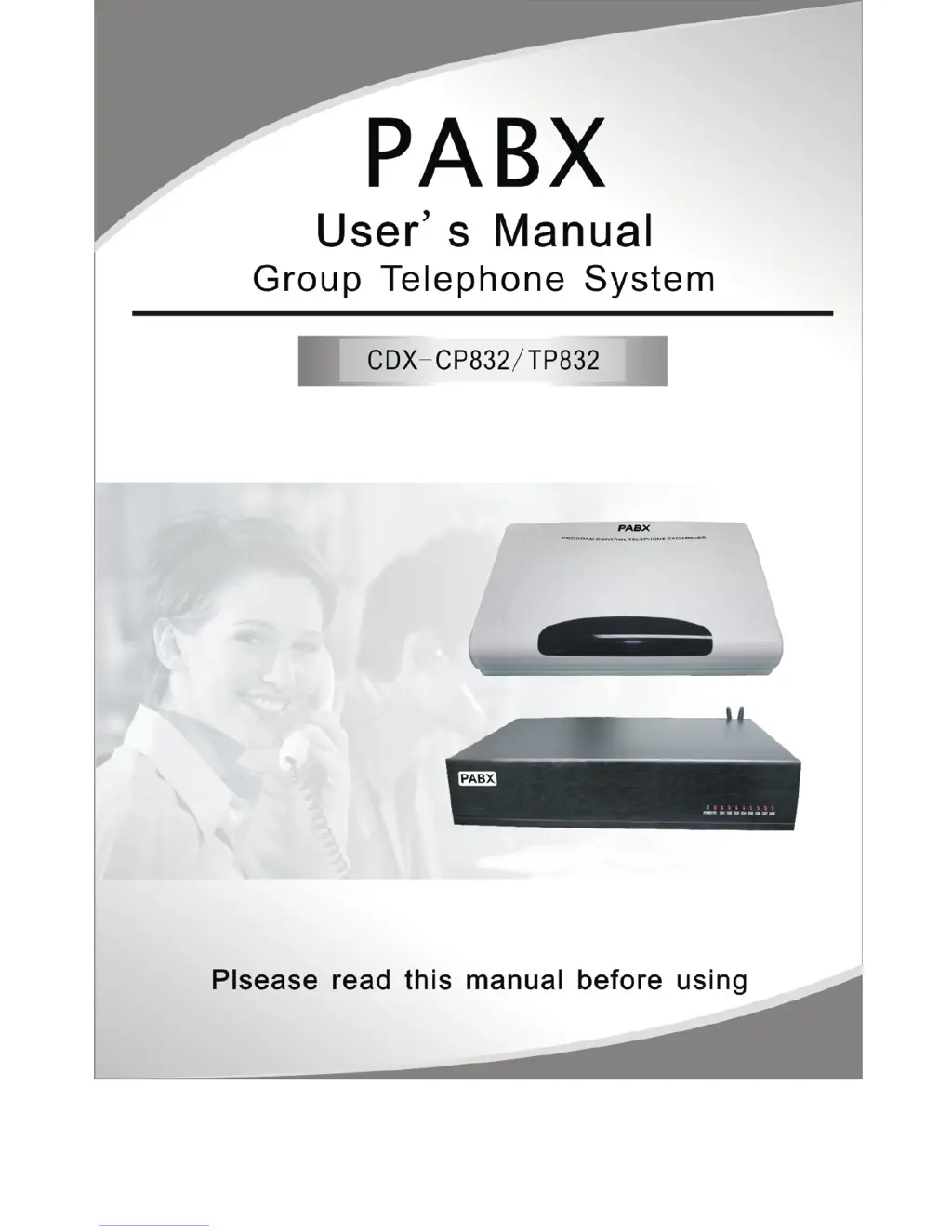
PABX CDX-CP832 - User Manual

PABX CDX-CP832
61 pages
Print Icon
To Next Page IconTo Next Page
Loading...

Table of Contents

Questions and Answers

Summary

Chapter 1 Brief Introduction

Chapter 2 Technology parameter and Construction

2.1 Technology parameter

Details on system capacity, interface types, and construction features.

Chapter 3 Expansion & Installation

3.1 System basically configured

Information on the initial configuration of the PABX system with 4 C.O. lines and 16 extensions.

3.2 Power Failure Transfer

Explains the system's functionality to transfer calls during a power failure.

3.5 System Installation Step

Step-by-step guide for installing the PABX system, including pre-installation checks.

3.6 System Installation Attention Items

Key considerations and precautions to follow during the installation process.

Chap 4 System programming

4.1 Before programming

Guidelines and prerequisites for system programming, including phone types and feedback.

4.2 Basic Command

Covers essential commands like entering programming status and basic operations.

4.3 System Date;Time and Charge setting

Instructions for setting the system's date, time, and charge modes.

4.4 Day; Night Mode & Weekend Mode Setting

Configuration for automatic and manual day/night and weekend mode switching.

4.6 Setting Operating Mode

Options for setting CO lines to operator or auto-attendant modes.

4.7 OGM (Outgoing Message) Recording &Monitoring

Procedures for recording, monitoring, and setting outgoing messages for auto-attendant.

4.8 Process in Auto-attendant Mode

Handling of scenarios like no dial, busy extension, or no answer in auto-attendant.

4.11 Dialing-out Mode Setting

Configuring extensions for indirect and direct dialing-out modes.

4.12 Calling Duration Restriction Setting; Clearing

Setting and clearing call duration limits for extensions.

4.12.2 Class Assignment for All Extensions

Assigning dialing-out classes to extensions for restricting calls.

Chap 5 Operating Instruction

5.1 Answering calls at operator mode

How to answer incoming calls when the system is in operator mode.

5.2 Answering calls at auto-attendant mode

How the system handles calls in auto-attendant mode with OGM messages.

5.13 Call transfer(External Call)

Transferring incoming external calls to another extension.

5.29 Call All Extension (Emergency Calling)

Initiating a call to all extensions simultaneously for emergencies.

Chap 9 System Programming & Operation Instruction

PABX CDX-CP832 Specifications

General IconGeneral
BrandPABX
ModelCDX-CP832
CategoryTelephone System
LanguageEnglish

Related product manuals