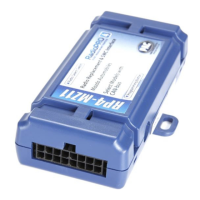
Radio Replacement and Steering Wheel Control Interface
with OnStar Retention for General Motors Vehicles
GM3A-RSTX
© 2018 AAMP Global. All rights reserved. PAC is a Power Brand of AAMP Global.
PAC-audio.com
Pacific Accessory Corporation
Page 4
Rev: 1
Date: 100318
Testing and Verication
1. Turn the ignition on. The LED on the interface will turn on and the +12v accessory wire will turn on.
2. Turn on the radio and check balance and fade. Note: Premium factory amplied systems will not fade as neither the
aftermarket radio, or the RP Advanced interface have the ability to control the amplier’s fader.
3. Verify that the factory subwoofer (if present) is playing.
4. Verify that all SWC are functioning properly for both the aftermarket radio and OnStar. To adjust OnStar volume, press the
OnStar button on the mirror, then use the volume buttons on the SWC to adjust the level. The volume will raise a total of 8
times before returning to the original level.
5. Verify that the factory XM tuner is functioning properly.
6. Pressing the OnStar button on the rearview mirror will turn off the rear speakers and allow the OnStar audio to be heard in
the two front speakers. The OnStar active LED will also turn on. When OnStar disconnects, the radio will un-mute or turn
back on and the OnStar LED will turn off. Pressing the Mute / OnStar button on the steering wheel for 1.5 seconds will also
activate OnStar.
7. Turn off vehicle and remove key. RAP will be active and keep the radio on for 10 minutes, or until the driver’s door is
opened.
8. The LED and radio will turn off when RAP turns off or the driver’s door is opened.
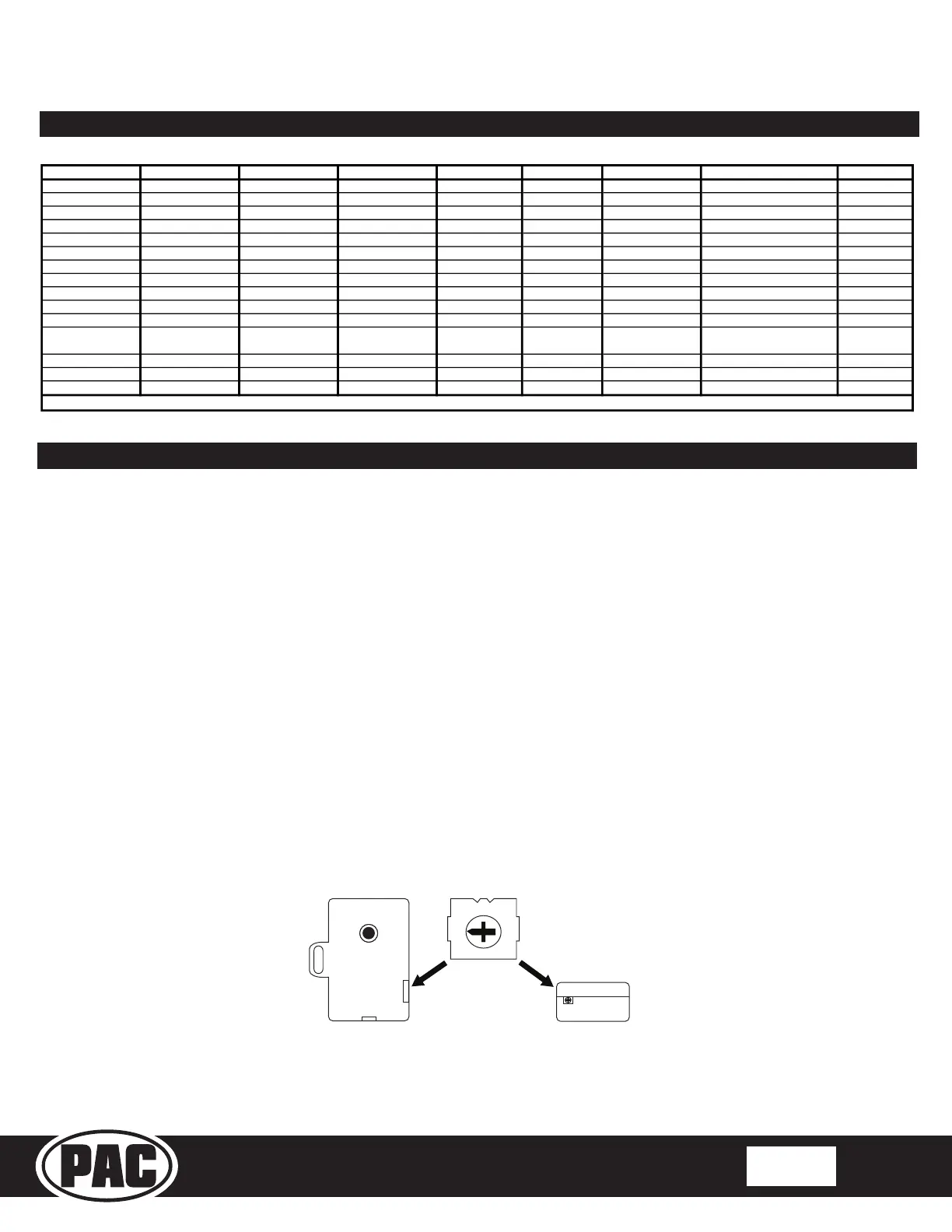
9. Use the 4-position selector switch located on the side of the CMX module to select the best chime output volume for your
specic installation. Setting 1 being loudest and 4 softest.
Voice / Answer / End Call
12 Receive Phone Reject On Hook PTT ** End Call
Voice (Android Auto & Car
Play) Answer / End Call***
15
Preset +
* Dual / Axxera, Jensen, Rockford Fosgate ** Jensen ONLY ***
XAV-AX100 / 200 Only
Optional Programming Order
Optional Steering Wheel Control Programming (cont.)
CMX
chime module
1
4
2
3


 To Next Page