17
WHAT IS THE CHANNEL LIST?
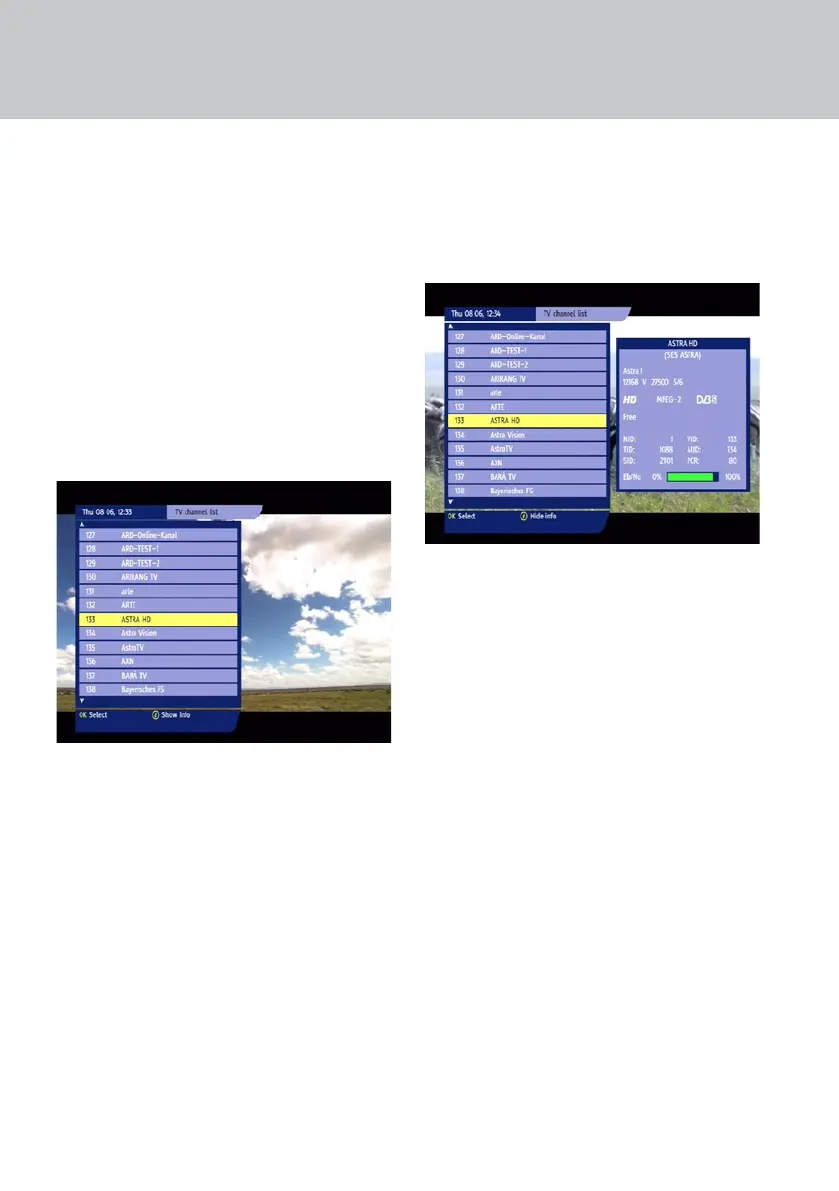
Your set-top box uses a Channel List as a way of
organising channels. To display the list on your TV
screen, press the LIST button (or press OK).
There are separate lists for TV and Radio channels.
To switch between the TV and Radio Channel Lists,
press the TV / RADIO button on your remote
control.
USING THE CHANNEL LIST
Press the LIST button to display the Channel List on
your TV screen. The channel you were just watching
is shown highlighted in yellow.
To change channel, you must rst highlight the
channel you want to watch.
NOTE: The name of currently tuned channel
appears in yellow text.
Use the U D buttons to highlight the previous/
next channel on the list.
NOTE: You can also use the
L R buttons to
view the previous/next page of channels.
To tune to a channel, highlight it, then press OK.
If you know the number of the channel you want to
watch, you can use the number buttons to enter
the channel number.
To remove the Channel List without changing
channel, press LIST.
VIEWING CHANNEL INFORMATION
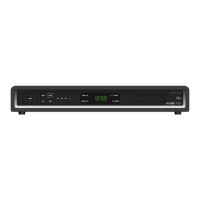
To view information about the highlighted channel
in the Channel List, press the i button. The channel
information appears to the right of the Channel List.
To hide the channel information, press the i button
again.
TUNING TO CHANNELS


 To Next Page