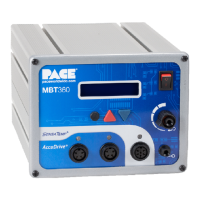
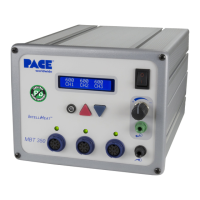
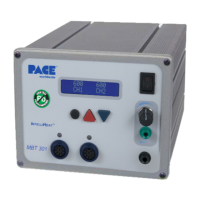
15. Press the TIP OFFSET Key once to enter Tip Temperature Offset Mode. Immediately press and hold
the Scroll Up Key. Observe the displayed Tip Offset Constant increase, first in 1° and then in 10°
increments. Release the Scroll Up Key when the Tip Temperature Offset value reads "33" for °C ("60"
for °F).
16. While still in the Tip Temperature Offset Mode (Tip Offset LED illuminated) press and hold the Scroll
Down Key. Observe the displayed Tip Offset Constant decrease first in 1° and then in 10° increments.
Release the key when the Digital Readout displays "28" for °C ("50" for °F).
17. Immediately press the TIP OFFSET Key to exit the Tip Temperature Offset Mode and enter the new Tip
Offset Constant for the Current Channel into the system memory. Notice that the Tip Offset LED
remains illuminated.
Only if a Current Channel has a Tip Offset Constant value greater than the default
("3" for °C or "6" for °F) does this LED remain illuminated.


 To Next Page