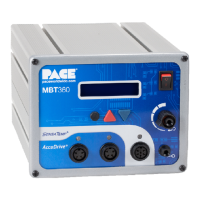
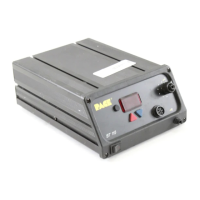
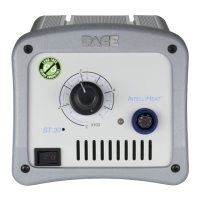
Power Source
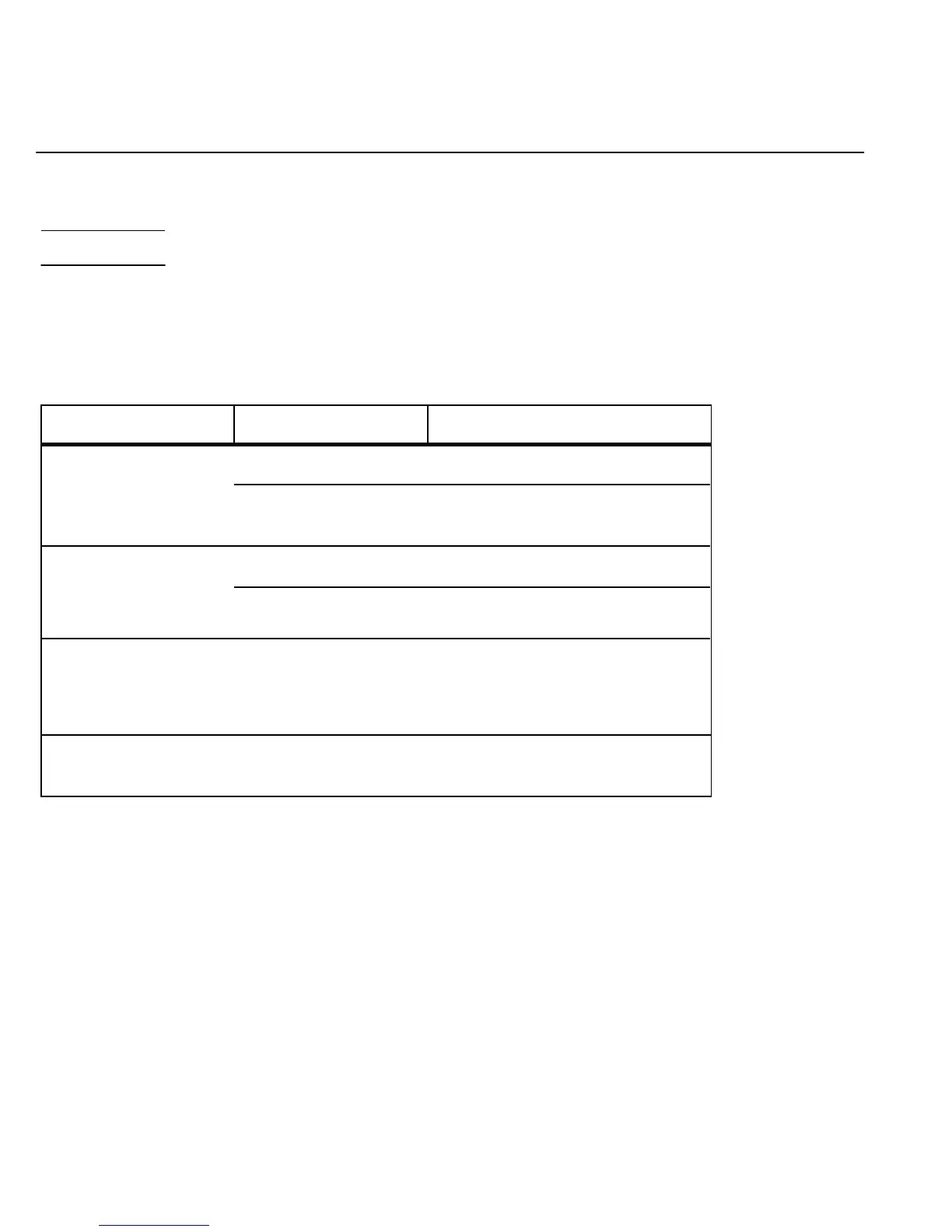
Most malfunctions are simple and easy to clear. Refer to Table 4 below to clear these malfunctions. If you
encounter any difficulty clearing the malfunction, contact PACE Technical Support directly at Tel. (toll free)
1-888-535-PACE(7223)or(301)490-9860,FAX(301)483-7030.
Digital Readout is blank.
No LEDs on. No motor.
Blown Fuse (F1) Replace Fuse F1 located on rear of Power
Source in the AC Receptacle.
Defective handpiece. Disconnect all handpieces. Check each
handpiece using the applicable handpiece
manual or Table 5 of this publication.
E-1 displayed on Digital
Readout.
No handpiece connected to Plug handpiece into CH 1, CH 2 OR CH 3.
power source.
Open sensor in handpiece. Refer to handpiece Operation Manual for
Corrective Maintenance procedures.
E-2, E-3,E-4 or room Defective handpiece. Disconnect the handpiece connected to
temperature displayed on the current channel (channel displayed on
Digital Readout. Digital Readout). Check the handpiece
using the applicable handpiece manual or
Table 5 of this publication.
Insufficient AUTO Filter(s) and/or handpiece(s) Refer to applicable handpiece manual(s) for
SNAP-VAC (vacuum) or air require corrective instructions on performing proper
pressure. maintenance. "Corrective Maintenance" procedures.
Table 4. Corrective Maintenance, Power Source
52


 To Next Page