27
Further information about the TV Display Capability
The TV Display Capability settings relate to equipment that is connected to the HDMI and COMPONENT VIDEO
OUT connectors because the settings control the output at those connectors. If equipment is connected via an
HDMI cable, that equipment may also pass information back to your set-top, which may affect what settings are
available.
Generally, the TV Display Capability settings do not affect equipment connected to the VIDEO OUT connector,
because the output at this connector is always standard definition 480i.
MAKING USER SETTINGS (cont.)
SELECT
SELECT
SELECT
SELECT
TV Display Capability
1080i : YES
720p : NO
480p : YES
480i : YES
TV Display Capability
1080i : NO
720p : NO
480p : YES
480i : YES
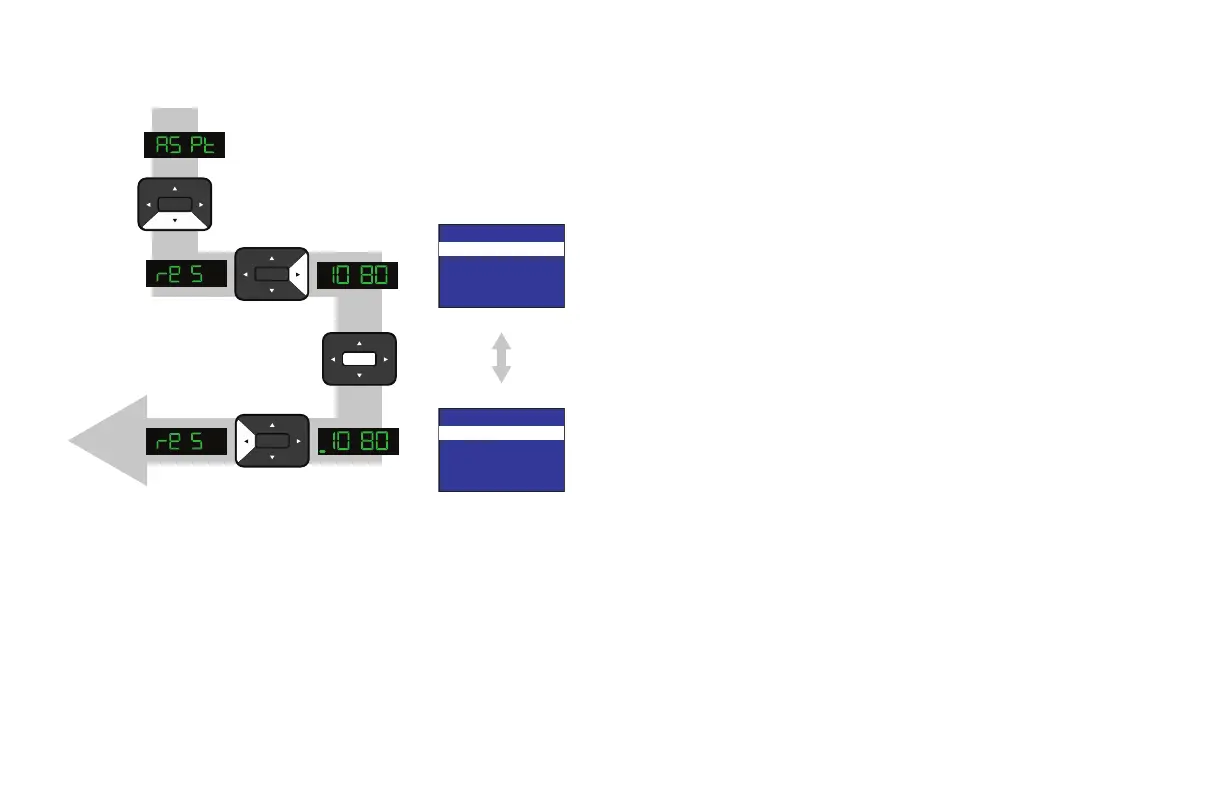
This diagram shows an example only. Please
make sure that, for each resolution, you
select the correct setting (YES or NO) that
applies to your TV.
The on-screen
menu shows the
selected setting.



 To Next Page