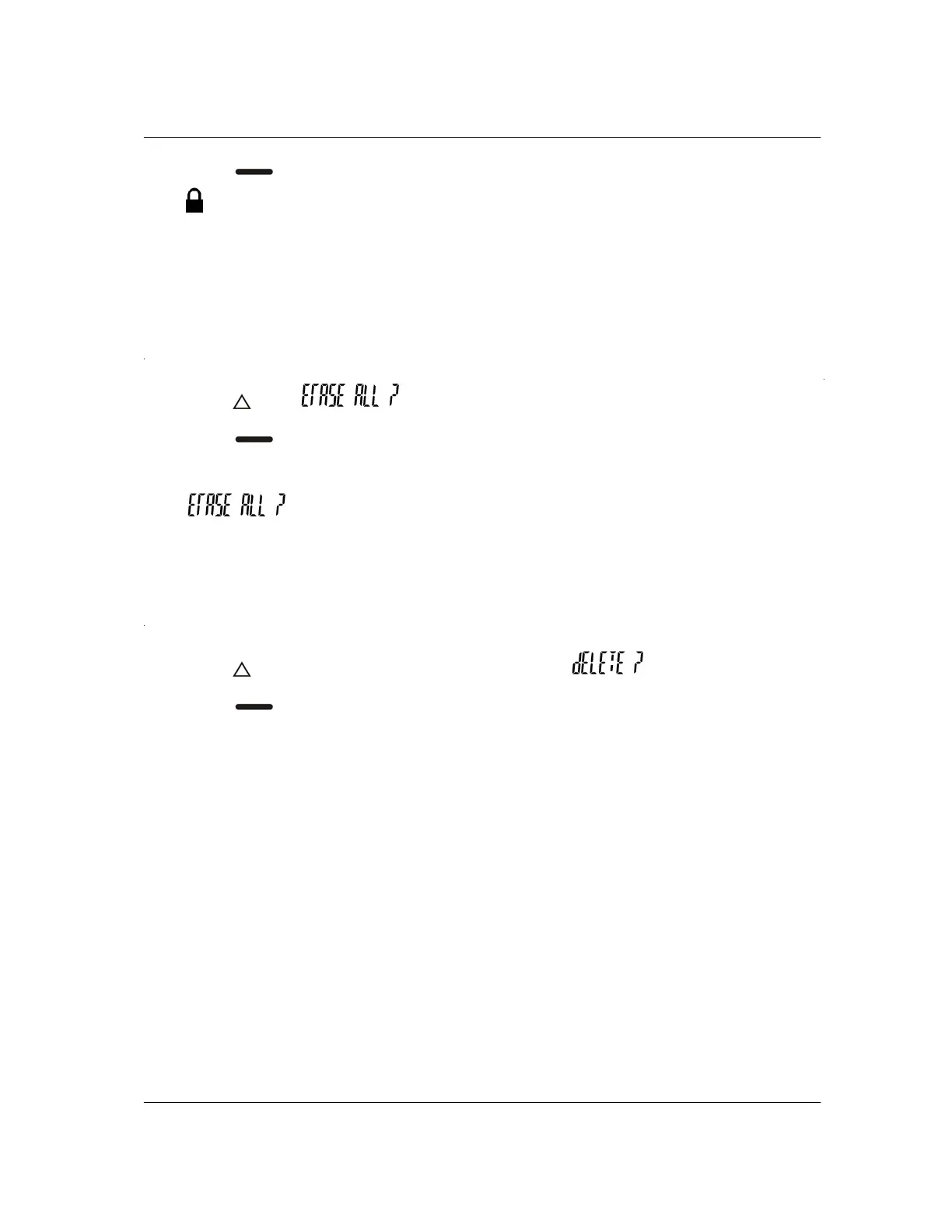
4. Press to remove the protection.
The
symbol is removed from the screen.
Saved messages cannot be erased or overwritten by new messages when memory is
full. You can save up to eight messages.
ERASING ALL MESSAGES
1. Press until is displayed.
2. Press
. Your read, unprotected messages are erased. The pager returns to
the standby screen.
The
prompt is displayed only if there are read and unprotected
messages in memory.
SELECTIVE ERASING OF MESSAGES
1. Press twice while reading a message and the prompt is displayed.
2. Press
to delete the message and return to the standby screen.
Only unprotected messages can be deleted.


 To Next Page