Function Indicators
Silent Alert − the pager alerts without audible alerts for incoming messages.
Audible Alert − one of several pleasing audible alerts sound for an incoming
message.
Alarm − the alarm alerts you at the set time.
Message Lock − this message is locked against deletion.
Continuous Message − more message information is on the next screen
TURNING YOUR PAGER ON
Press to turn your pager on.
Your pager gives an alert by either a sound or a vibration, indicating it is on. After
displaying the power-up screen, the time of day, the date, and an alert indicator
are shown on the standby screen.
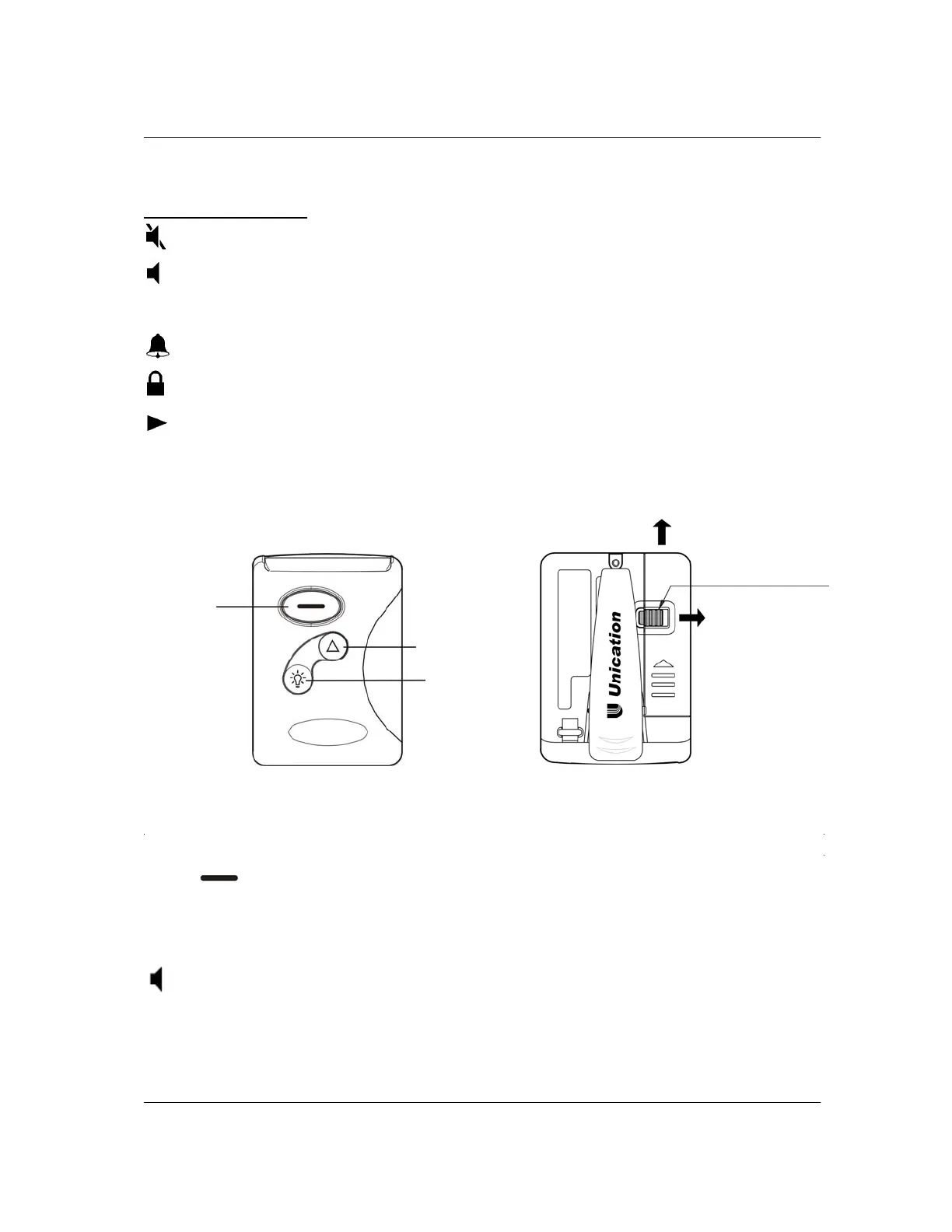
On/Read/
Select
Button
Menu
Button
Backlight/
Reset
Button
Batter
Door Lock
Unlock
Slide Door
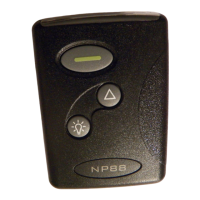
NP88


 To Next Page