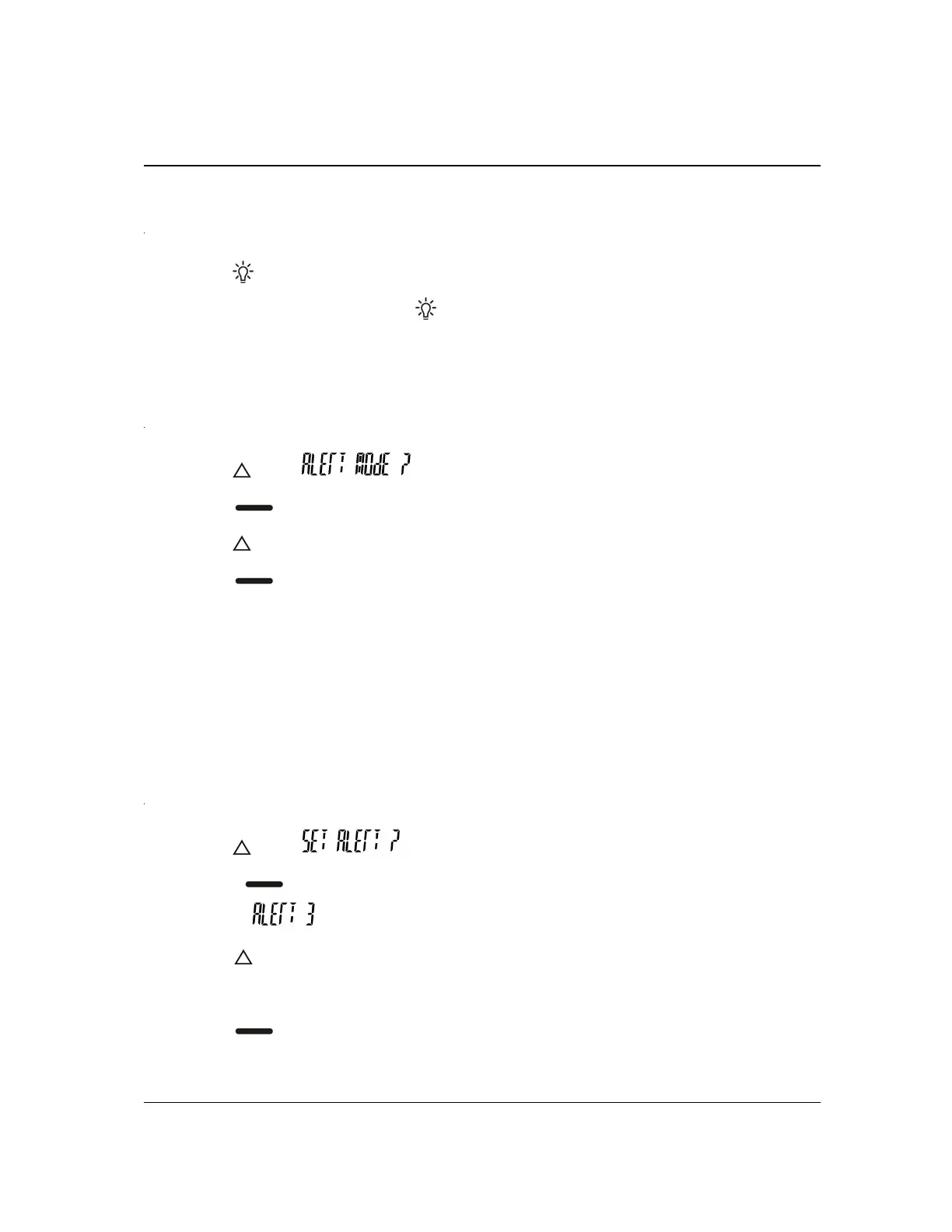
TURNING THE LIGHT ON AND OFF
1. Press to turn the light on.
2. To turn the light off, press
again. The light turns off automatically after
returning to the standby screen.
CHANGING ALERT MODES
1. Press until is displayed.
2. Press
again and the current alert mode is displayed.
3. Press
until the desired alert mode is displayed. (Audio, Vibrate, Chirp, Silent)
4. Press
to select the alert mode and the pager will return to the standby
screen then chirp, vibrate or silent depending on alert mode selection.
For your pager to alert audibly when a message is received, it must be in “Audio” or
“chirp” mode. For your pager to be silent when a message is received, it must be in
“Silent” mode.
SELECTING AN AUDIBLE ALERT
1. Press until is displayed.
2. Press
again and the current alert number is displayed, for
example:
, and the pager gives a sample of the alert tone.
3. Press
until the desired alert type is displayed. As each alert number is
displayed, the pager gives a sample of the alert tone.
4. Press
to select the alert number, set the alert tone to be used, and return
to the standby screen. When messages are received, your pager gives the


 To Next Page