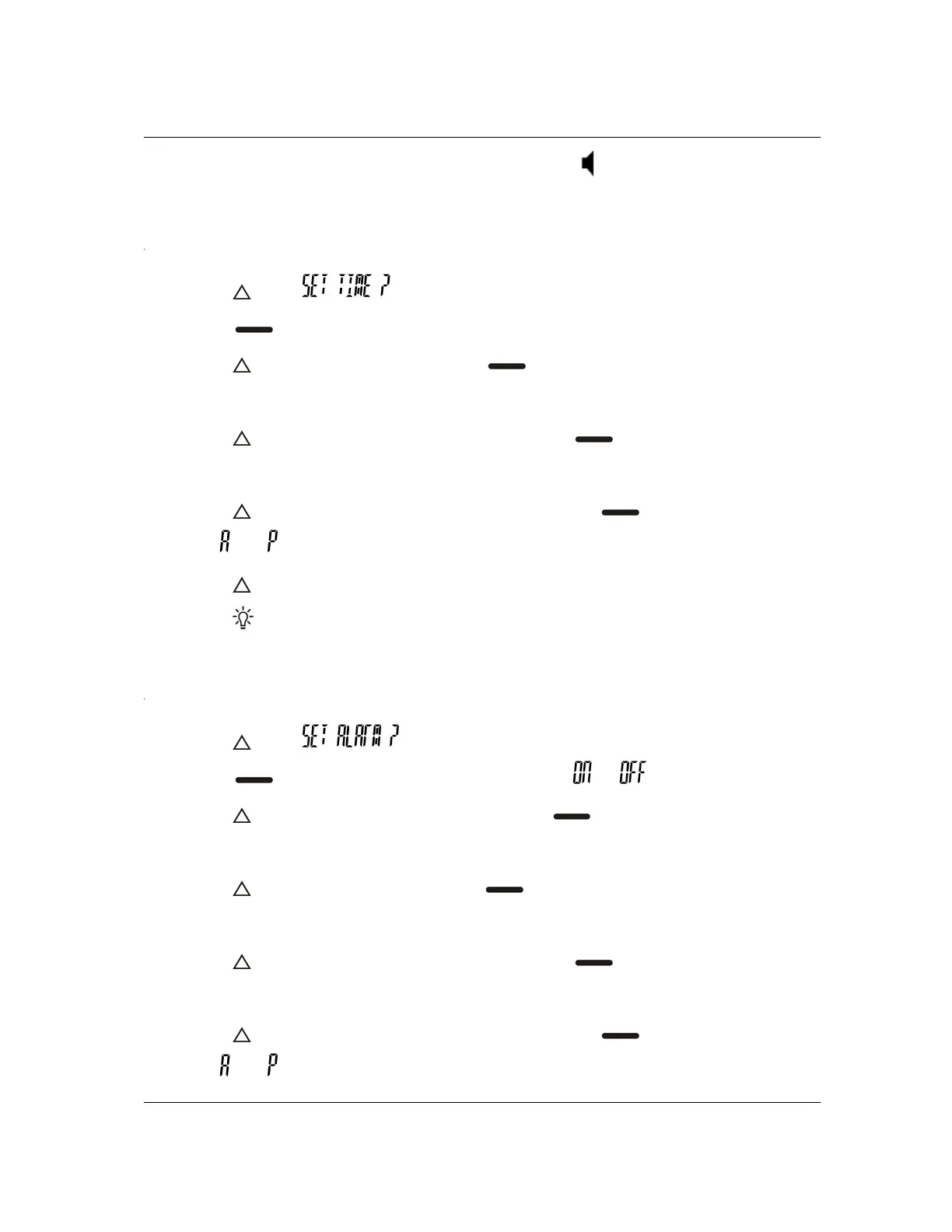
selected Audio alert only when in the audible mode .
SETTING THE TIME
1. Press until is displayed.
2. Press
to set the time. The hour flashes.
3. Press
to change the hour. Press to switch to the minutes. The first
digit of the minutes flashes.
4. Press
to change the first minute digit. Press to switch to the second
digit. The second digit of the minutes flashes.
5. Press
to change the second minute digit. Press to switch to AM/PM.
The
or flashes.
6. Press
to change AM/PM.
7. Press
twice to return to the standby screen.
SETTING THE ALARM
1. Press until is displayed.
2. Press
to select the alarm on/off sequence. or flashes.
3. Press
to turn the alarm “on” or “off”. Press to switch to the hours. The
hour flashes.
4. Press
to change the hour. Press to switch to the minutes. The first
digit of the minutes flashes.
5. Press
to change the first minute digit. Press to switch to the second
digit. The second digit of the minutes flashes.
6. Press
to change the second minute digit. Press to switch to AM/PM.
The
or flashes.


 To Next Page