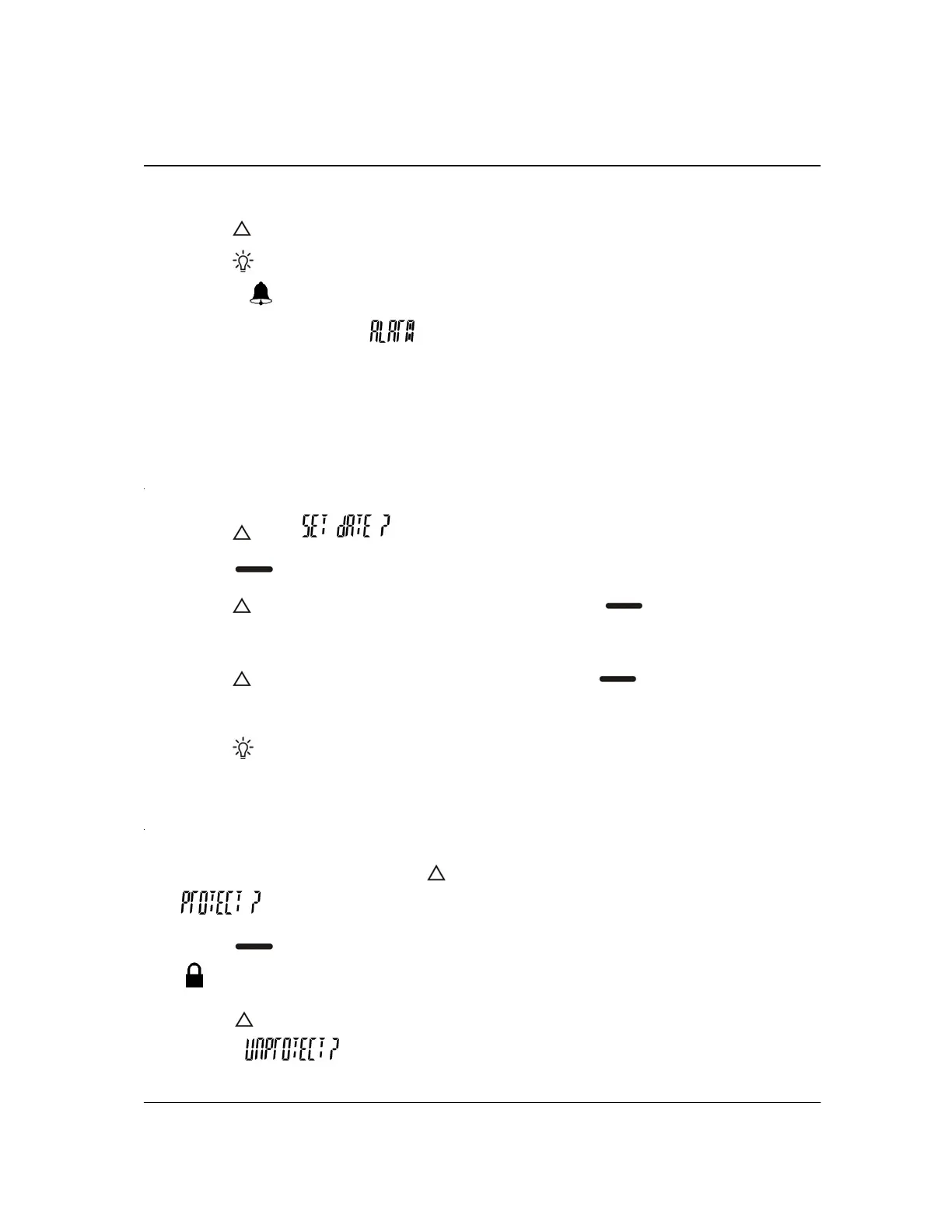
7. Press
to change AM/PM.
8. Press
twice to return to the standby screen.
The symbol
is displayed when the alarm is turned on. The pager vibrates or
gives a 20-second alert and
is displayed at the selected time.
If set, the alarm activates even when the pager is off. Press any button to stop the
alarm alert.
SETTING THE DATE
1. Press until is displayed.
2. Press
to set the date in your pager. The month flashes.
3. Press
until the desired month is displayed. Press to switch to the day.
The day flashes.
4. Press
until the desired day is displayed. Press to repeat setting the
date, if needed.
5. Press
twice to return to the standby screen.
SAVING MESSAGES
1. To save a message, press while reading your message. The prompt
is displayed.
2. Press
to protect the message.
The
symbol indicates that your message is saved.
3. Press
while reading the saved message to remove the protection. The
prompt
is displayed.


 To Next Page