Lumiso
Pooltest
A Palintest Product
Lumiso
A Palintest Product
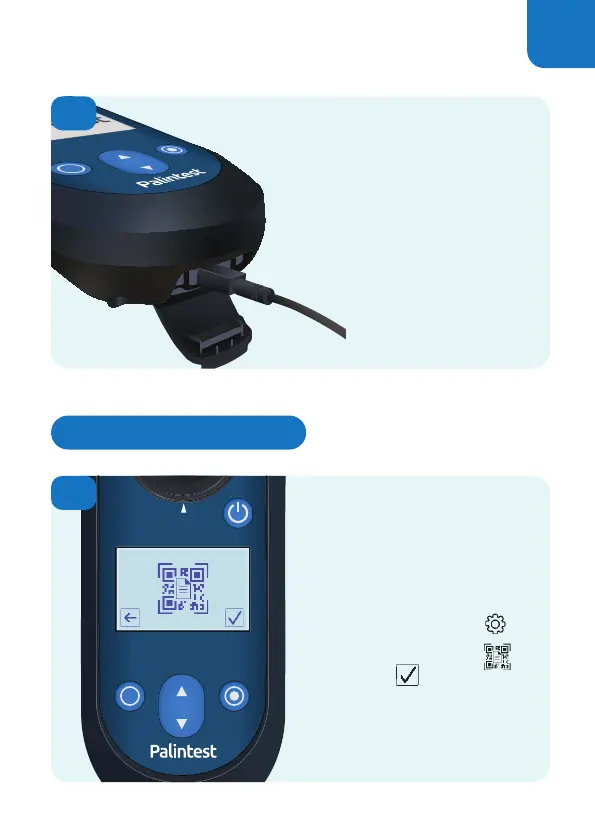
It is possible to display
the entire content of the
Results Log as a QR code for
scanning by other devices.
From the Settings Menu
Select the QR code icon
and confirm
An alpha numeric, version 30,
QR code will be displayed.
3
4
The log of results can be
downloaded as a text file
via the USB port.
Alternatively, use the QR
code function (see below).
Displaying a QR Code
23


 To Next Page
 Loading...







