Lumiso
Pooltest
A Palintest Product
Lumiso
A Palintest Product
4
-
7-
Lumiso
Pooltest
A Palintest Product
Lumiso
A Palintest Product
4
-
7-
m
Name
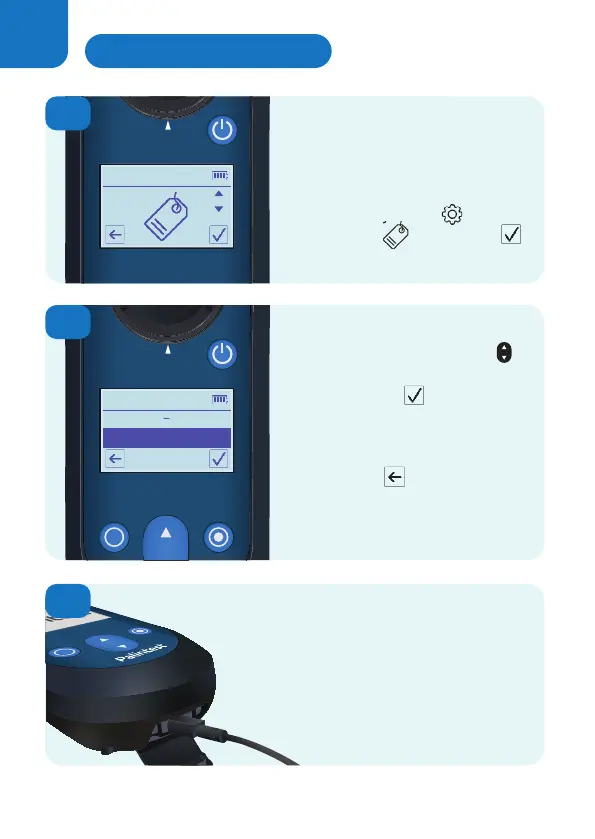
Use the up and down keys
to highlight a name.
Select confirm and that
name will then be used to label
all future measurements
until it is changed.
Press back to leave
the current label name
unchanged.
To set up a list of names, use the USB
port to connect Lumiso to a PC and visit:
www.palintest.com/palintestconnect
1
2
3
Sample readings can be tagged
to indicate a sample name,
project or sampling location.
In the settings menu scroll to
the tag icon and confirm
In the settings menu scroll to
In the settings menu scroll to
In the settings menu scroll to
Using Sample Labels
26


 To Next Page
 Loading...








