16
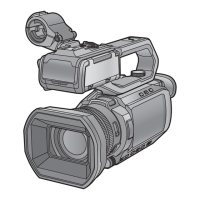
Performing the viewfinder adjustments
(The viewfinder is an optional accessory.)
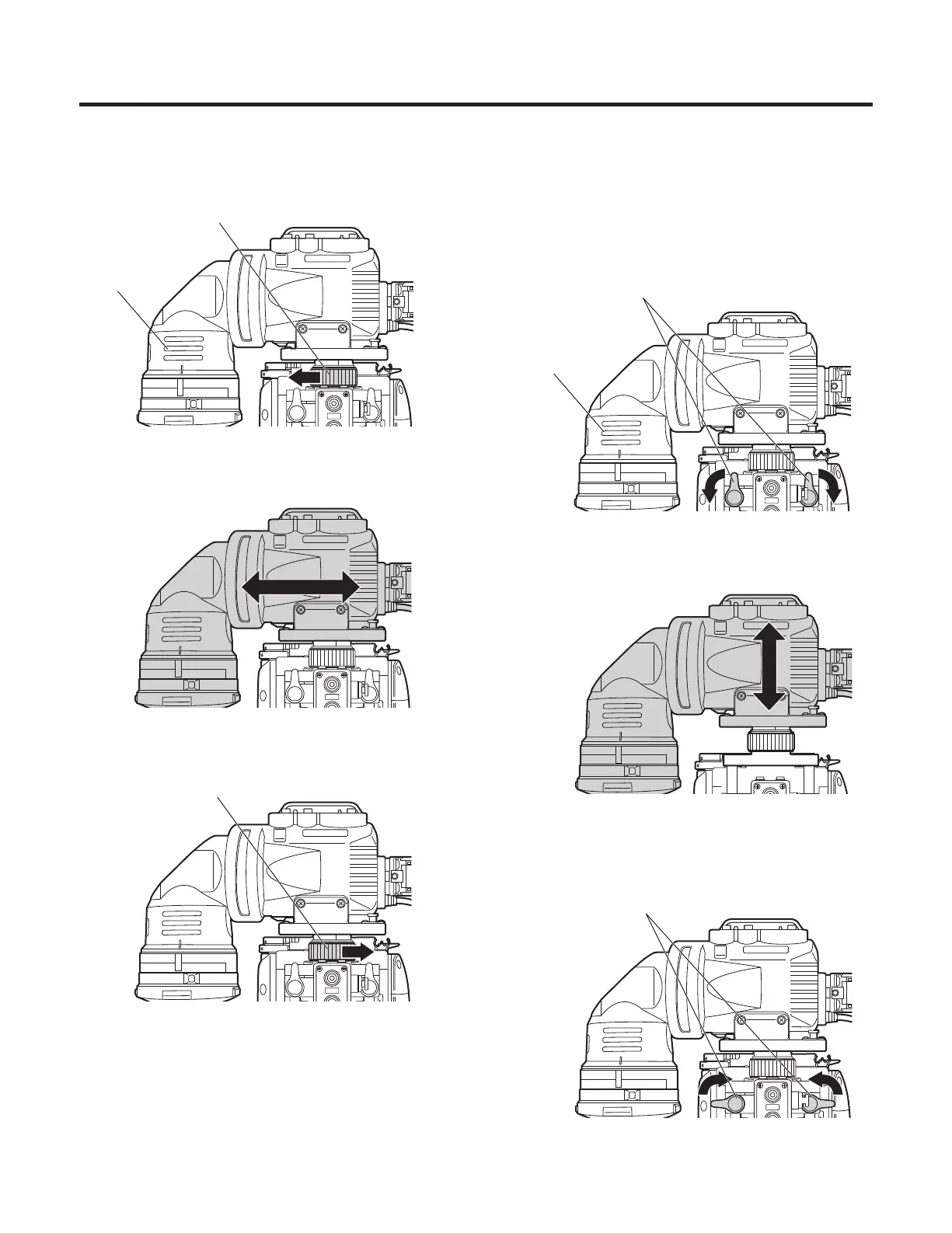
Left or right position adjustment
1 Loosen the stopper screw.
Viewfinder
Stopper screw
2 Move the viewfinder to the left or right to adjust its
position.
3 Tighten the stopper screw.
Stopper screw
Forward or backward position
adjustment
1 Rotate the viewfinder forward/backward position fixing
lever towards the outside to release it from the locked
position.
Viewfinder forward/backward
position fixing lever
Viewfinder
2 Move the viewfinder forward or backward to adjust its
position.
3 Rotate the viewfinder forward/backward position fixing
lever in the opposite direction until it locks.
Viewfinder forward/backward
position fixing lever




 To Next Page