Operating Instructions
13
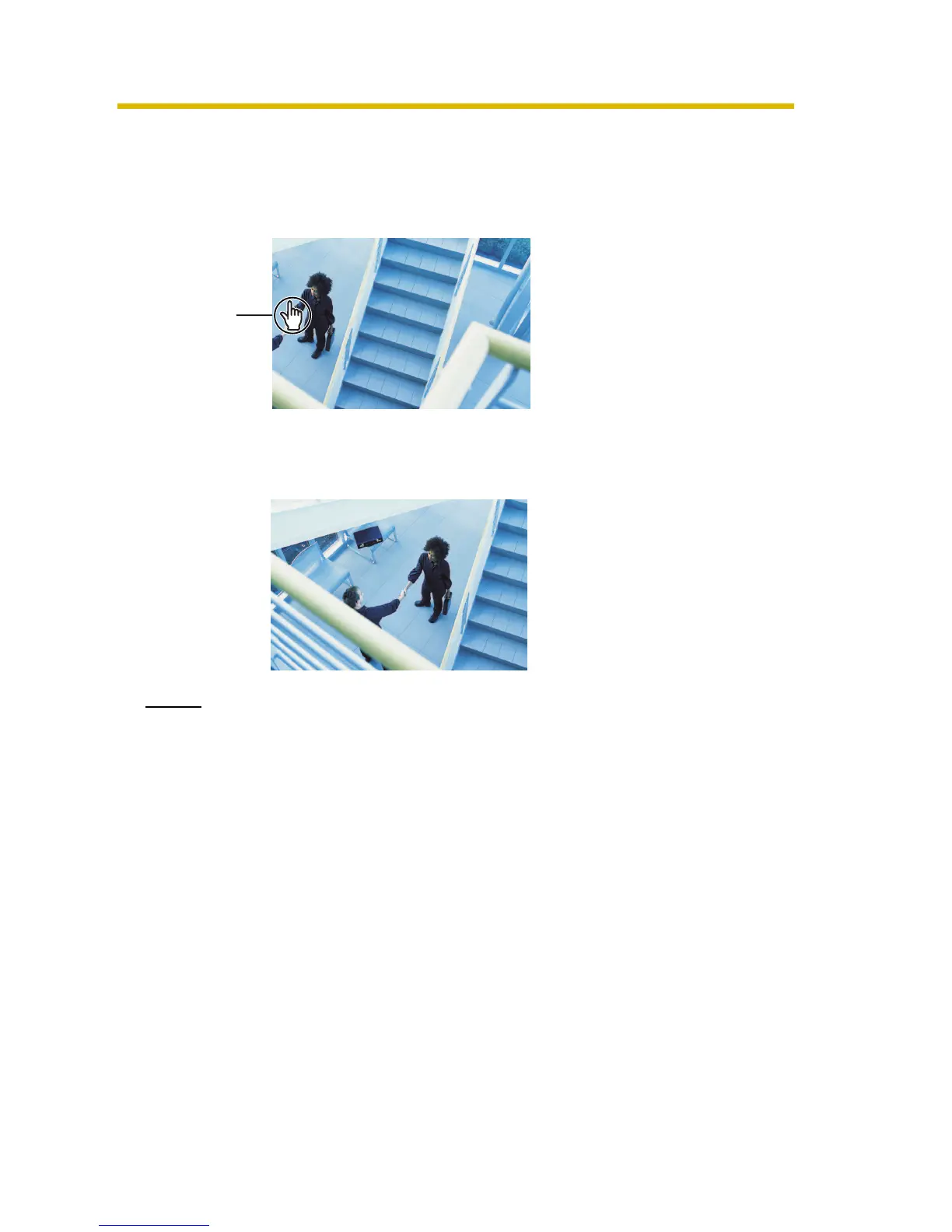
1.2.1 Image Auto Centering (Click to Center)
When you click a certain point on the camera image, the point is centered on the
image.
1. Move the cursor to the desired point.
2. Click it.
• The clicked point is centered.
• See page 16 for the pan/tilt operation.
Notes
• When End Display appears on the operation bar, Click to Center does not
work beyond the pan/tilt end (see page 15).
• The clicked position may slightly miss the center depending on the lens
direction.
• If a user is restricted to level 1 or 2 on the General User page (see page
46), Click to Center does not work.
Cursor











 To Next Page