Operating Instructions
75
3.1.1 Confirming the Status
The Status page allows you to check the status of the camera. The status
information provides support for troubleshooting.
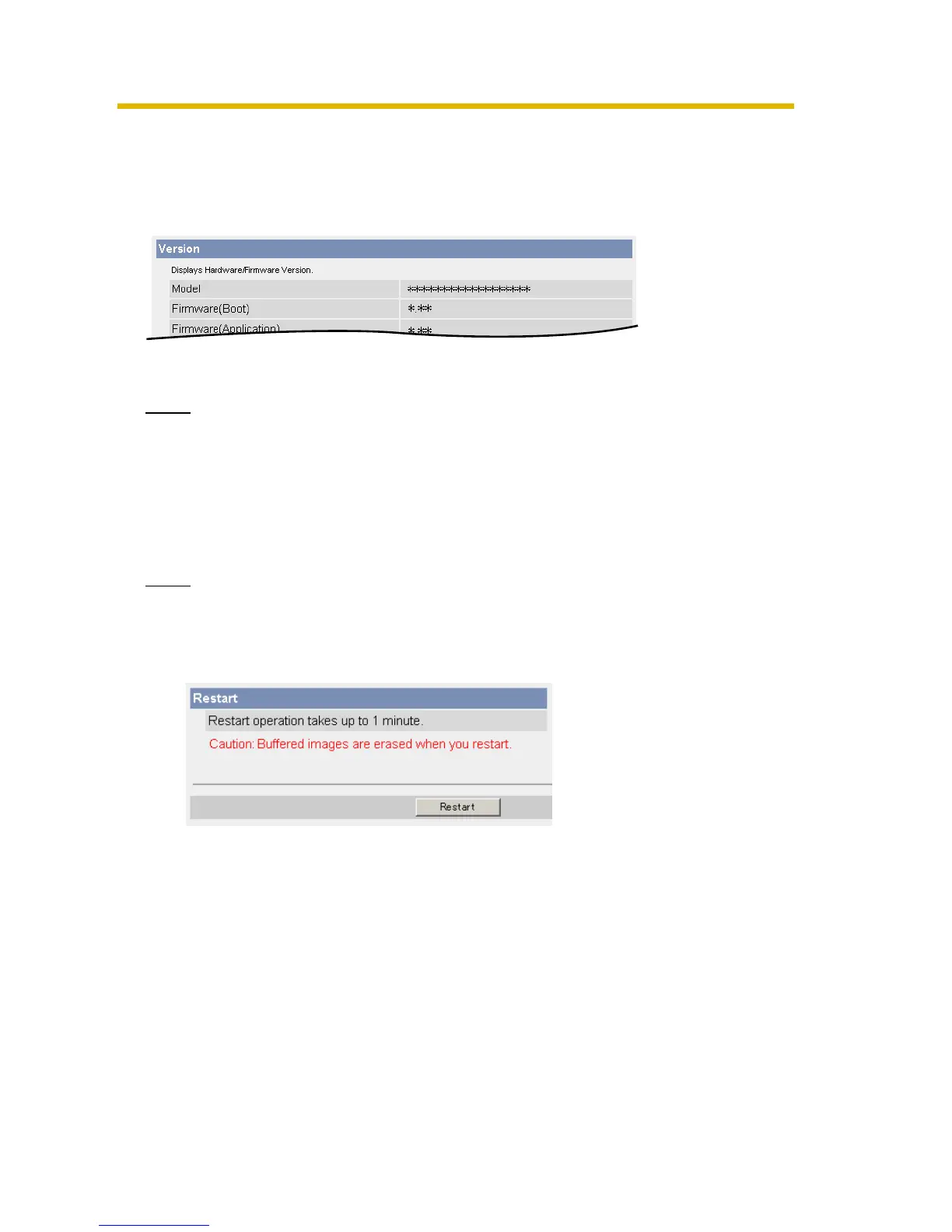
Clicking [Status] displays the following page.
Note
See Panasonic Network Camera support website at http://panasonic.co.jp/
pcc/products/en/netwkcam/ for details about status information.
3.1.2 Restarting the Camera
The camera restarts by disconnecting the plug of the AC cord from the outlet and
reconnecting it again. The camera can also be restarted on the Restart page.
Note
When the camera restarts, the buffered images will be deleted.
1. Click [Restart] on the Maintenance page.
2. Click [Restart].
• Restarting takes about 1 minute. The Top page is displayed when finished.











 To Next Page