Operating Instructions
20
Changing or Deleting the Settings
1.
Click [Program].
• [Program] switches to [Cancel].
Click [Cancel] to quit without saving
changes.
2. Pan and tilt the camera to a desired
position.
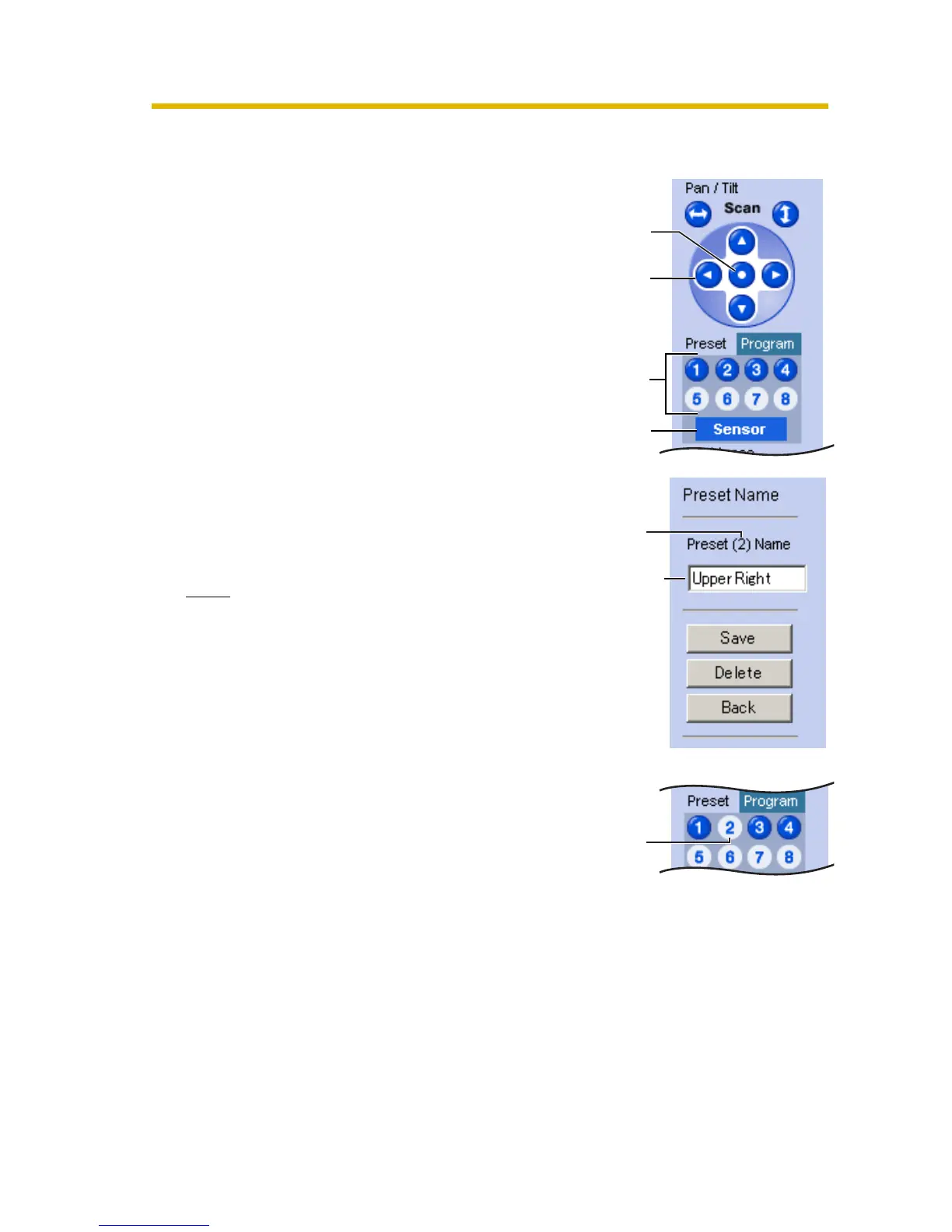
3. Click the home position, sensor position
or a preset button (1—8).
4. Click [Save] after setting the preset
name or click [Delete].
• "Success!" is displayed.
• Clicking [Back] takes you back to the
previous page.
5. Click [Back].
• The bar switches to the operation
bar.
Note
The home position or the sensor position
cannot be deleted, and these position
names cannot be changed either.
Pan/Tilt
Changing
the name
Preset
Preset
number
The deleted
button turns
white.
Sensor
Position
Home
Position











 To Next Page