Operating Instructions
30
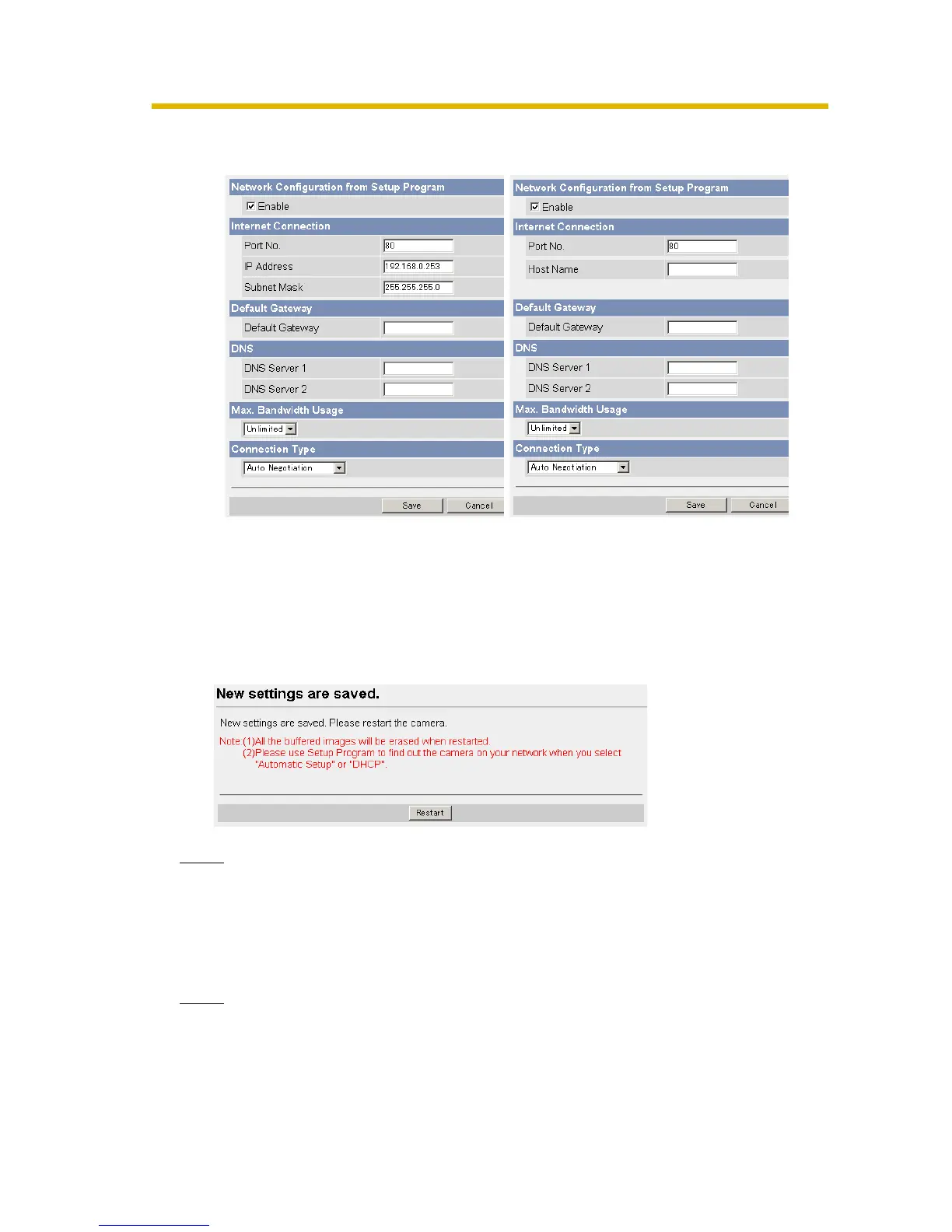
4. Click [Save] when finished.
• New settings are saved.
• When finished, the following page is displayed.
Note
The current network settings are shown on the Status page in the Maintenance
section (see page 75).
5. Click [Restart].
• The camera restarts, and the Top page is displayed.
Note
When you do not know the camera IP address while setting [Automatic Setup]
or [DHCP Setup], you can search the camera IP address by using the Setup
Program (see page 95).
Static Setup DHCP Setup
• Clicking [Cancel] takes you back to the previous page without
saving changes.











 To Next Page