Operating Instructions
44
4. Click [Go to Security: Administrator page].
• The Security: Administrator page is displayed.
Notes
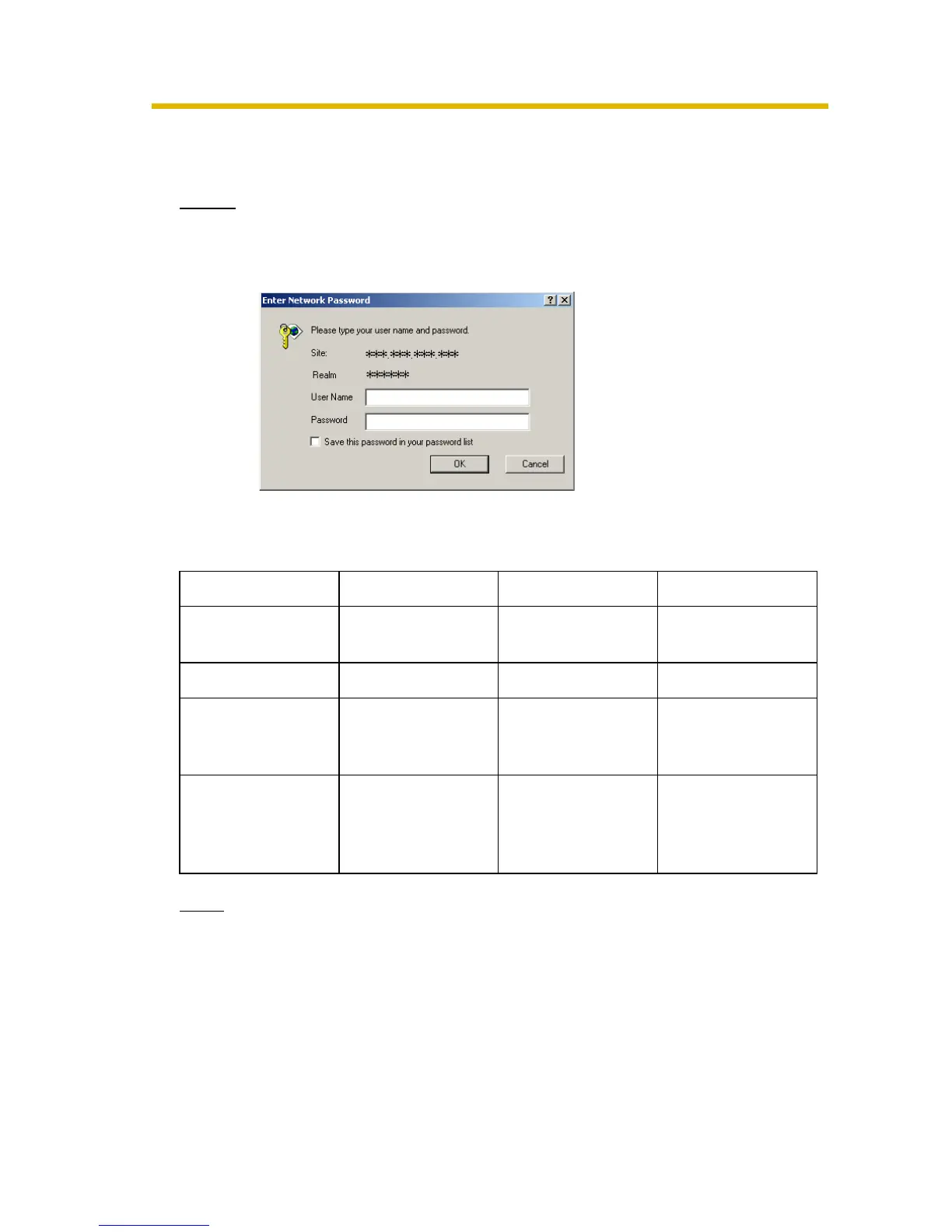
• When the user name and password have been changed, the camera
displays an authentication window. Enter the user name and password,
and click [OK].
Administrator/General Users/Guest Users
The camera has 3 user levels (administrator, general users and guest users).
Note
Guest users mean unregistered users. Set [Permit access from guest users]
on the Security: Administrator page (see page 42).
Items Administrator General Users Guest Users
User Name and
Password
Required Required Not Required
Number of Users 1 50 —
Accessible Pages All Pages Pages Except For
Setup and
Maintenance page
Pages Except For
Setup and
Maintenance page
Access Level 1—3 All Operations Access level can
be set for each
general user (see
page 46).
Access level can
be set for guest
users (see page
46).











 To Next Page