Operating Instructions
68
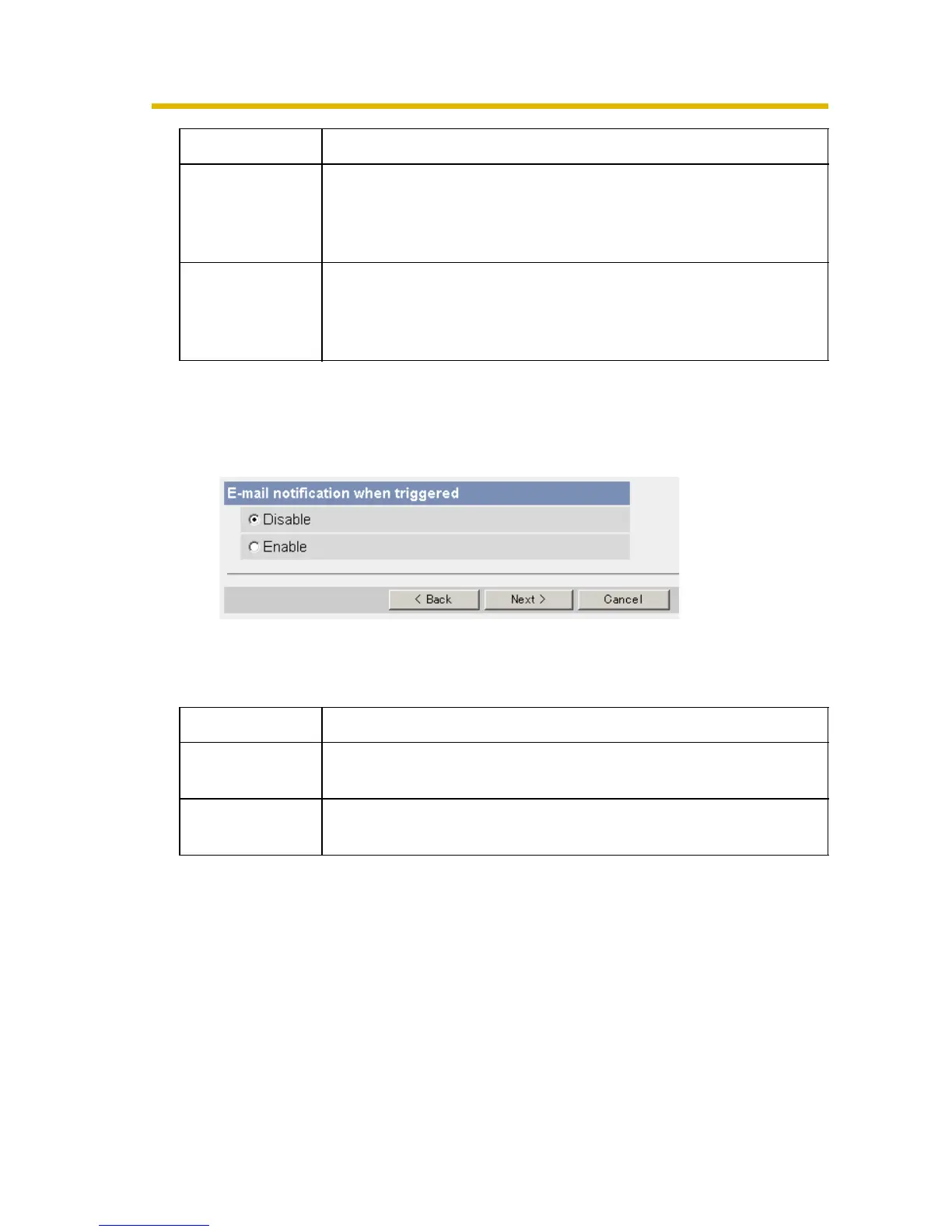
9. After you confirm the settings and click [Next>], set E-mail notification and click
[Next>].
• If you select [Enable], the E-mail Notification When Triggered page is
displayed. Enter the settings seeing page 67 and page 68. When finished,
click [Next>] and go to step 10.
10.Click [Save] after confirming the settings.
• New settings are saved. The buffered images are deleted.
• When finished, "Success!" is displayed.
Subject • Enter a subject with ASCII characters (see page 102) or
characters in each language (0—44 characters for a 1-byte
character and 0—22 characters for a 2-byte character). But
["] is not available.
Text • Enter text with ASCII characters (see page 102) or
characters in each language (0—63 characters for a 1-byte
character and 0—31 characters for a 2-byte character). But
["] and [end-of-line] key are not available.
*1
But [Space], ["], ['], [&], [<] and [>] are not available.
Setting Description
Disable • The camera does not send an E-mail notification when
buffering or transferring image.
Enable • The camera sends an E-mail notification (up to 3
destinations) when buffering or transferring image.
Setting Description











 To Next Page