Operating Instructions
71
4. Click [Save] when finished.
• New settings are saved.
• The Operation Time page is displayed.
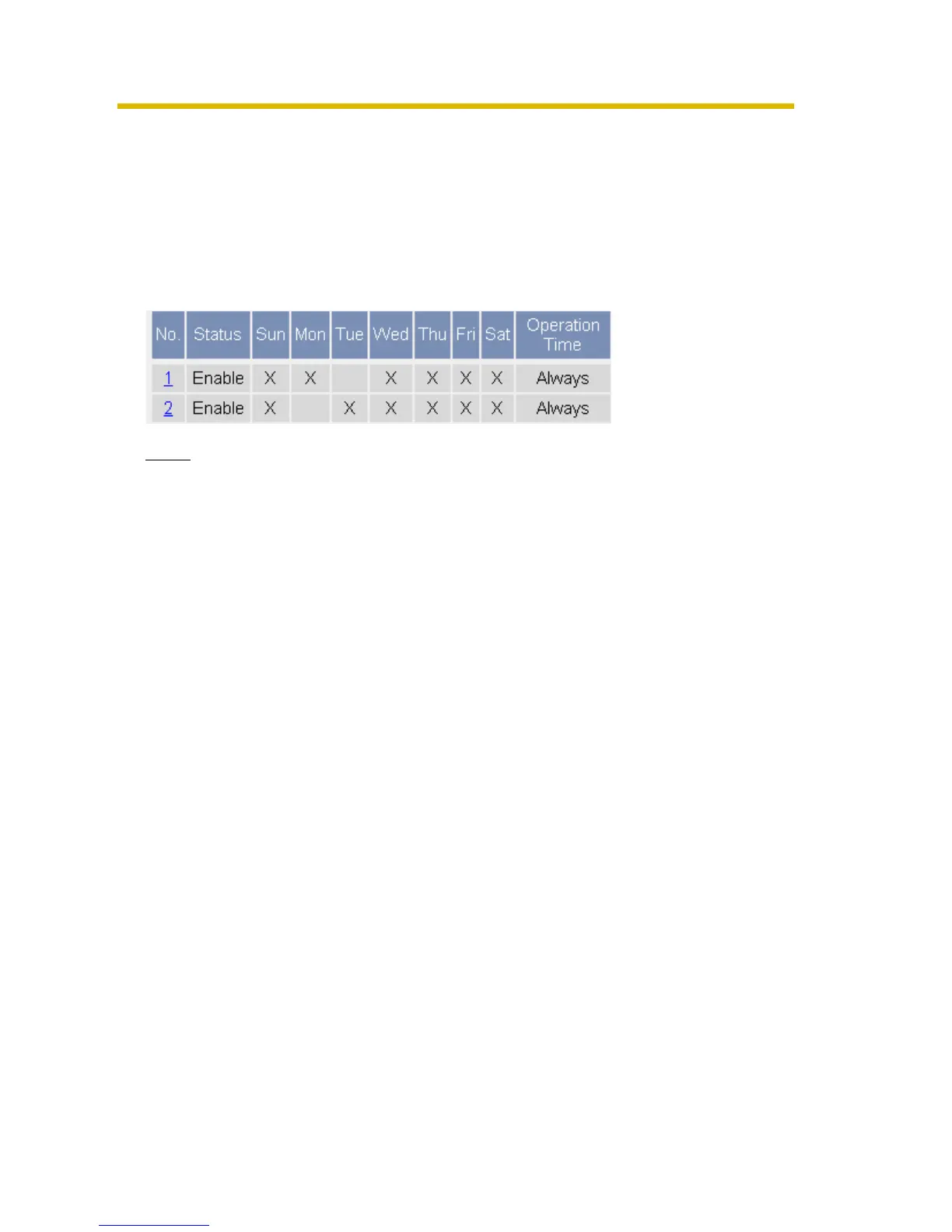
About Operation Time
In the operation time settings, the enabled settings take priority over the disabled
settings. Therefore, if Monday or Tuesday is disabled in a setting but enabled in
other settings, the camera can be operated on both Monday and Tuesday.
Note
An administrator can view images anytime regardless of the setting for the
operation time.











 To Next Page