Operating Instructions
77
• The Update page is displayed in about 1 minute.
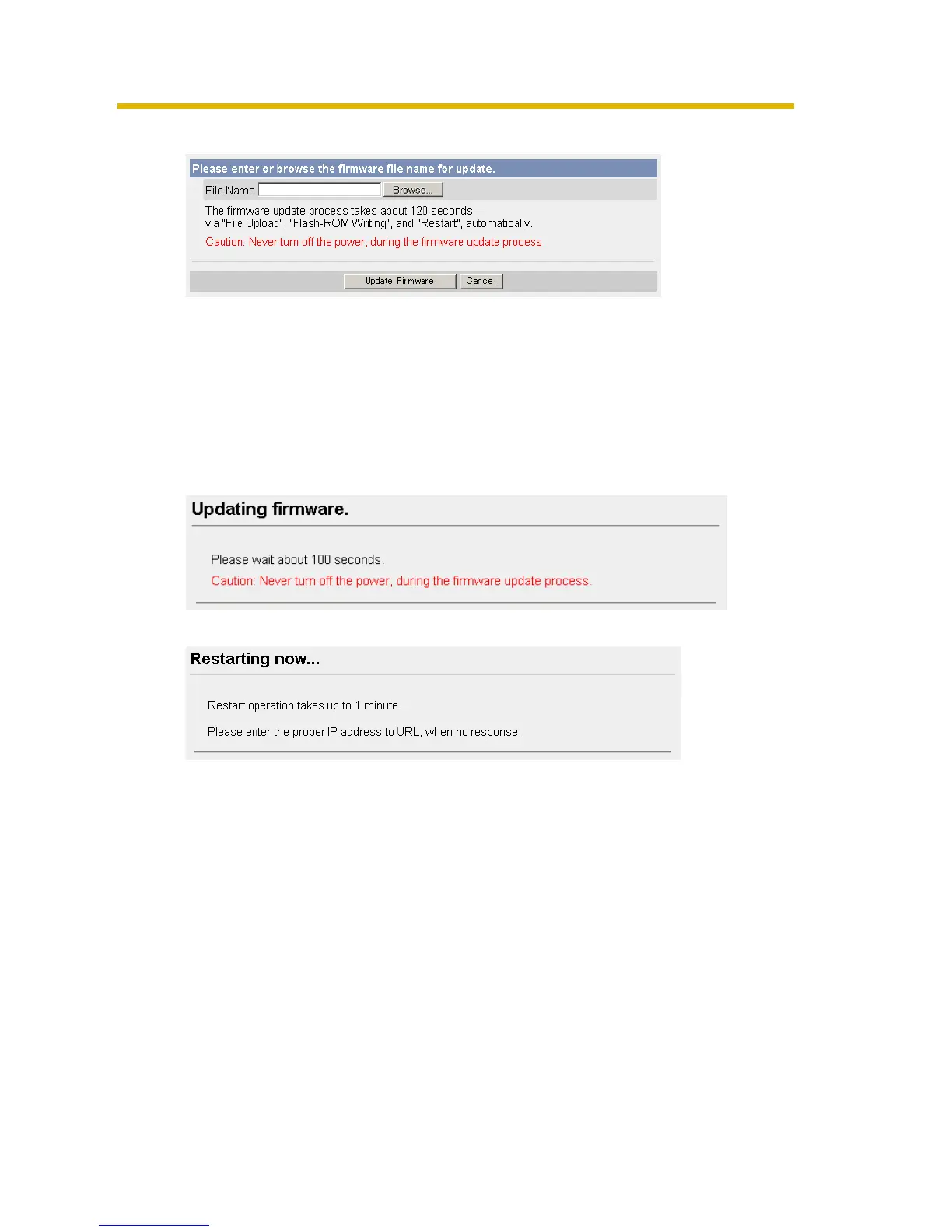
4. Click [Browse...].
• A dialog box is displayed to select the firmware.
5. Select the firmware (including directory information) and click [Open].
• The firmware file name is displayed.
6. Confirm the firmware file name, and click [Update Firmware].
• Clicking [Cancel] takes you back to the Top page without firmware update.
• The next message is displayed during update.
• The camera restarts automatically after update.
• The Top page is displayed in about 1 minute.











 To Next Page