EasyManua.ls Logo

Panasonic BL-VP104W - User Manual

Panasonic BL-VP104W
180 pages
Print Icon
To Next Page IconTo Next Page
Loading...
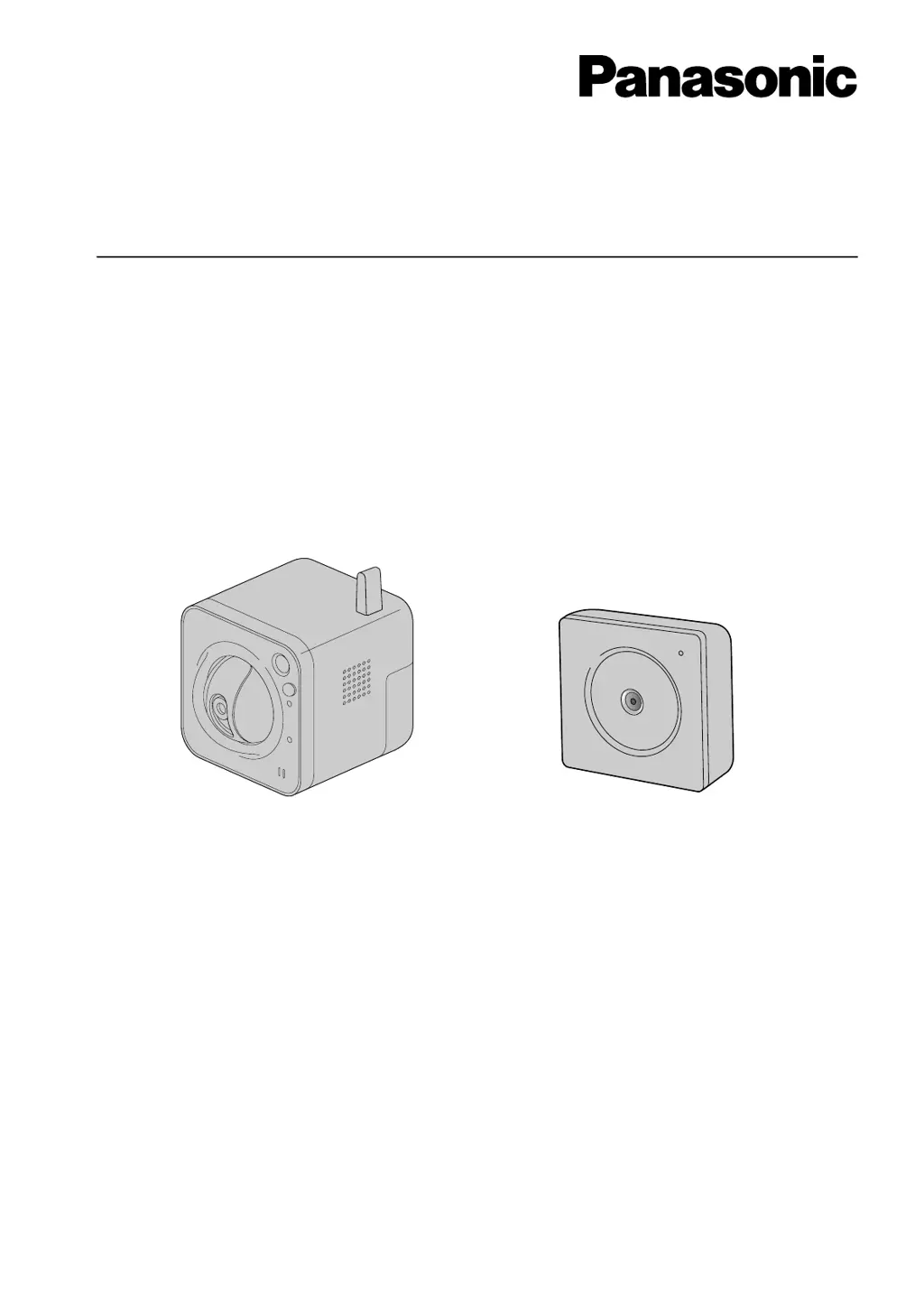
Operating Instructions
Network Camera
Model No. BL-VT164 Series
BL-VP100 Series
BL-VT164W BL-VP104W
This manual covers the models: BL-VT164 Series (BL-VT164W, BL-VT164, BL-VT164WE, BL-VT164E,
BL-VT164WU, BL-VT164U, BL-VT164WBR) and BL-VP100 Series (BL-VP104W, BL-VP104, BL-VP101,
BL-VP104WE, BL-VP104E, BL-VP101E, BL-VP104WU, BL-VP104U, BL-VP101U, BL-VP104WBR).
Before attempting to connect or operate this product, please read these instructions carefully and save this
manual for future use.
The model number is abbreviated in some descriptions in this manual.

Table of Contents

Other manuals for Panasonic BL-VP104W

Questions and Answers

  • T
    Timothy HernandezAug 8, 2025
    What to do if I cannot access my Panasonic Security Camera from the web browser?
    • D
      Danielle AllisonAug 8, 2025
      If you're having trouble accessing your Panasonic Security Camera through a web browser, there are several things to check: * First, ensure the LAN cable (category 5) is securely connected to the camera's network connector. * Next, verify that the camera is powered on. * Confirm that the IP addresses are correctly configured and valid. * Make sure you are using the correct IP address. You can check the connection using the Windows command prompt with the command: > ping “IP address of the camera”. * Finally, check that “554” is not selected for the HTTP port number. Choose a different port number, as the camera uses specific ports.

Panasonic BL-VP104W Specifications

General IconGeneral
ModelBL-VP104W
CategorySecurity Camera
BrandPanasonic
TypeNetwork Camera
Effective PixelsApprox. 1.3 Megapixels
Maximum Resolution1280 x 960
Day/Night FunctionYes
WDR (Wide Dynamic Range)Yes
Frame RateUp to 30 fps
Network Interface10BASE-T/100BASE-TX
Operating Temperature-10°C to +50°C
Ingress ProtectionIP66
Image Sensor1/3" MOS Sensor
Minimum Illumination0.5 lux
CompressionJPEG
ProtocolsHTTP, FTP, RTSP, RTCP, RTP, TCP, UDP, ICMP, DHCP, DNS, DDNS, NTP, SMTP, SNMP, UPnP
Power SupplyPoE (IEEE 802.3af)
Power ConsumptionMax. 4.5W
Operating Humidity20 % ~ 80 % (No condensation)
WeightApprox. 550g

Related product manuals