EasyManua.ls Logo

Panasonic BL-C20 - User Manual

Panasonic BL-C20
153 pages
Print Icon
To Next Page IconTo Next Page
Loading...
Operating Instructions
Please read this manual before using, and save this manual for future reference.
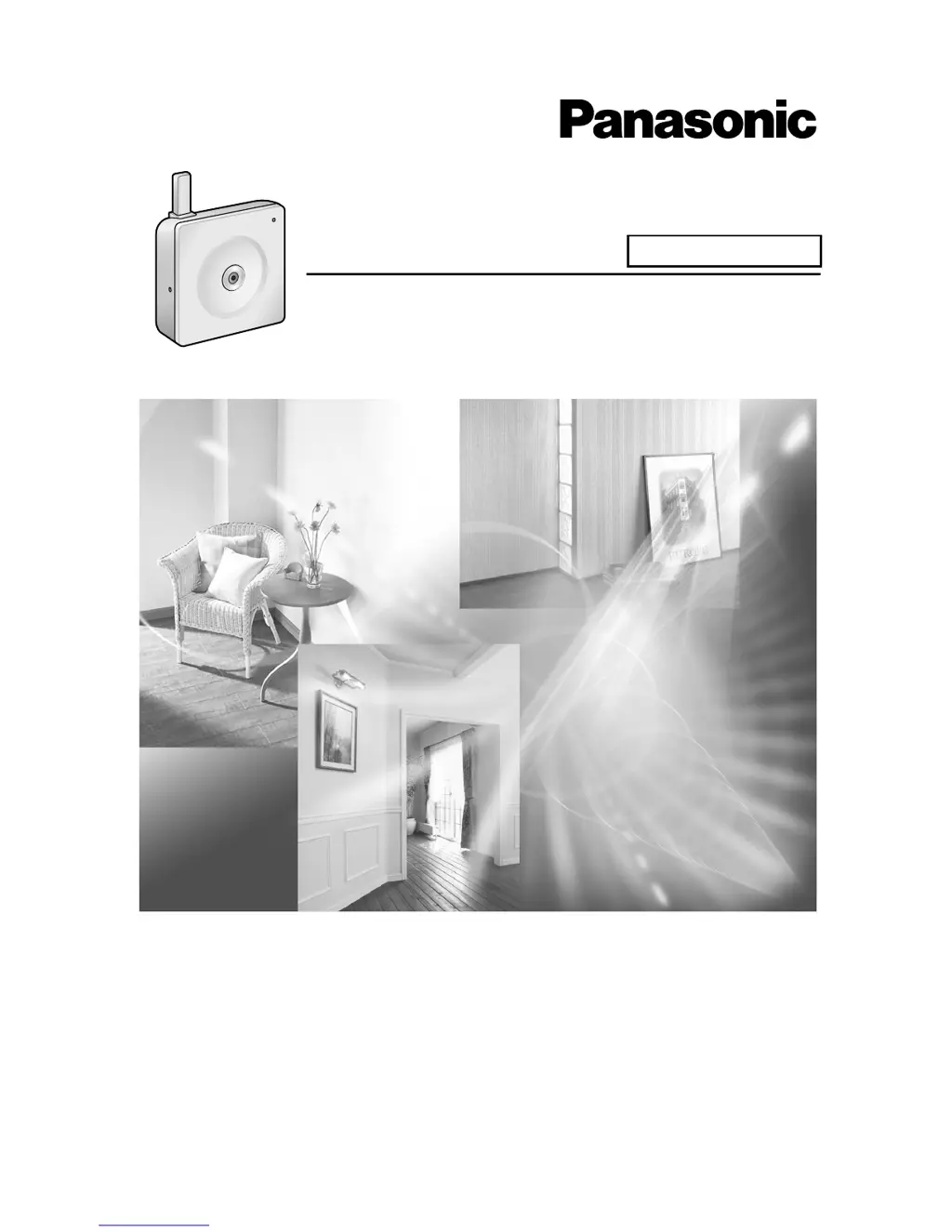
Network Camera
Indoor Use Only
Model No. BL-C20

Table of Contents

Other manuals for Panasonic BL-C20

Questions and Answers

  • C
    Christopher JonesAug 10, 2025
    Why is the indicator blinking orange on my Panasonic Network camera during wireless communication?
    • E
      elizabeth43Aug 10, 2025
      If the indicator light on your Panasonic Network camera is blinking orange during wireless communication, it could be due to a weak signal. Try changing the camera's location or removing any obstacles around it. Also, ensure that both the MAC addresses for the camera itself and the camera's wireless module are entered to enable the MAC address filtering feature on the wireless router.
  • T
    Toni CobbAug 15, 2025
    How to fix orange blinking light on Panasonic Network camera?
    • S
      Steven CarsonAug 16, 2025
      If the indicator lights or blinks orange on your Panasonic Network camera, ensure the Ethernet cable is properly connected. Also, verify that your PC, Ethernet hub, or router are functioning correctly. Check that the switch on the side of the camera is set to the correct mode (WIRED or WIRELESS). Finally, confirm that the wireless settings (SSID, Communication mode, and WEP) match those of your router.
  • G
    Gordon BurkeAug 22, 2025
    What to do if the indicator does not light up on my Panasonic Network camera?
    • K
      Karen CollinsAug 22, 2025
      If the indicator on your Panasonic Network camera does not light up, first check if the indicator display is disabled. Also, confirm that you are using the standard AC adapter (Order No. PQLV206CEY [for use in countries/areas other than the United Kingdom], PQLV206EY [for use in the United Kingdom]).
  • M
    Michael ThomasAug 27, 2025
    Why does the indicator continue blinking orange on my Panasonic Network camera?
    • A
      Alvin Gomez DDSAug 28, 2025
      If the indicator continues blinking orange (2-second interval) on your Panasonic Network camera, the router on your network might be turned off. Turn the router on and wait until the ADSL line is connected, then turn the camera off and on again. If an error has occurred in UPnPTM port forwarding, turn the camera off and on again; if the error persists, set up the camera again in [Automatic Setup] using the Setup Program following the instructions in Getting Started.
  • V
    Virginia HenrySep 2, 2025
    What does it mean when the indicator continues blinking green on Panasonic Network camera?
    • A
      Ashley OwensSep 2, 2025
      If the indicator continues blinking green on your Panasonic Network camera, it could mean that the automatic setup is not complete. Complete the setup following the instructions in Getting Started. Alternatively, the camera may not have received an IP address from the DHCP server. Ask your ISP or network administrator for more information.

Panasonic BL-C20 Specifications

General IconGeneral
Camera TypeNetwork Camera
Connectivity TechnologyWired
Digital Zoom2x
Frame Rate30 fps
Resolution640 x 480
Video CompressionMotion JPEG
Network Interface10BASE-T/100BASE-TX (RJ-45)
Power Supply5V DC
FeaturesMotion Detection
Minimum Illumination1.0 Lux
ProtocolsHTTP, SMTP, FTP, DHCP
Image Sensor1/4-inch CMOS

Related product manuals