General
General Operations
Power On/Off
Set your car's ignition switch to the ACC or ON position.
Power on: Press [SRC] (PWR).
Power off: Hold down [SRC] (PWR) for more
than 1 second.
Source Selection
Press [SRC] to change the source.
Volume Adjustment
(Setting Range: 0 to 40, Default: 18)
Turn [VOL].
Mute
ON: Press [MUTE]. ( lights.)
OFF: Press [MUTE] again.
SQ (Sound Quality)
SQ is a function that can call up various sound types at
the touch of button in accordance with your listening
music type.
Press
[SQ] to select the sound type as follows:
Note:
Settings of SQ, bass and treble are influenced one
another. If such an influence causes distortion to the
audio signal, readjust bass/treble or volume.
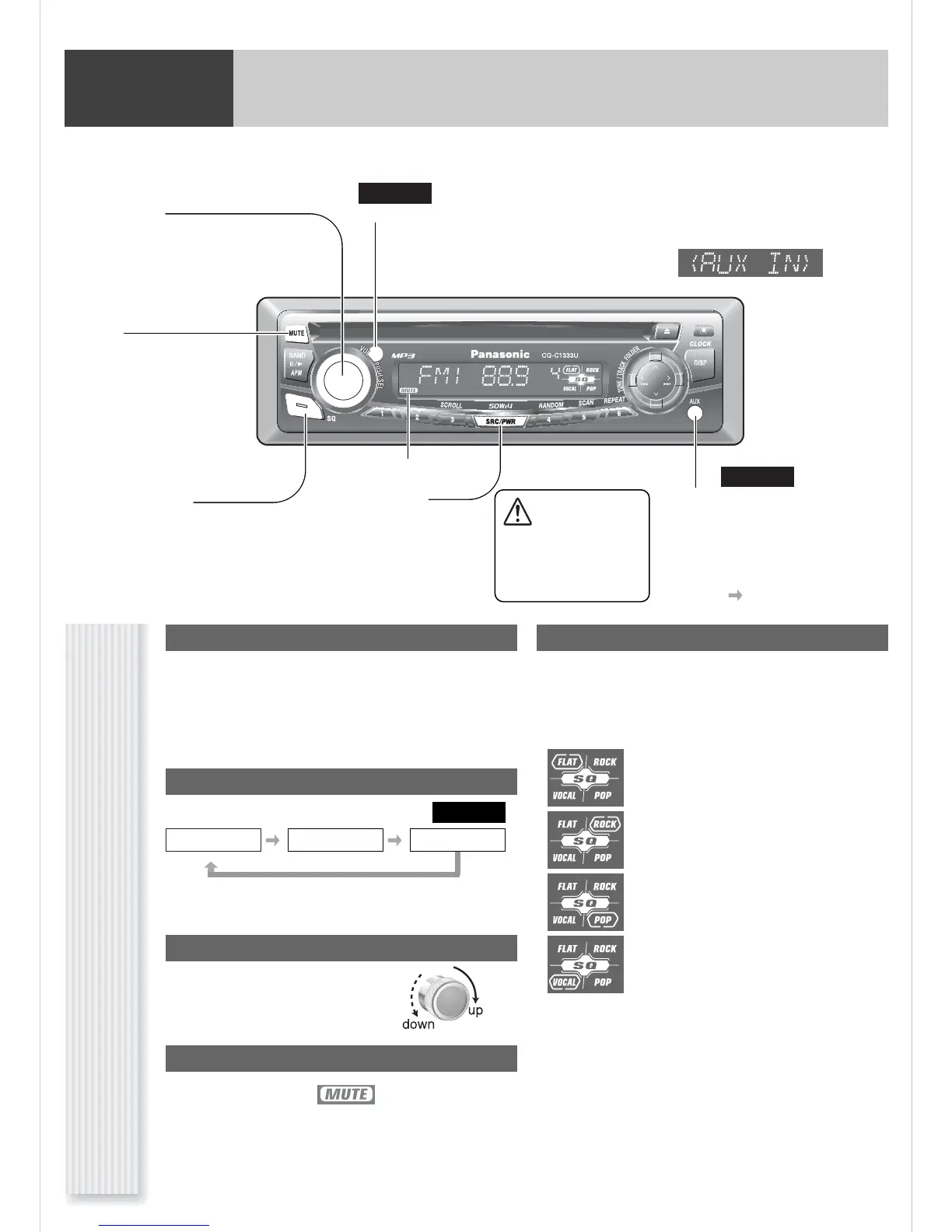
[MUTE]
toggles mute on/off.
Remote Control Sensor
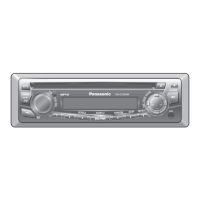
CQ-C1333U
(VOL) (Volume)
[SRC] (Source)
selects a source.
[PWR] (Power)
toggles power on/off.
(SQ) (Sound Quality)
selects a sound type (SQ).
Radio
*[AUX] (AUX IN)
to a line output of an external
sound/audio device.
(ex. Silicon audio player, HDD audio
player, etc)
(for details Installation Instructions)
(FLAT) flat frequency response:
does not emphasize any part. (Default)
(ROCK) speedy and heavy sound:
exaggerates bass and treble.
(POP) wide-ranged and deep sound:
slightly emphasizes bass and treble.
(VOCAL) clear sound:
emphasizes middle tone and slightly empha-
sizes treble.
Disc Player AUX IN
*
CQ-C1333U
*AUX IN :
Caution
Set the volume level to
low enough before the
AUX connection is com-
pleted.
lights when mute is on.
CQ-C1333U




 To Next Page