Player (Disc Player)
Operation Flow
1
Press [SRC] to select the Disc Player
source.
2
Select a desired portion.
Track/file selection
Press [6] / [7].
Note: To perform fast forward/reverse, hold down
either of them.
Disc Player (CD-DA disc):
Previous/next track
Disc Player (MP3 disc):
Previous/next file
Folder selection (MP3)
Press [{] / [}].
Disc Player (MP3 disc):
Previous/next folder
Pause
Press [BAND] (
y
/
5
).
Press again to cancel.
Caution
¡ Do not insert a disc when the indicator lights.
¡ Refer to the section of “Notes on Discs” and “Notes
on MP3.
¡ This unit does not support 8 cm {3”} discs.
¡ If you insert an 8 cm {3”} disc and cannot eject it, turn ACC of
your car off once and turn it on again, then press [u] (Eject).
¡ Do not insert foreign objects into the disc slot.
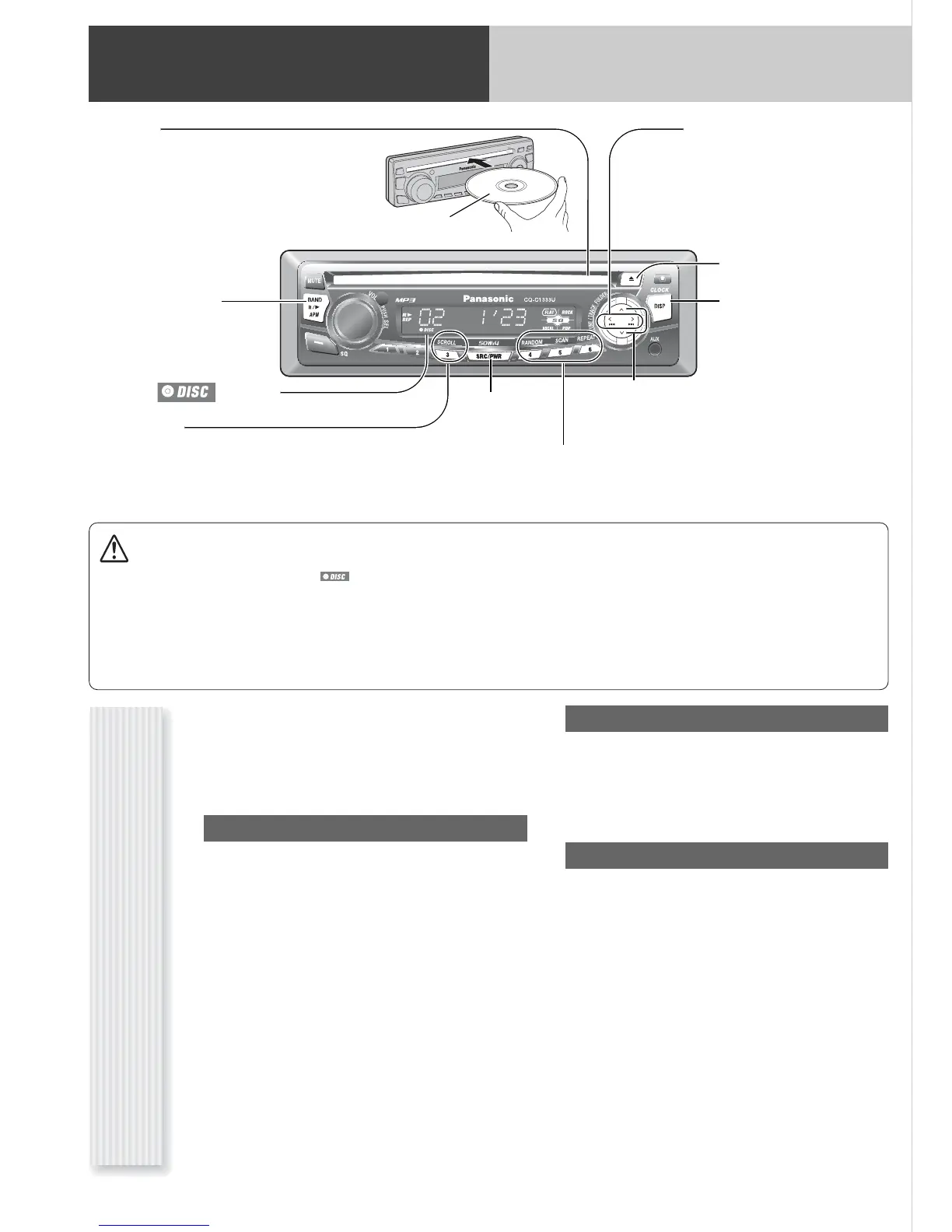
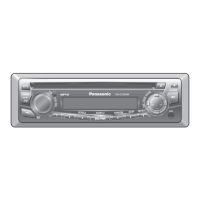
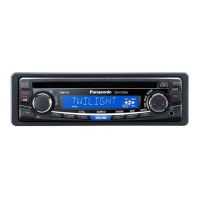
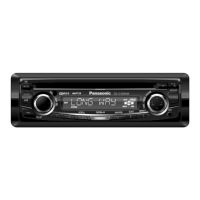
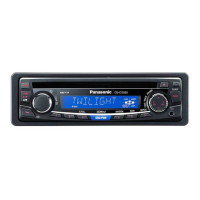
Disc slot
takes a disc in with the printed side facing up.
Notes:
¡ The power will be turned on automatically when
a disc is loaded.
¡ A disc which has both CD-DA data and MP3
data on it may not be reproduced normally.
(
y
/
5
) (Pause/Play)
toggles pause/play in the
player source.
[DISP] (Display)
switches the information on
the display.
[6] [7]
skip to the previous/next
track/file in the player mode.
Hold down either of them for
fast reverse/fast forward.
[SRC] (Source)
selects a source.
[3] (SCROLL)
scrolls the information on display.
[
}] [{]
skip to the previous/next folder in MP3 mode.
[u] (Eject)
ejects the disc.
indicator
[4] (RANDOM)/[5] (SCAN)/[6] (REPEAT)
toggles on/off each play mode.
Printed side up




 To Next Page