13
12
E
N
G
L
I
S
H
CQ-C3433U/C3403U/C3333U/C3303U
Auto Preset Memory (APM)
With this operation, stations with good receiving condi-
tions can be automatically stored in the preset memory.
q Select a band. (a Previous page)
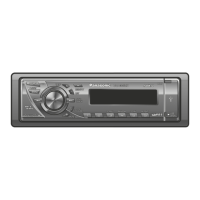
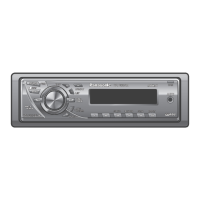
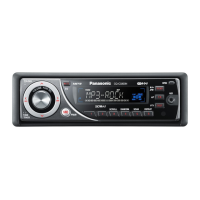
w Press and hold [BAND] (APM) for more than 2 sec-
onds.
6 stations with first to 6th highest in signal strength will
be preset to each band.
Once set, the preset stations are sequentially scanned
for 5 seconds each. (scanning)
Note:
¡ To stop scanning, press one of the buttons from [1] to
[6].
Manual Preset Memory
With this operation, a station can be manually stored in the
preset memory.
q Select a band and frequency. (a Previous page)
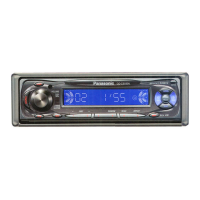
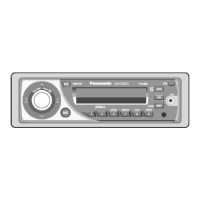
w Press and hold one of the preset buttons from [1] to [6]
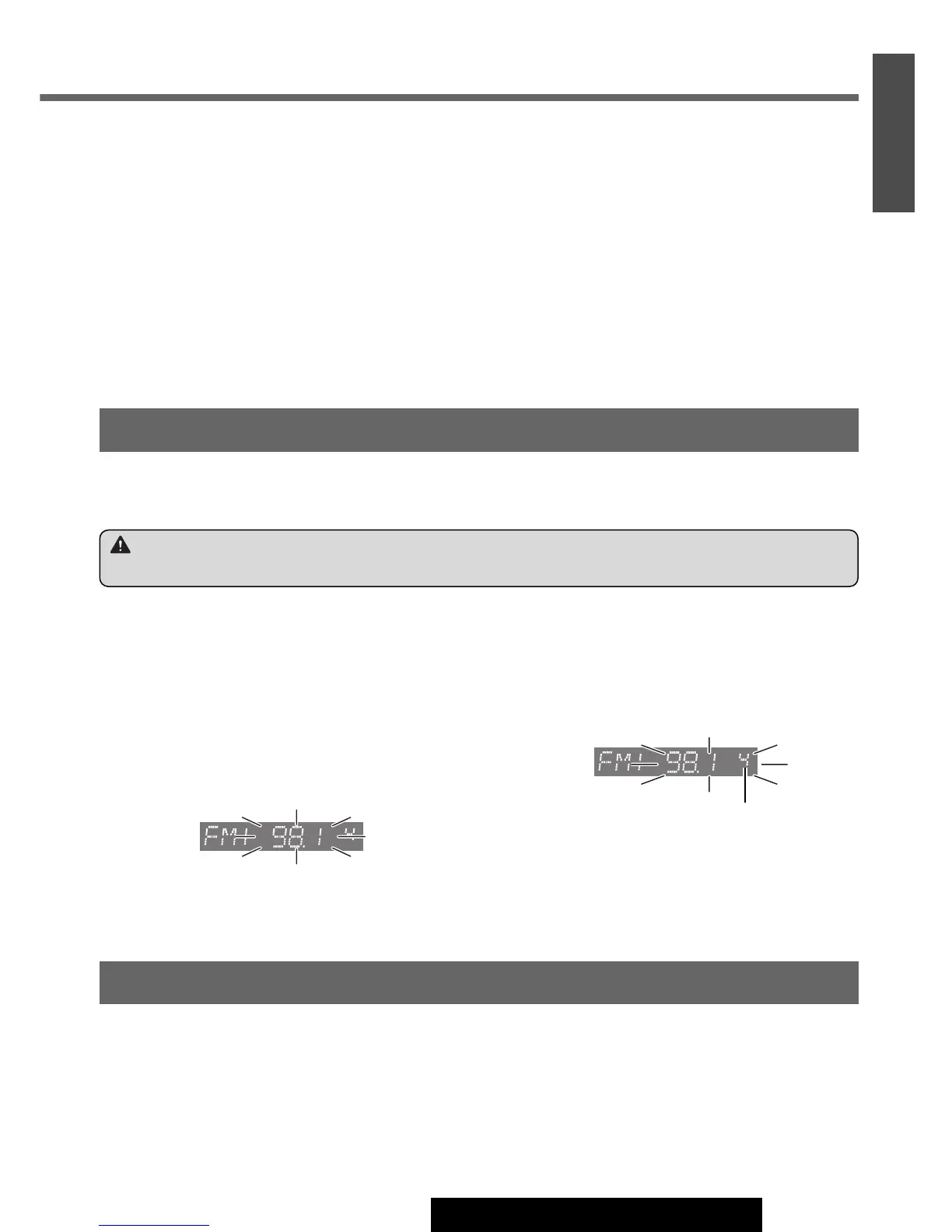
until the display blinks once.
Preset number
Station Preset
Up to 6 stations can be stored in each of the FM1, FM2, FM3 and AM band selections.
Note:
¡ New stations overwrite existing saved stations after these procedures.
Warning
¡To ensure safety, never attempt to preset stations while you are driving.
Preset Station Calling
q Select a band. (a Previous page)
w Press one of the preset buttons from [1] to [6].




 To Next Page