16
15
E
N
G
L
I
S
H
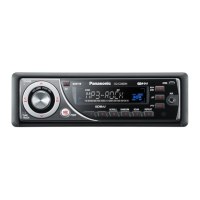
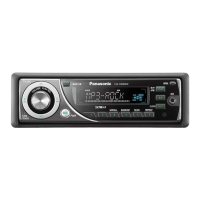
CQ-C3433U/C3403U/C3333U/C3303U
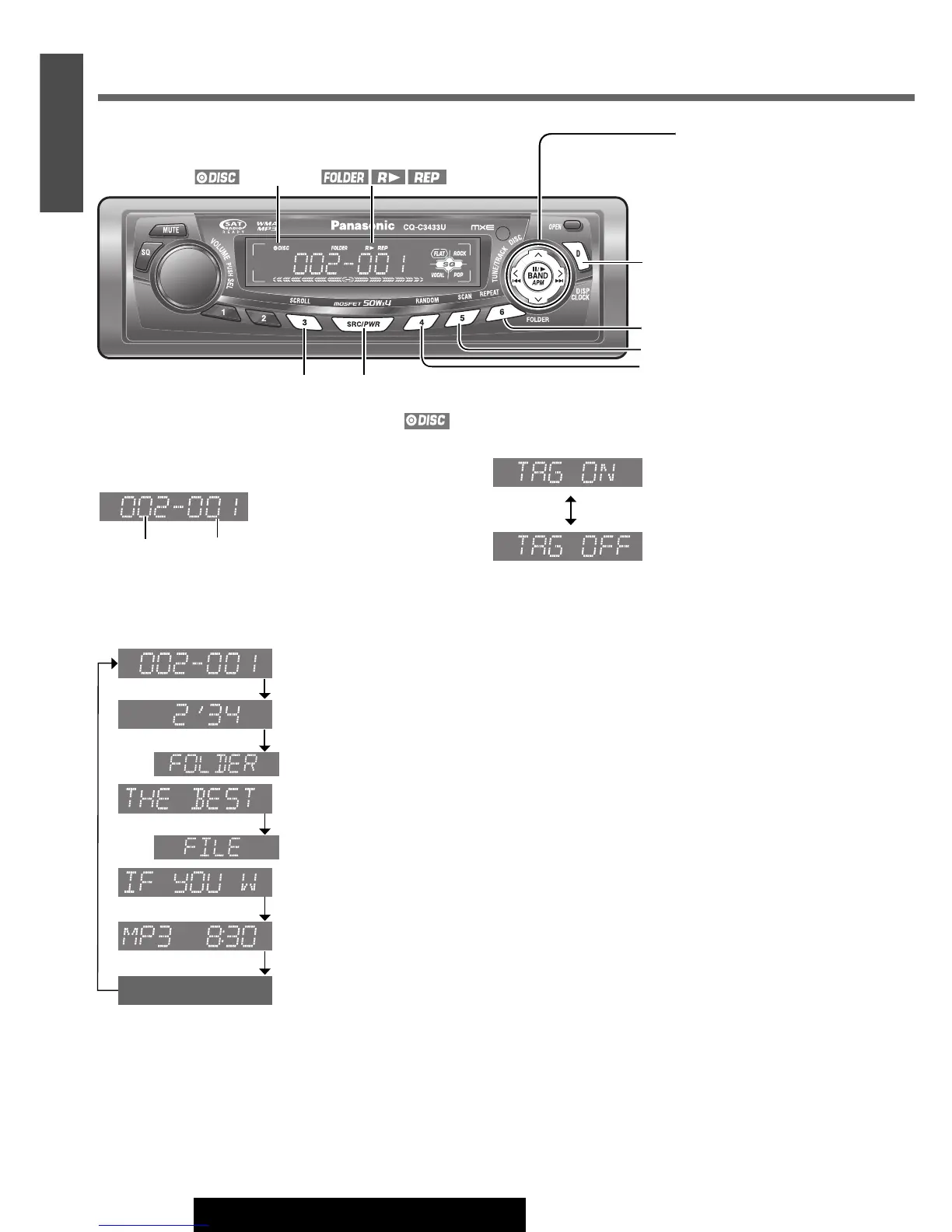
When a disc is in the player
Press [SRC/PWR] to select the MP3/WMA player mode
and playback starts.
Display Change
Press [D] (DISP).
Note:
¡
“
NO TEXT
”
is displayed when there is no information on
the disc.
¡ To have another circle scroll while a title is displayed,
press
[3] (SCROLL). If the number of displayed char-
acters is 8 or less, the characters do not scroll.
*ID3/WMA Tag Setting
Press and hold [3] (SCROLL) for more than 2 seconds.
(Default)
When a folder name is displayed:
TAG ON: The album title is displayed.
TAG OFF: The folder name is displayed.
When a file name is displayed:
TAG ON: The title/artist name is displayed.
TAG OFF: The file name is displayed.
Folder Selection
[}]: Next folder
[{]: Previous folder
File Selection
[d]: Next file
[s]: Beginning of the current file
For the previous file, press twice.
Fast Forward/Fast Reverse
Press and hold
[d] (f): Fast forward
[s] (a): Fast reverse
Release them to resume normal playback.
Pause (y / 5)
Press [BAND] (y / 5).
Press
[BAND] (y / 5) again to cancel.
MP3/WMA Player
Folder File
[D] (DISP) (Display)
[SRC/PWR] (Source)
[3] (SCROLL)
[4] (RANDOM)
[5] (SCAN)
[6] (REPEAT)
indicatorindicator
Display off
File name/title and artist name
*
()
(Data reading)
Play time
Folder name/album name
*
()
(Data reading)
Clock time
Folder/File
[s] / [d] (a / f)
(File selection/fast
forward/fast reverse)
[{] / [}] (FOLDER)
(Folder selection)
[BAND] (y / 5: Pause/play)




 To Next Page