17
16
E
N
G
L
I
S
H
CQ-C3433U/C3403U/C3333U/C3303U
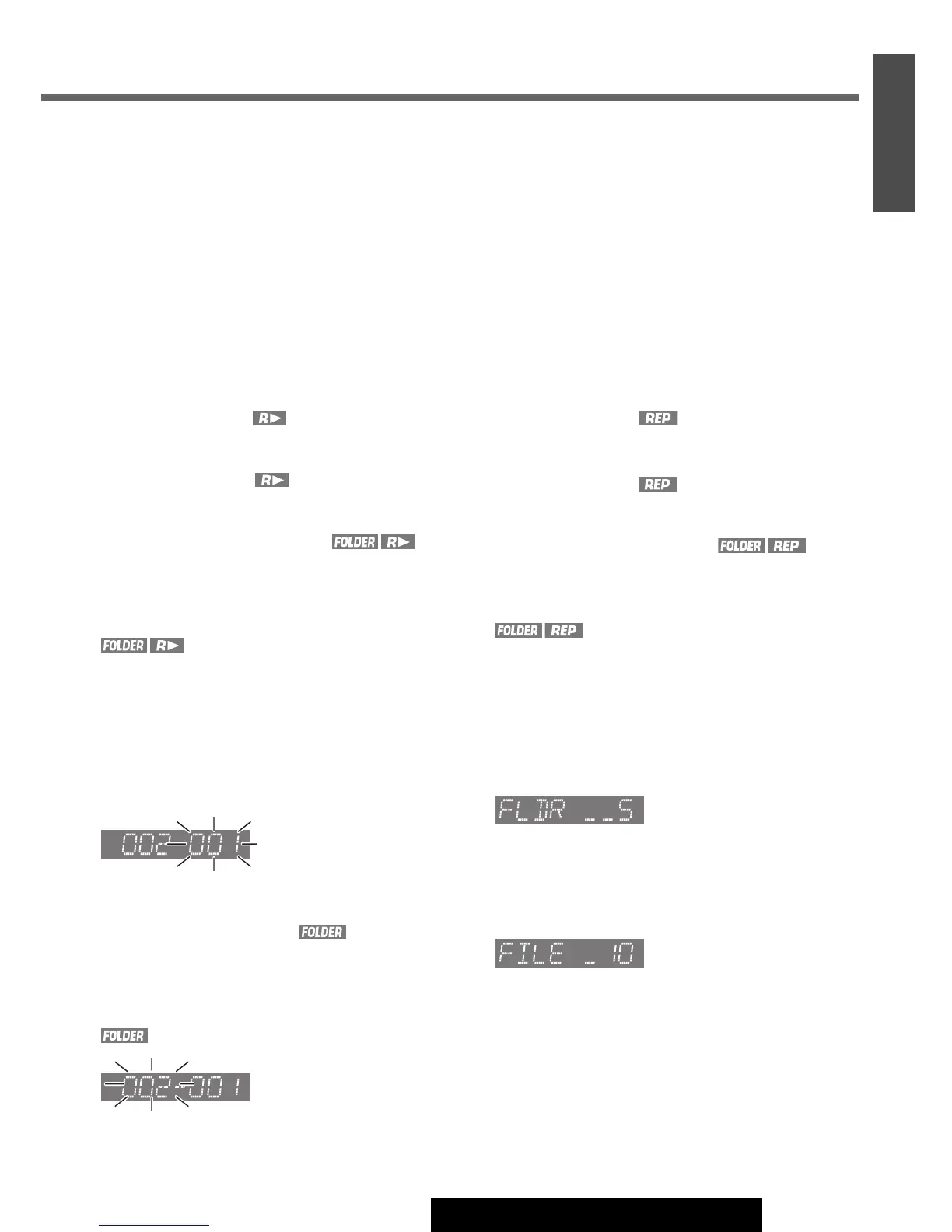
Random Play
All the available files are played in a random sequence.
Press
[4] (RANDOM)
. lights.
Press
[4] (RANDOM)
again to cancel.
Folder Random Play
All the files in the current folder are played in a random
sequence.
Press and hold
[4] (RANDOM)
for more than 2 seconds.
light.
Press and hold
[4] (RANDOM)
again for more than 2
seconds to cancel.
Scan Play
The first 10 seconds of each file is played in sequence.
Press [5] (SCAN).
Press
[5] (SCAN) again to cancel.
Folder Scan Play
From the next folder, the first 10 seconds of the first file in
each folder is played in sequence.
Press and hold
[5] (SCAN)
for more than 2 seconds.
lights.
Press and hold [5] (SCAN) again for more than 2 sec-
onds to cancel.
Repeat Play
The current file is repeated.
Press
[6] (REPEAT)
. lights.
Press
[6] (REPEAT)
again to cancel.
Folder Repeat Play
The current folder is repeated.
Press and hold
[6] (REPEAT)
for more than 2 seconds.
light.
Press and hold
[6] (REPEAT)
again for more than 2 sec-
onds to cancel.
Direct Selection
(Only for remote control)
Direct Folder Selection
Example: Folder number 5 (a Page 19)
q Press [#] twice.
w Press [5].
e Press [BAND] (SET).
Direct File Selection
Example: File number 10
q Press [#].
w Press [1] [0].
e Press [BAND] (SET).
Note:
¡To suspend direct selection, press [DISP].
¡Random, Folder Random, Scan, Folder Scan, Repeat and
Folder Repeat plays are canceled once
[#] is pressed.




 To Next Page