10
9
E
N
G
L
I
S
H
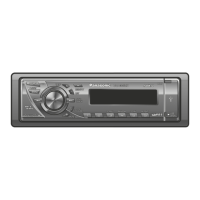
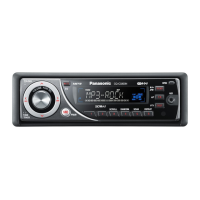
CQ-C3433U/C3403U/C3333U/C3303U
General
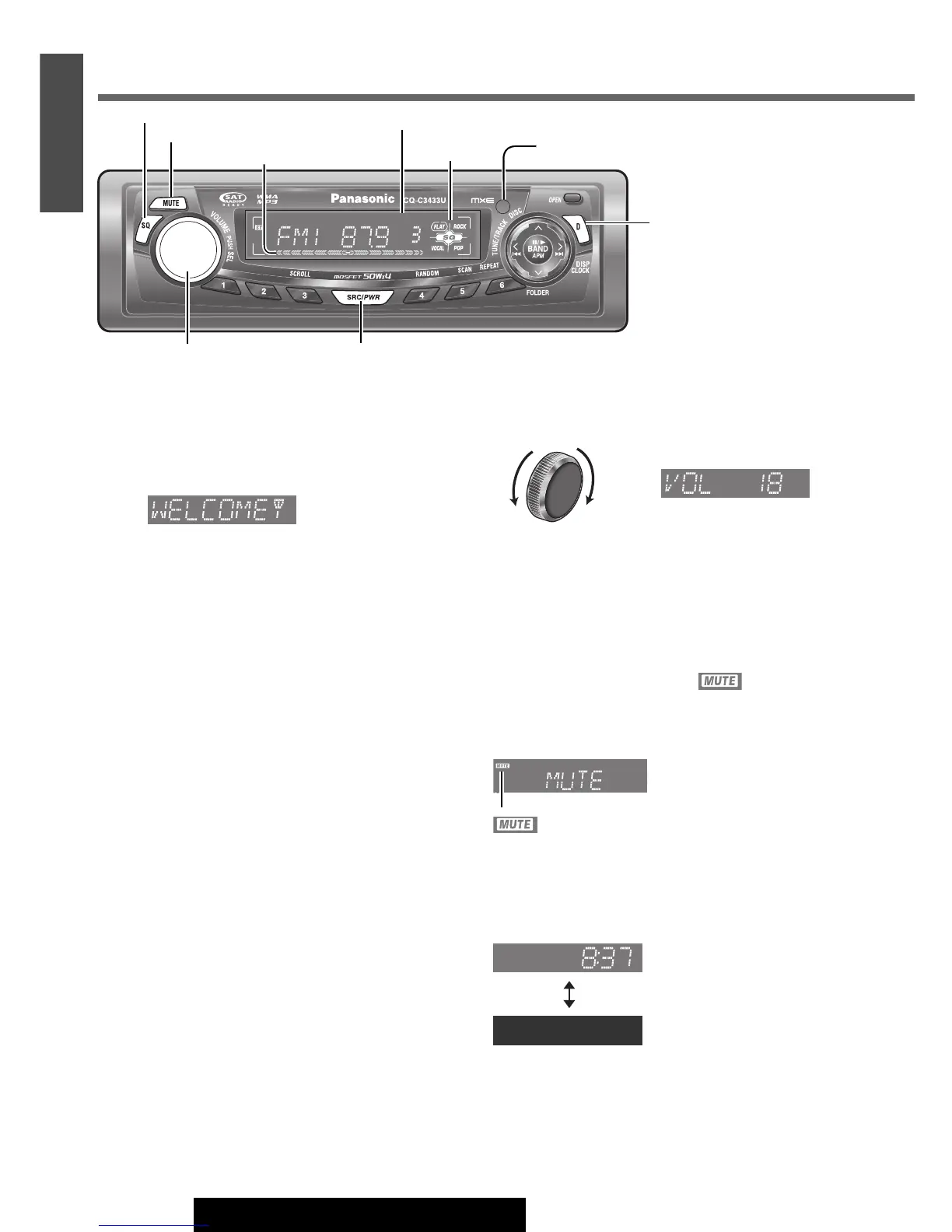
[D] (DISP: Display) (CLOCK)
[MUTE] (Mute/attenuation)
[SQ] (Sound Quality)
Default: 18
Setting range: 0 to 40
[SRC/PWR]
(Source/Power)
Power
Set your car’s ignition switch to the ACC or ON position.
ON:Press [SRC/PWR].
OFF: Press and hold [SRC/PWR] for more than 1 sec-
ond.
Remote control sensor (a Page 8)
Radio Mode Display (
a
Page 12)
[VOLUME]
Volume
Note:
¡ The volume level can be set independently for each
source. (For radio, one volume setting for AM, one vol-
ume setting for all FMs)
Mute/Attenuation
ON : Press [MUTE].
OFF : Press [MUTE] again.
You can select mute or attenuation. (
a Page 22)
Clock Display (at Power Off)
When the power of the unit is set to OFF, press
[D]
(DISP/CLOCK)
.
Clock time (Default)
(Display off)
When the power is set to ON, refer to the description for
each source mode.
UpDown
Level Meter (
a
Page 22)
SQ indicator
indicator




 To Next Page