12
11
E
N
G
L
I
S
H
CQ-C3433U/C3403U/C3333U/C3303U
q
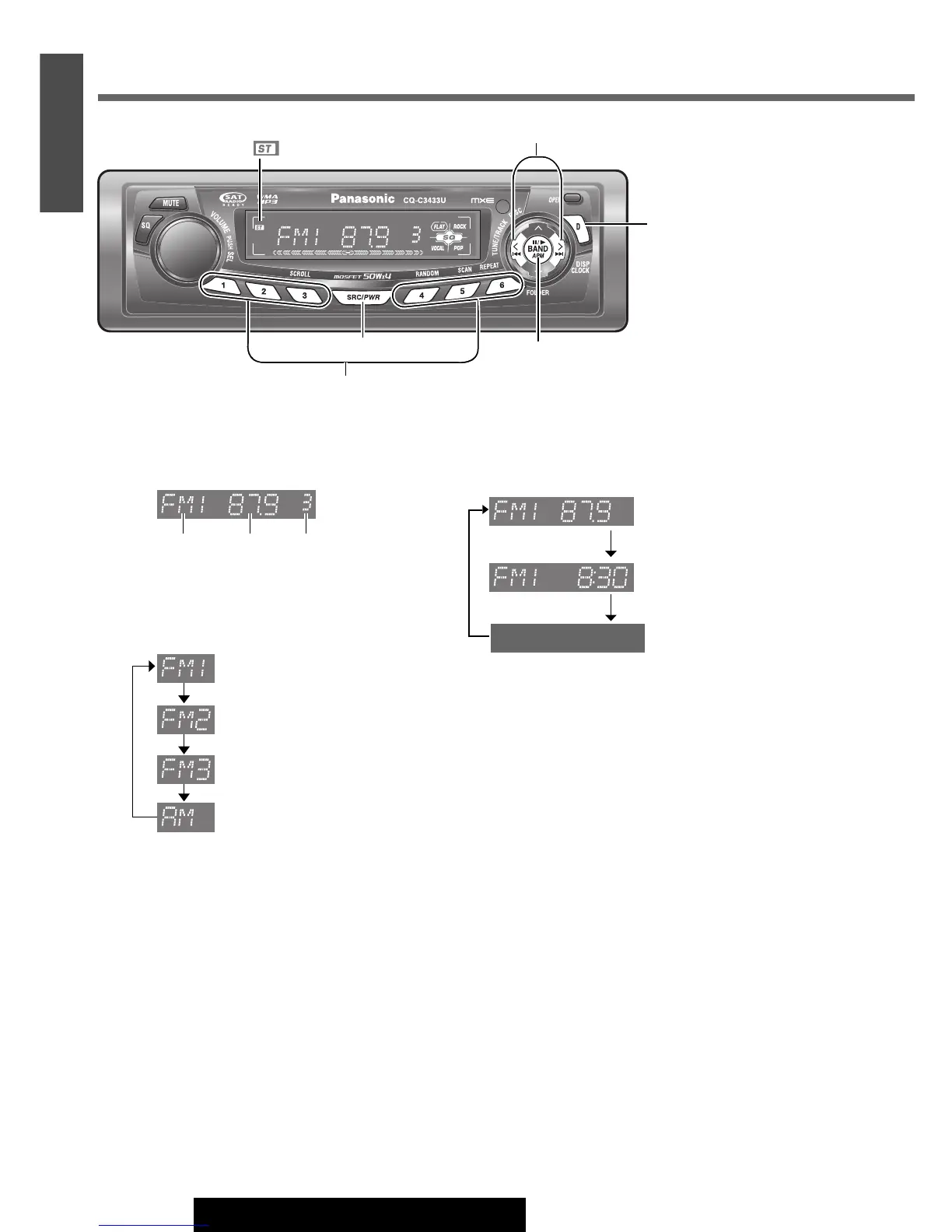
Radio Mode
Press [SRC/PWR] to select the radio mode.
w
Band
Press [BAND].
e
Tuning
[[]: Higher frequency
[]]: Lower frequency
Press and hold
[[] or []] for more than 0.5
seconds, then release it. Seeking will start.
Display Change
Press [D] (DISP) to change the display as follows.
Radio
[BAND]
(APM
: Auto Preset Memory)
[D] (DISP)
(Display)
Preset Buttons [1] to [6] (Preset station)
[]][[] (TUNE)
Band Frequency
Preset number
F
requency
Clock time
[SRC/PWR] (Source)
(Stereo) indicator
Display Off



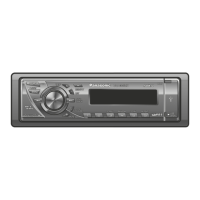
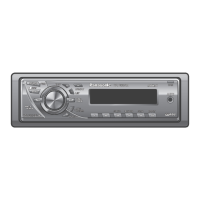
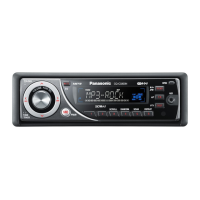
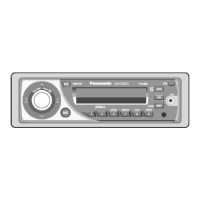

 To Next Page