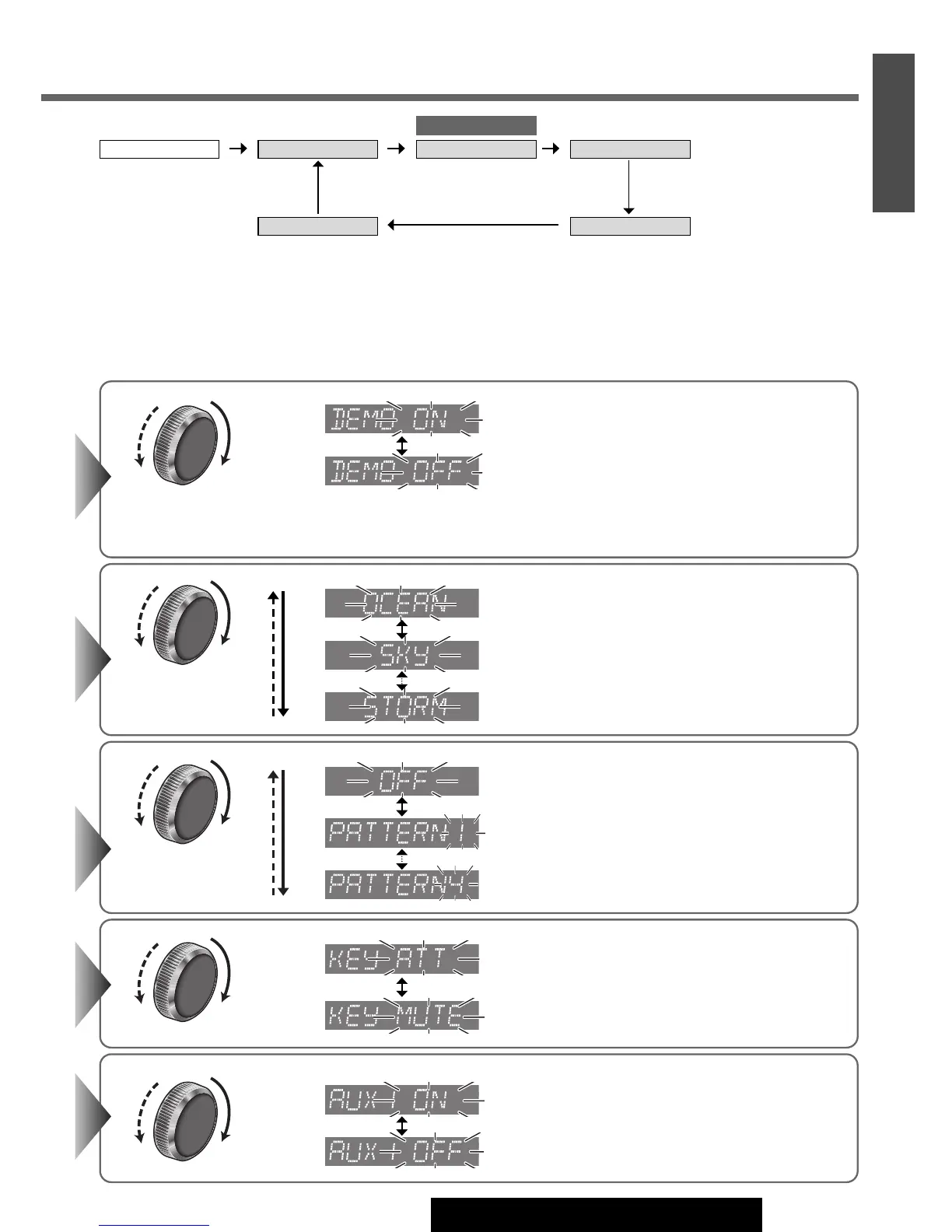
Turn
[VOLUME]
.
q : 10 steps decrease (Attenuation)
w : No sound (Mute) (Default)
Turn
[VOLUME]
.
q
: On (Default)
w
: Off
Note:
¡
Button operation with either the main unit or remote control allows users to cancel the demon-
stration screen for 20 seconds and enable the selected operation even in the demo-on mode.
Turn
[VOLUME]
.
: Off
: Pattern 1 (Default)
: Pattern 4
Turn
[VOLUME]
.
q : Skip disabled (Default)
w : Skip enabled
Turn
[VOLUME]
.
: OCEAN (aqua blue)
: SKY (sky blue)
: STORM (7 colors)
qw
qw
qw
qw
qw
qw
qw
23
22
E
N
G
L
I
S
H
CQ-C3433U/C3403U/C3333U/C3303U
Note:
¡ The sequence and contents of setting items may depend on the conditions of devices to be connected. For further infor-
mation, refer to the
System Upgrade Guidebook or the instruction manuals for the devices to be connected.
¡ To return to the regular mode, press [D] (DISP).
¡ If no operation takes place for more than 5 seconds in function setting, the display returns to the regular mode.
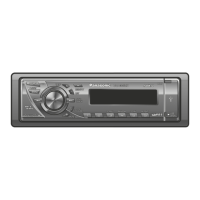
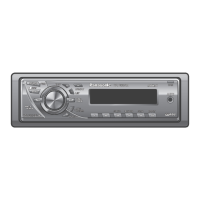
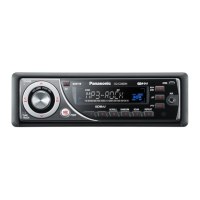
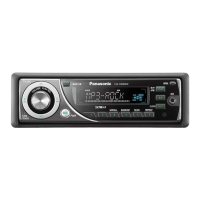
CQ-C3433U/C3333U
DEMO COLOR
AUX1 IN
Regular mode PATTERN
MUTE KEY




 To Next Page