Voice Solutions | Data Solutions | Mobile
T: 071-9667555
E:
W:
3. After answer press the conference button again to bring this person into the conference
call.
4. Repeat this procedure until you have the designated number of parties in the conference.
5. All parties can now talk simultaneously.
Warning if you entered the conference and exited again it would terminate the call for
all parties.
Note: – Maximum of 8 people on digital handset
– Maximum of 2 other people making a 3 party call on analogue handsets.
Dial first party Press conference Dial “9” for another line.
wait for answer. button. Or dial Ext. No.
Press conference Press conference key Dial 2nd party’s key to exit to bring 2nd party into
wait for answer. call or to call 3rd conference. Repeat party etc. procedures for other parties.
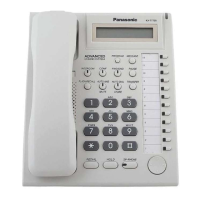
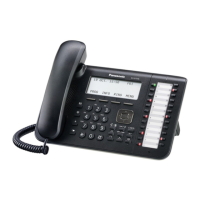
One Touch keys
One Touch Keys
A user can access a person or feature by pressing a single button. This is activated by storing
the number (e.g., extension number, telephone number, or feature number) in a One-touch
Dialling button.












 To Next Page