Basic
- 44 -
[PLAYBACK] mode: ¸
Playing back Pictures ([NORMAL PLAY])
∫ Fast forwarding/Fast rewinding
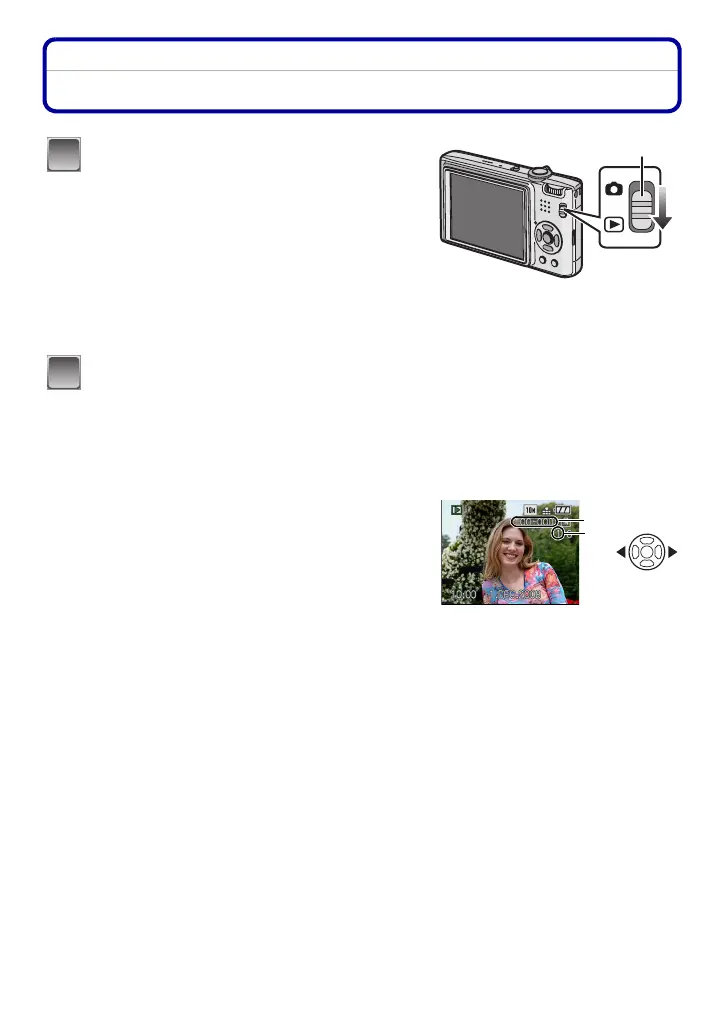
Press and hold 2/1 during playback.
•
The file number A and the picture number B only
change one by one. Release 2/1 when the number of
the desired picture appears to play back the picture.
• If you keep pressing 2/1, the number of pictures forwarded/rewound increases.
Slide the [REC]/[PLAYBACK] selector
switch A to [(].
• Normal playback is set automatically in the
following cases.
– When the mode was switched from the [REC]
to [PLAYBACK].
– When the camera was turned on while the
[REC]/[PLAYBACK] selector switch was at [(].
• When the mode dial is set to [¨], clipboard will
be displayed. Refer to
“Viewing clipboard
pictures
” (P93) for information about playing
back the clipboard.
Press 2/1 to select the picture.
2: Play back the previous picture
1: Play back the next picture
2: Fast rewind
1: Fast forward
1
2
A
B














 To Next Page