Advanced (Playback)
- 98 -
∫ Changing the slide show settings
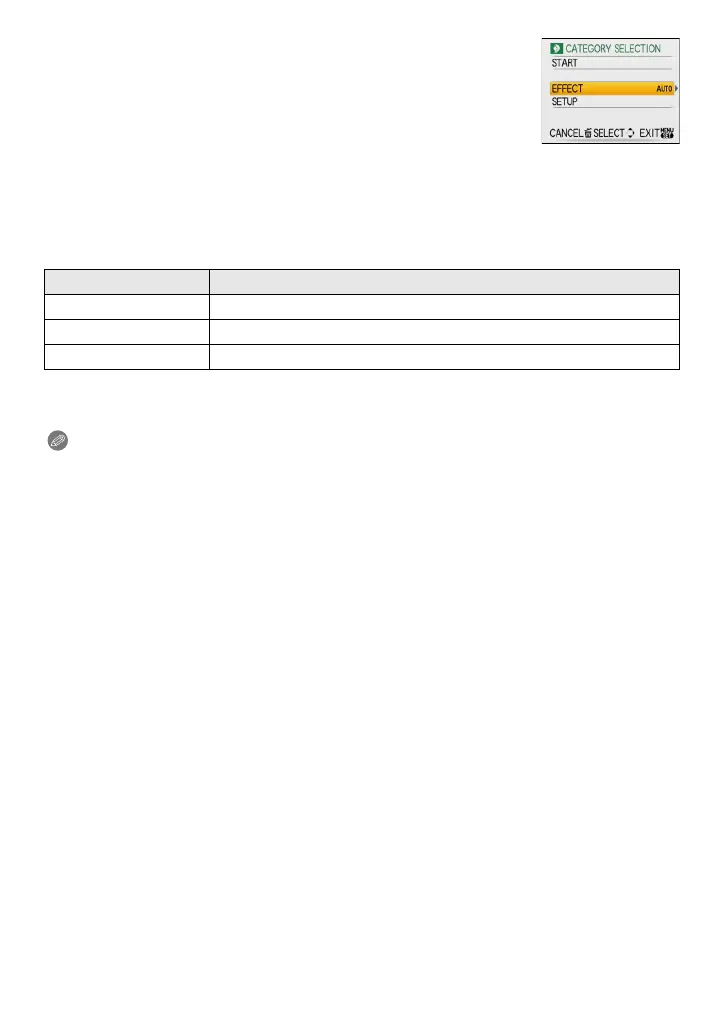
You can change the settings for slide show playback by selecting
[EFFECT] or [SETUP] on the slide show menu screen.
[EFFECT]
This allows you to select the screen effects or music effects when
switching from one picture to the next.
[NATURAL], [SLOW], [SWING], [URBAN], [OFF], [AUTO]
•
When [URBAN] has been selected, the picture may appear in black and white as a screen effect.
• [AUTO] can be used only when [CATEGORY SELECTION] has been selected. The pictures are
played back with the recommended effects in each category.
[SETUP]
[DURATION] or [REPEAT] can be set.
•
[DURATION] can be set only when [OFF] has been selected as the [EFFECT] setting.
• [AUDIO] will be displayed only when the [EFFECT] is set to [OFF]. Audio will be played along
with the still picture with audio by setting the [AUDIO] to [ON].
Note
•
Motion pictures cannot be played back as a slide show.
• It is not possible to add new music effects.
Item Settings
[DURATION] 1SEC./2SEC./3SEC./5SEC.
[REPEAT] ON/OFF
[MUSIC]/[AUDIO] ON/OFF














 To Next Page