EasyManua.ls Logo

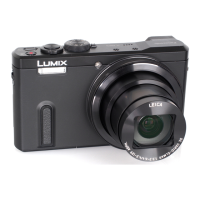
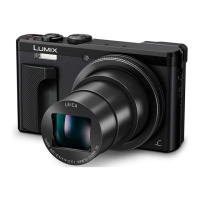
Panasonic DMC-TZ71 - User Manual

Panasonic DMC-TZ71
305 pages
Print Icon
To Next Page IconTo Next Page
Loading...
SQW0206
M0115KZ0
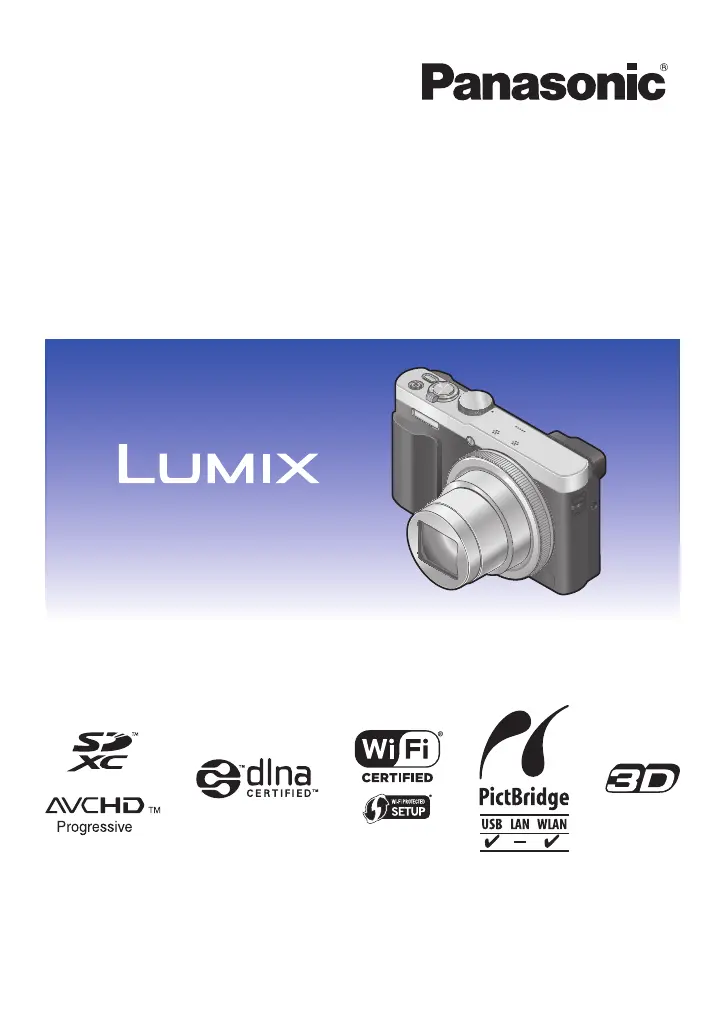
Operating Instructions
for advanced features
Digital Camera
Model No. DMC-TZ70
DMC-TZ71
Please read these instructions carefully before using this product, and
save this manual for future use.

Table of Contents

Questions and Answers

  • C
    Christopher PerezAug 10, 2025
    Why Panasonic DMC-TZ71 Digital Camera does not work even if turned on?
    • V
      Valerie WrightAug 10, 2025
      If your Panasonic Digital Camera does not work even when turned on, the battery may not be inserted correctly or it needs recharging.
  • B
    brettcostaAug 19, 2025
    Why Panasonic DMC-TZ71 Digital Camera switches off as soon as turned on?
    • M
      morenomichaelSep 12, 2025
      If your Panasonic Digital Camera switches off immediately after being turned on, it is likely that the battery needs recharging.
  • M
    Michael MataAug 30, 2025
    How to fix flashing charging lamp on Panasonic DMC-TZ71 Digital Camera?
    • M
      Ms. Michele CummingsAug 30, 2025
      If the charging lamp is flashing on your Panasonic Digital Camera, it could be due to charging being performed in a place with extremely high or low temperature. Reconnect the USB connection cable and retry charging in a place where the ambient temperature is 10 °C to 30 °C (50 °F to 86 °F). Ensure the battery itself is also within this temperature range.

Summary

Panasonic Lumix DMC-TZ70;TZ71: Advanced Features Operating Manual

Preparations and Basics

Shooting Modes: Auto, Manual, and Creative

Guide to using automatic, manual exposure, and creative picture modes for photography.

Camera Settings: Setup and Recording Options

Motion Picture and Playback Menu Functions

Settings for motion pictures and accessing playback features like retouching and logging.

Picture Viewing and Editing Tools

Managing picture playback, applying filters, slideshows, and editing pictures.

Application: Recording Features

Autofocus Modes and Exposure Control

Explanation of autofocus modes, exposure compensation, and bracketing techniques.

Wi-Fi and NFC Connectivity

Wi-Fi and NFC Functions Overview and Precautions

Overview of Wi-Fi and NFC capabilities, including usage precautions and limitations.

Smartphone and Tablet Integration: Image App

Instructions for installing and using the Panasonic Image App with smartphones.

Sending Pictures: AV Equipment, PCs, and WEB Services

Transferring pictures to AV devices, computers, and online services like LUMIX CLUB.

Panasonic DMC-TZ71 Specifications

General IconGeneral
Optical Zoom30x
LCD Screen Resolution1, 040, 000 dots
Viewfinder Resolution1, 166, 000 dots
Camera TypeCompact
Continuous Shooting10 fps
Battery LifeApprox. 300 shots (CIPA standard)
Sensor1/2.3-inch MOS
Display3.0" LCD
ViewfinderElectronic Viewfinder (EVF)
ConnectivityWi-Fi
Sensor Size1/2.3 inch
Focal Length4.3-129mm
Maximum Aperturef/3.3-6.4
Shutter Speed4 - 1/2000 sec (Mechanical Shutter)
Storage MediaSD/SDHC/SDXC card
ISO Range100-6400

Related product manuals