14
3.4.2.2. Updating firmware using the USB device
When updating firmware using USB device, perform following procedures.
(When using CD-R instead of USB device, perform same procedures)
1. Download the latest firmware file of the unit
The latest firmware required for version-up can be downloaded from "Support Information from NWBG/VDBG-PAVC"
web-site in "TSN system".
Click file name to download.
After download, click file to decompress. (Total: 2 file).
2. Decompress the downloaded file
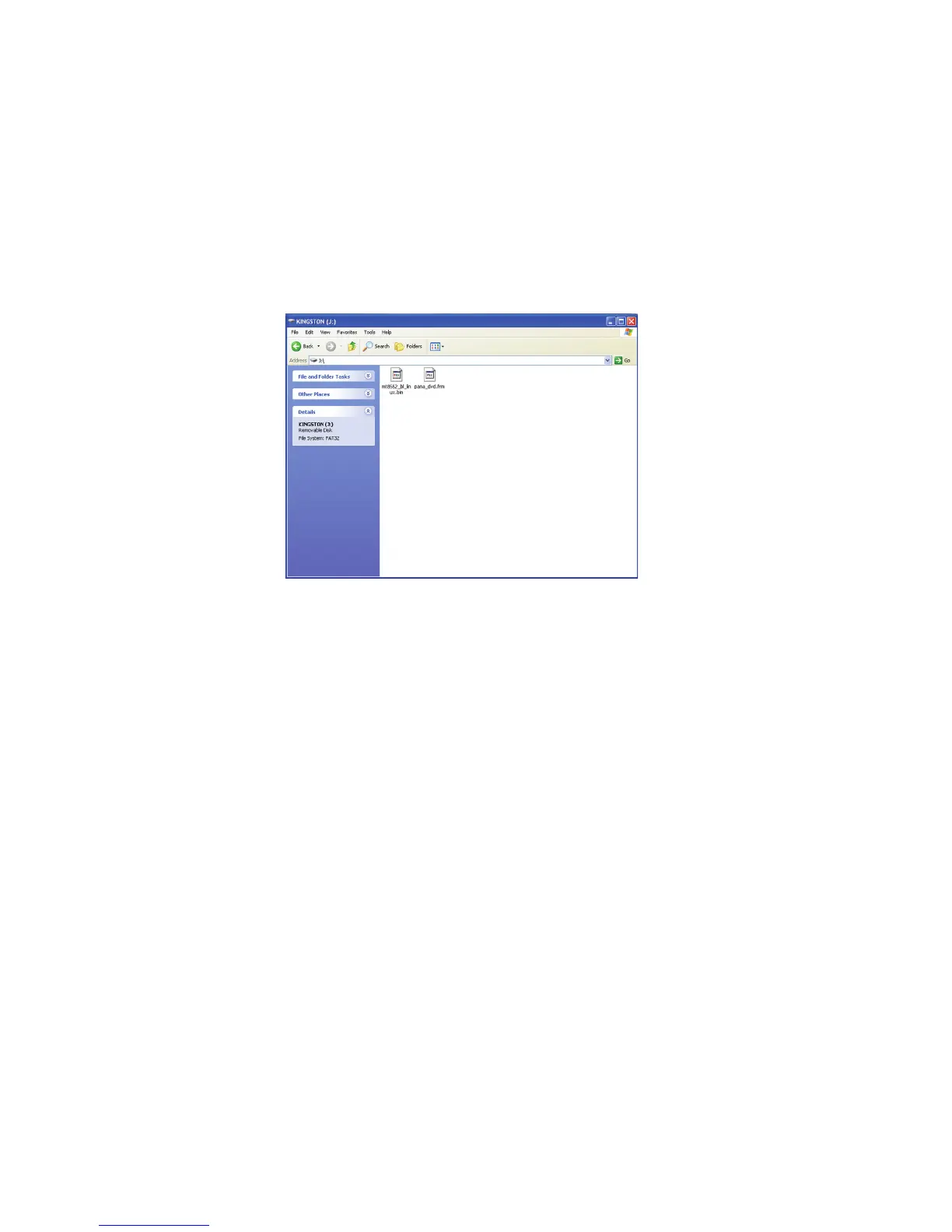
The decompressed file will be named as follows.
File Name: PANA_DVD.FRM and mt8552_b1_linux.bin
Copy the file to root folder of the USB device.
(If using CD-R instead of USB device, burn the file to a blank CD-R by writing software.)










 To Next Page