15
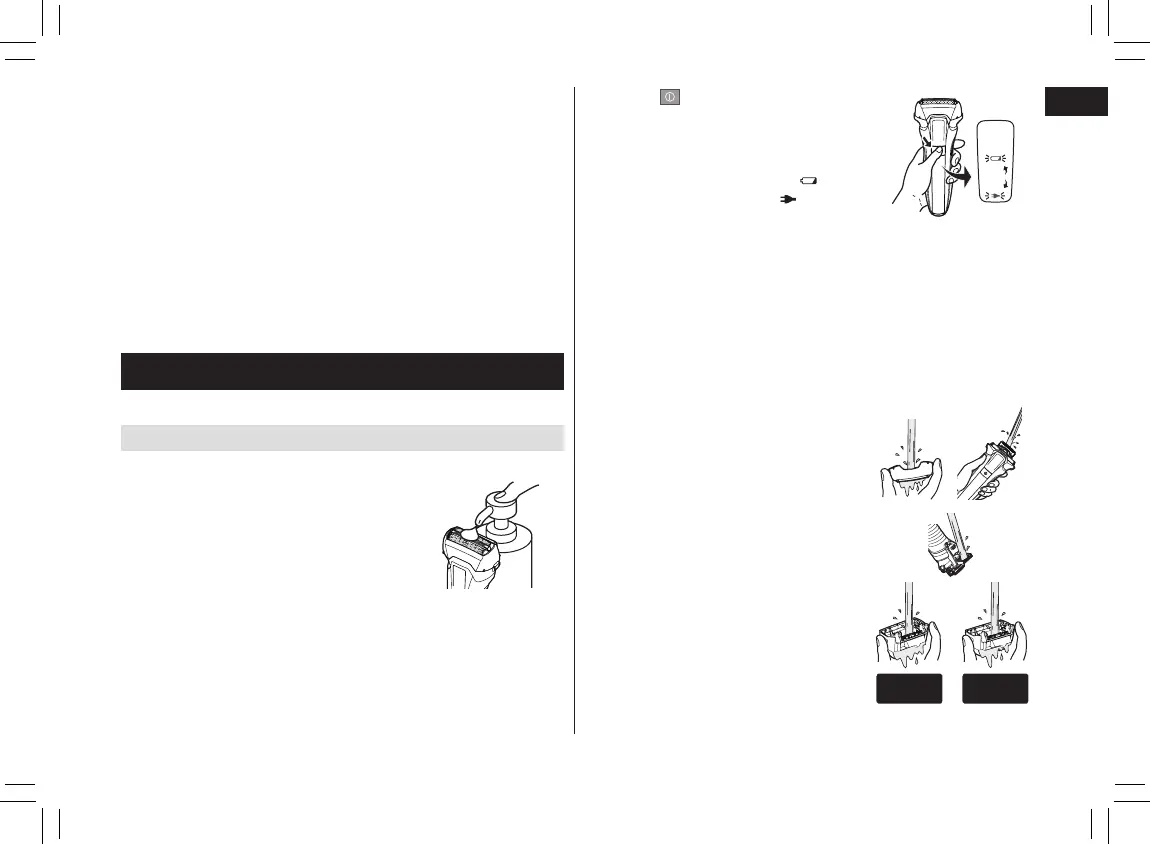
2. Press for more than 2
seconds to activate the sonic
vibration cleaning mode.
• Splashing of foam is suppressed.
• The battery capacity lamp ( ) and
the charge status lamp ( ) blink
alternately.
• After about 20 seconds, it will be
automatically turned off, or you can
turn it off by pressing the power
switch.
3. Remove the outer foil section.
• See page 16 for removing the outer
foil section.
4. Clean the shaver, the outer foil
section, the trimmer, and the
comb attachment with running
water.
• Splashing is reduced by rinsing the
shaver in sonic vibration cleaning
mode.
• After rinsing with water, shake the
shaver up and down for a few times
to remove excess moisture and
then wipe off any drops of water
with a dry cloth.
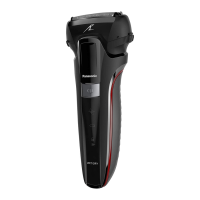
ES-LL41
ES-LL41
Notes
• Be careful not to cut your hand on the blade when attaching
and removing the comb attachment.
• Hair trimmings may collect inside the comb attachment when
a large volume of beard is cut, so discard hair trimmings
after each use. (See this page.)
• If the comb attachment is not attached properly, it may
become loose during use resulting in excessive cutting.
• Sometimes the beard may be longer than the set trimming
height.
• If the beard is too long, the trimming result may be affected.
Please cut your beard to about 2 cm in length before using
the trimmer.
Cleaning the shaver
We recommend cleaning the shaver after each use.
Cleaning with water
• Turn the shaver off and disconnect the AC adaptor.
1. Apply some hand soap and
some water to the system
outer foil.
PB016461 - ES-LL2141-K551 ������_(01EN)_08-01-18.indd 15 2018/8/1 17:25:27






 To Next Page