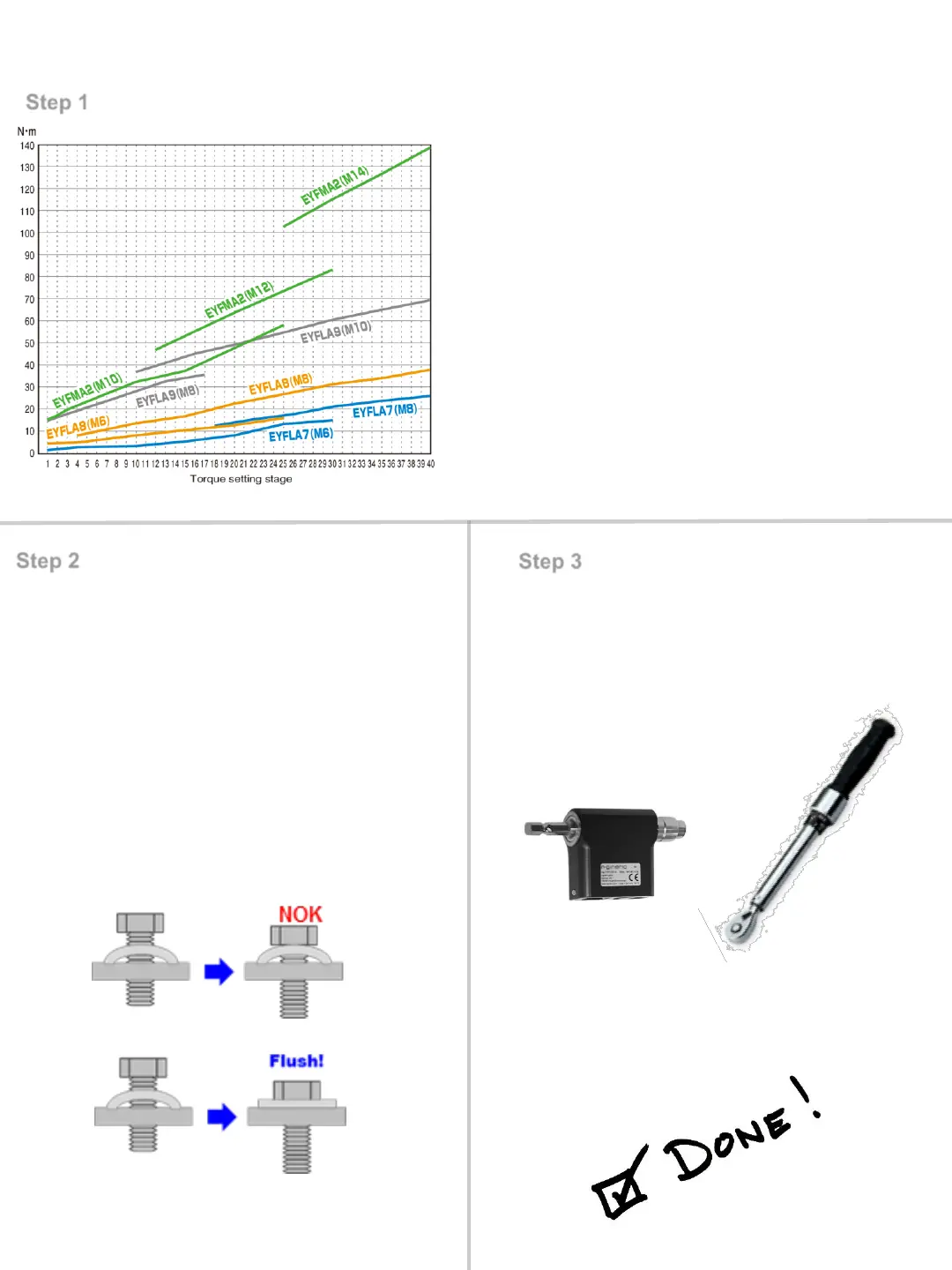
Step 1
Step 2
Step 3
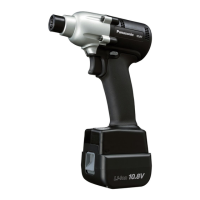
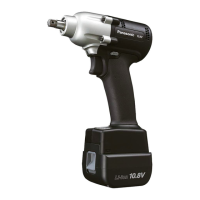
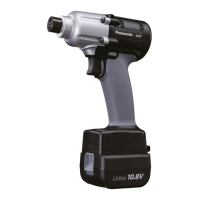
1. Choose correct tool & fastener size
from chart
2. Set tool torque stage according to the
chart & put tool in L1 mode.
3. Rundown fastener & audit with
torque wrench
4. Adjust torque stage up or down to
achieve target torque
5. If unable to achieve target torque
proceed to step 2
Select Tool & Initial Torque Setting
AccuPulse HR Setup Instructions
*Chart based on medium/hard joint type
1. Reset Torque Stage to initial
setting from Step 1 #2
2. Adjust L mode from L1 to L2
3. Rundown Fastener & confirm
Bolt head is Flush by VISUAL
Check
4. If NOK increase L mode until
Flush by Visual Check
5. If OK proceed to step 3
1. Perform static audit on fastener
with rotary transducer or torque
wrench
2. Adjust target torque value until
target torque is achieved
Flush Detection Level Adjustment Set Final Torque Stage



 To Next Page