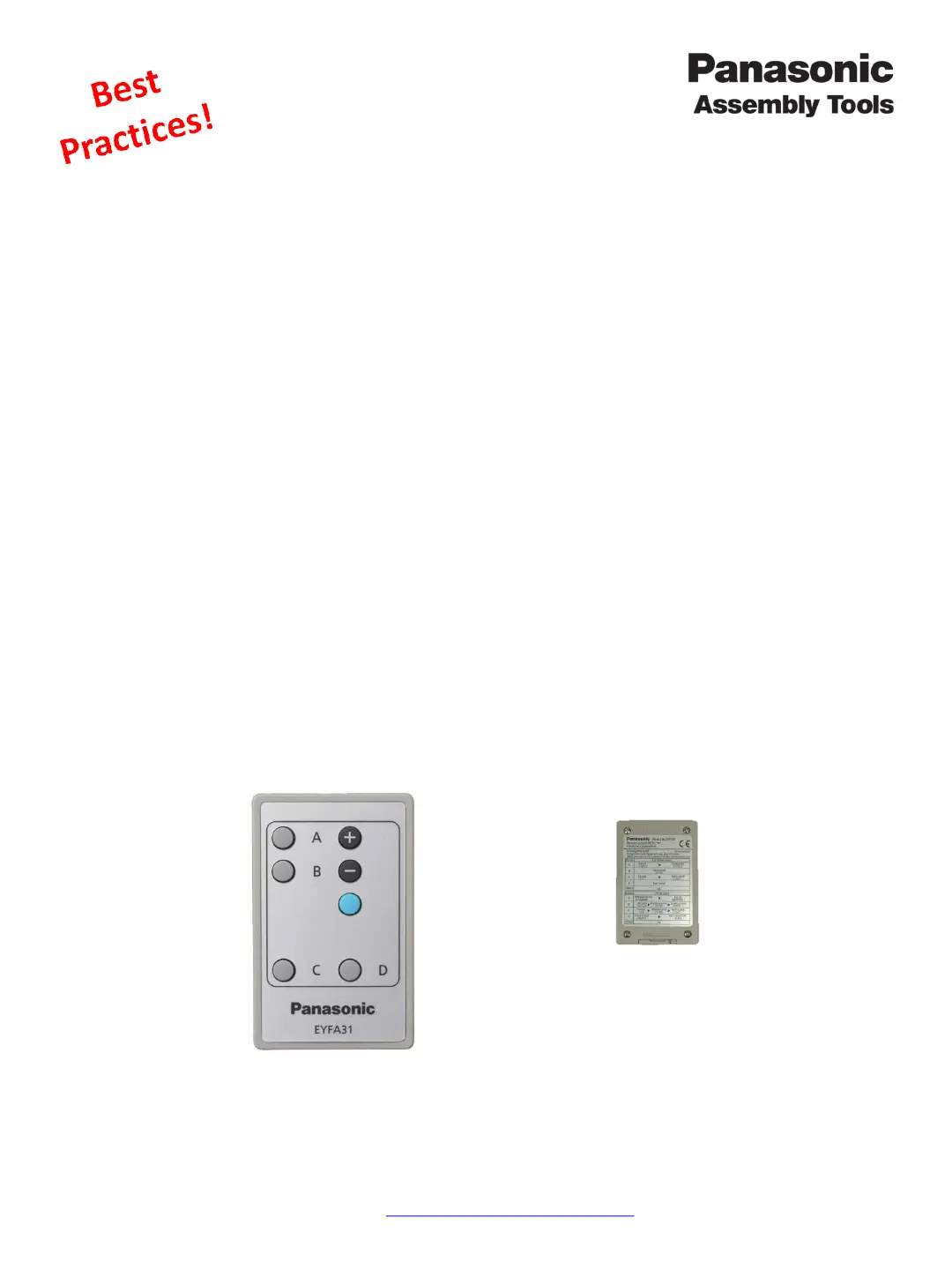
Programming the tool with the remote control
1. Cycle Power – Remove then re-install the battery on the tool.
2. Enter Program Mode – On the tool,
• press and hold down the “Light Button” while pulling and releasing the tool’s “Trigger/Switch”
you can then release both buttons.
• The display starts blinking, the tool is now in program mode.
• If the display is solid, return to step one.
3. Edit Programmable Features – While the display is flashing, use the remote control to change feature
settings according to the charts on the next pages.
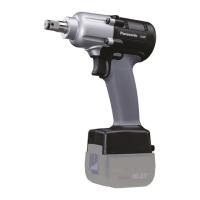
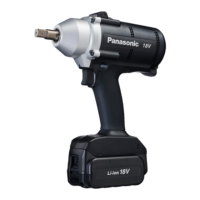
Two-Way communication capable Tool Models:
EYFLA7AR, EYFLA8PR/CR/AR, EYFLA9PR/CR and EYFMA2PR/CR
(Please refer to the Owner's Manual for further instruction beyond Best Practices)
These models can operate in both One-Way mode or Two-Way mode.
• One-Way communication mode –The Remote control is used to change tool settings.
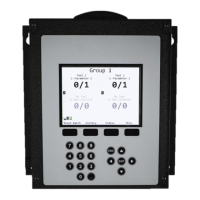
• Two-Way communication mode – The Qualifier will change tool features and will override any settings
made by the remote control.
Each press of the A,B,C or D buttons on the remote control will cycle through the sub-
menus.
The + and – buttons change the sub menu feature values
The blue button is the Save button. Press this button after features are selected to
save changes.
Remote Control Setup
On the back is a quick
reference for each of the
buttons.
Panasonic Life Solutions Company of America Assembly Tools Division
2 Riverfront Plaza 5
th
Floor Newark, NJ 07102
www.panasonic.com/assemblytools



 To Next Page