38
Operating methods
Attention
● Do not move the front panel or louver with hands during
operation. (Doing so will change their angle or range of
movement.)
→Iftheyhavebeenmoved,stoptheproductoperating
once.
(Resuming operation will return to normal conditions.)
Start operation
1
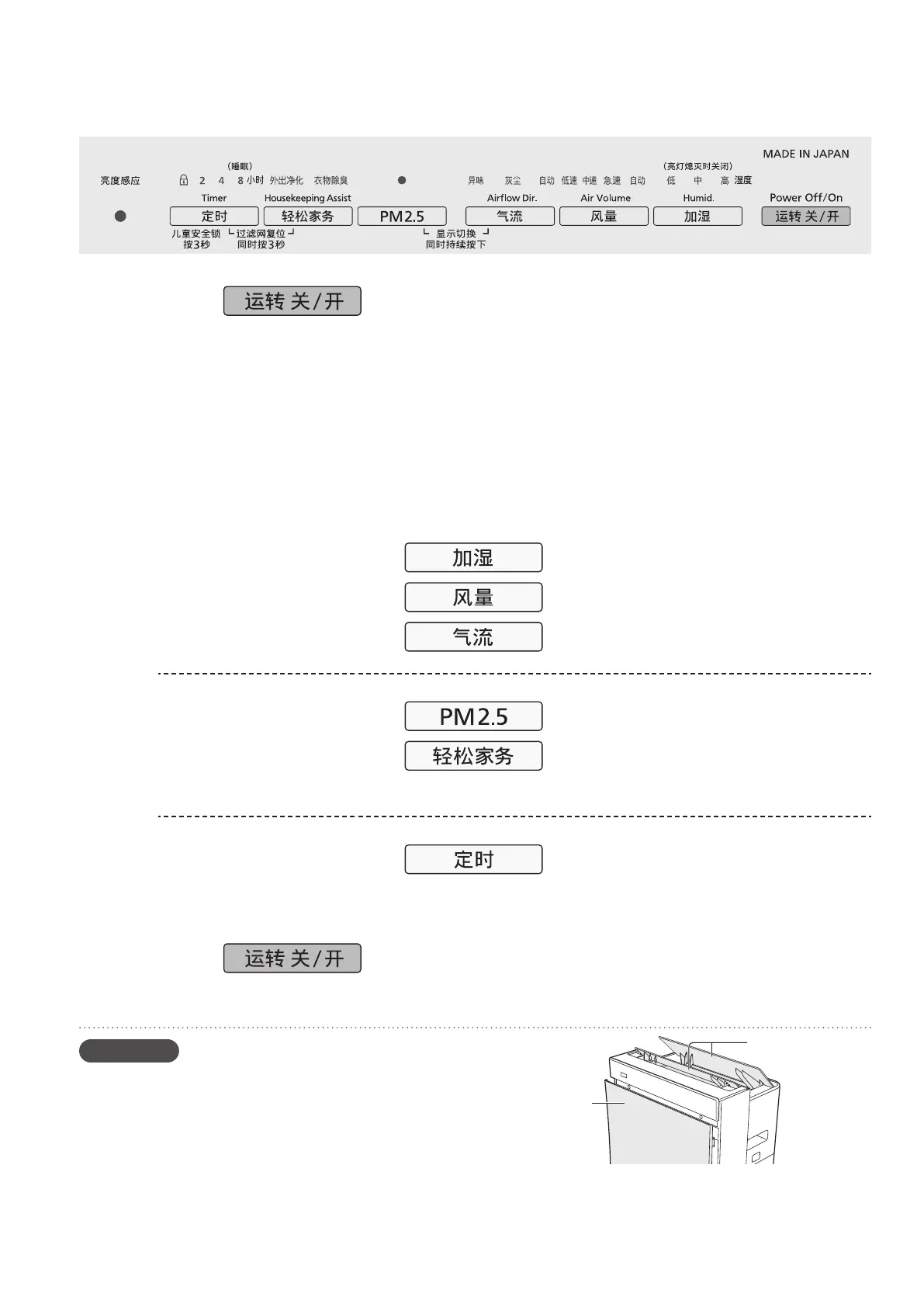
Press .
When the product is used for the first time, it operates with
“Humidification” set to [中 (Medium)], and “Air volume” and
“Airflow” both set to [自动 (Auto)]. When using the product for
the second time onwards, operation will resume using the
same settings when it was previously turned off.
●Humidification does not operate if there is no water.
(“Watersupply”indicatorisblinking.)
To enable humidification, fill the tank with water. If humidification
isnotrequiredset“Humidification”toOFF.(“Humidification”
indicator is turned off.) When there is no water in the tank or
“Humidification”issettoOFF,theproductwilloperateincleanair
mode.
2
Selecting operating
settings
: Set humidification. (P.39)
: Set the air volume. (P.40)
: Set the airflow. (P.40)
Changing the
operating mode
: Operate in “PM2.5” mode. (P.41)
: Operate in “Housekeeping Assist”
mode. (P.42)
Setting the timer or
locking the product
: Set the timer or activate the child
lock. (P.41)
3
Press to stop operation.
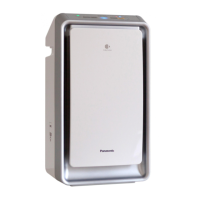
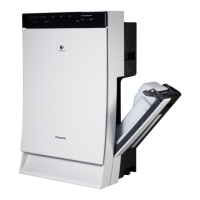
Louver
Front panel



 To Next Page