40
Operating methods
(continued)
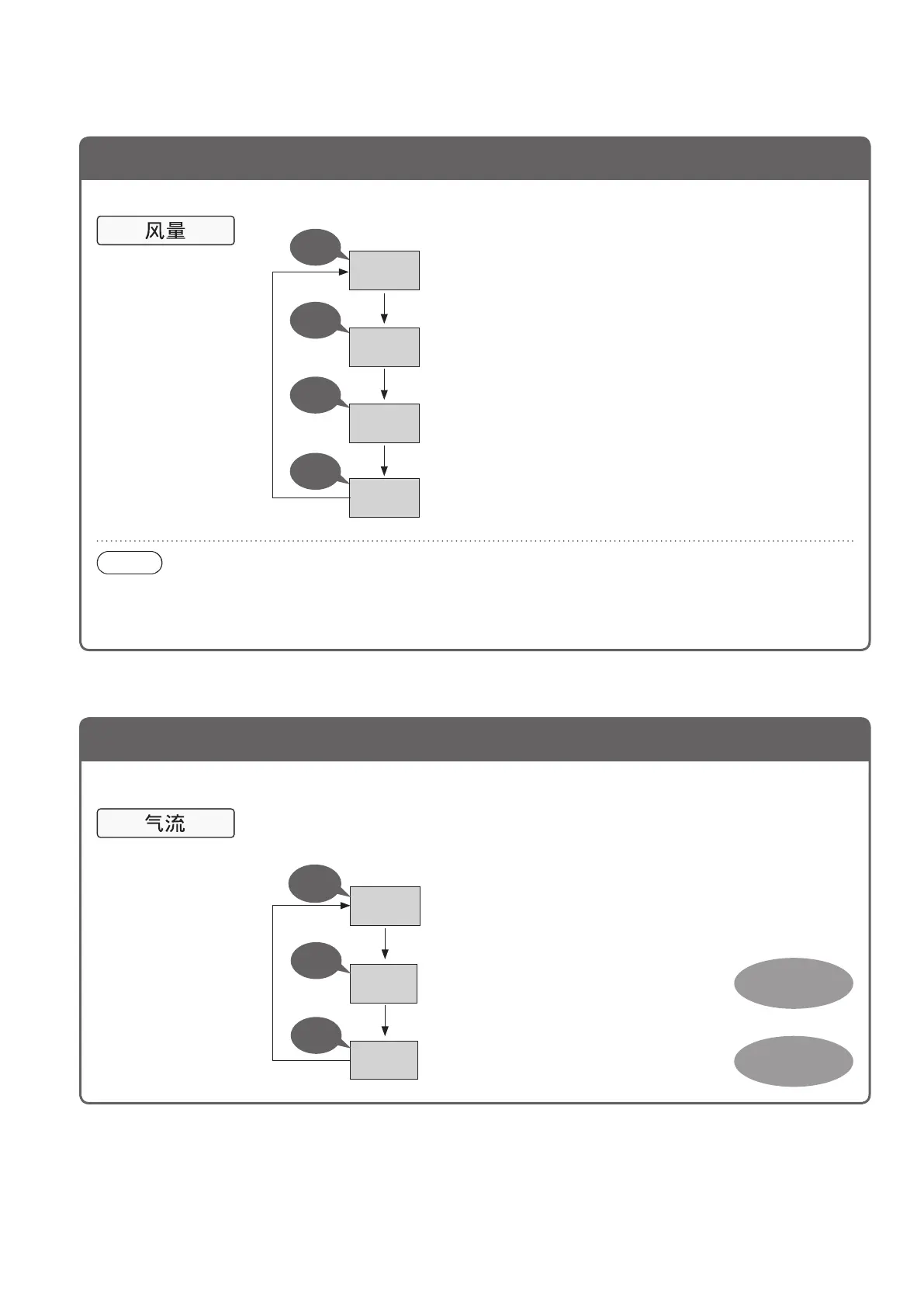
Change the air volume
Operating the product at the desired air volume
Each press of the
button will switch the
air volume setting.
(The indicator is lit.)
Two short
beeps
Beep
Beep
Beep
自动
To adjust air volume
automatically
低速
Tooperatequietly
(The humidification and air cleaning speed becomes slower.)
中速
急速
Tohumidifytheairquickly
Tocleantheairquickly
Note
●Settingthe“Airvolume”to[自动(Auto)]changesto“Econavi”operation(P.49).
●If“Humidification”issetto[高 (High)] or [低(Low)],settingthe“Airvolume”to[低速 (Low)], [中速 (Medium)]
or [急速(High)]switchesthe“Humidification”settingto[中(Medium)].(SeeP.39*1of“Sethumidification”)
Air volume /
Airflow
Change the airflow
Changing the airflow depending on type of dirt
●Each level of airflow is generated by movement of the front panel and the louver.
(P.48)
Each press of the
button will switch the
air volume setting.
(The indicator is lit.)
自动
Changing the airflow automatically
异味
Removing odors, cigarette smoke and other dirt
灰尘
Removing dust and pollen
Two short
beeps
Beep
Beep
Airflow for
odor, smoke
Airflow for
house dust



 To Next Page