34
Back
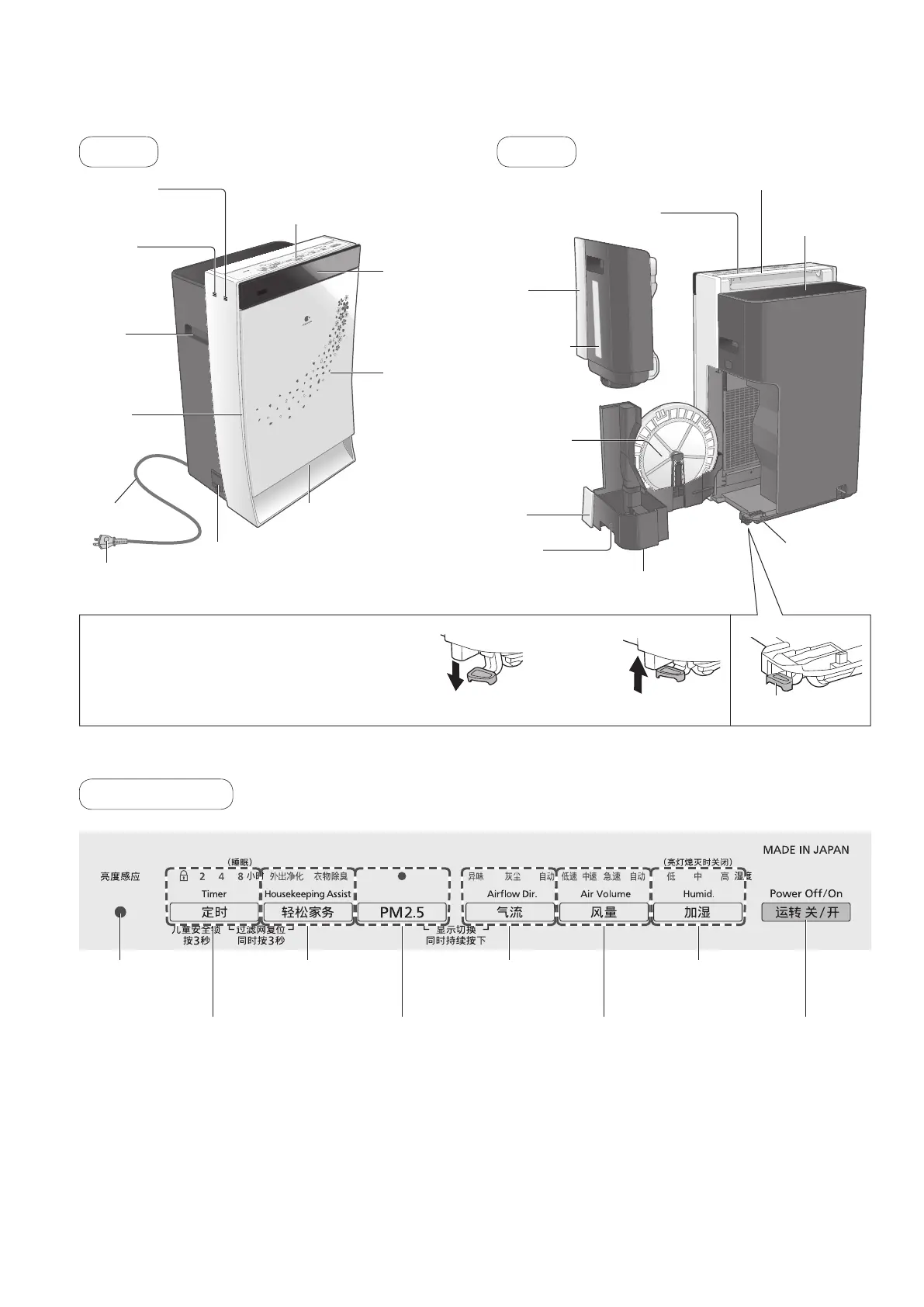
Parts identification
■Light sensor
Detecting indoor brightness with the light sensor, the product adjusts the brightness of indicators and the front
indication of control panel and adjusts the air volume, automatically. When the room becomes dark, for example
duringsleep,theproductoperates“Lightsensormode”.(P.49)
(Whenthe“Airvolume”issetat[急速 (High)], [中速 (Medium)] or [低速 (Low)], or when the product is operating in
“HousekeepingAssist”and“PM2.5”modes,itdoesnotadjusttheairvolume.)
Front
Control panel
Humidifying button /
indicator
Air Volume button /
indicator
PM2.5 button /
indicator
Timer (Child Lock) button /
indicator
Housekeeping Assist
button / indicator
Airowbutton/
indicator
Power Off / On
button
Light sensor
Air outlet
(nanoe™emissionoutlet)
Tank
Tray
Floater (inside)
Humidifying
lterset
Anti-fungus
assembly
(inside)
Wheels
(bottom: 4)
Water-level
window
Front louver
Rear louver
Front panel
Front indication
(P.35)
Power cord
Power plug
Handle
(right and left)
Humidity
sensor
Odor sensor
Air inlet
(both sides)
Air inlet
(front)
Control panel
Dirt sensor
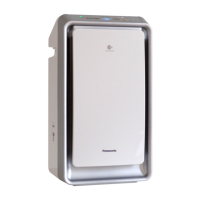
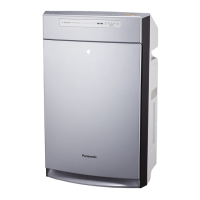
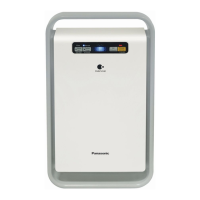
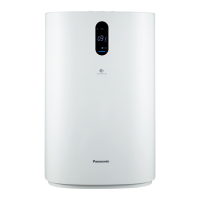
●This manual mainly uses the F-VR901 for explanations.
“LOCK”
(Move the fixed
hook down.)
“UNLOCK”
(Move the fixed
hook up.)
■Locking the wheels
●Lowerthefixedhook.:“Lock”
●Raisethefixedhook.:“Release”
(The product may move even if the wheels are locked on slippery surfaces.)
Fixed hook



 To Next Page