53
When you feel
confused
VR901
Symptom Please check the following:
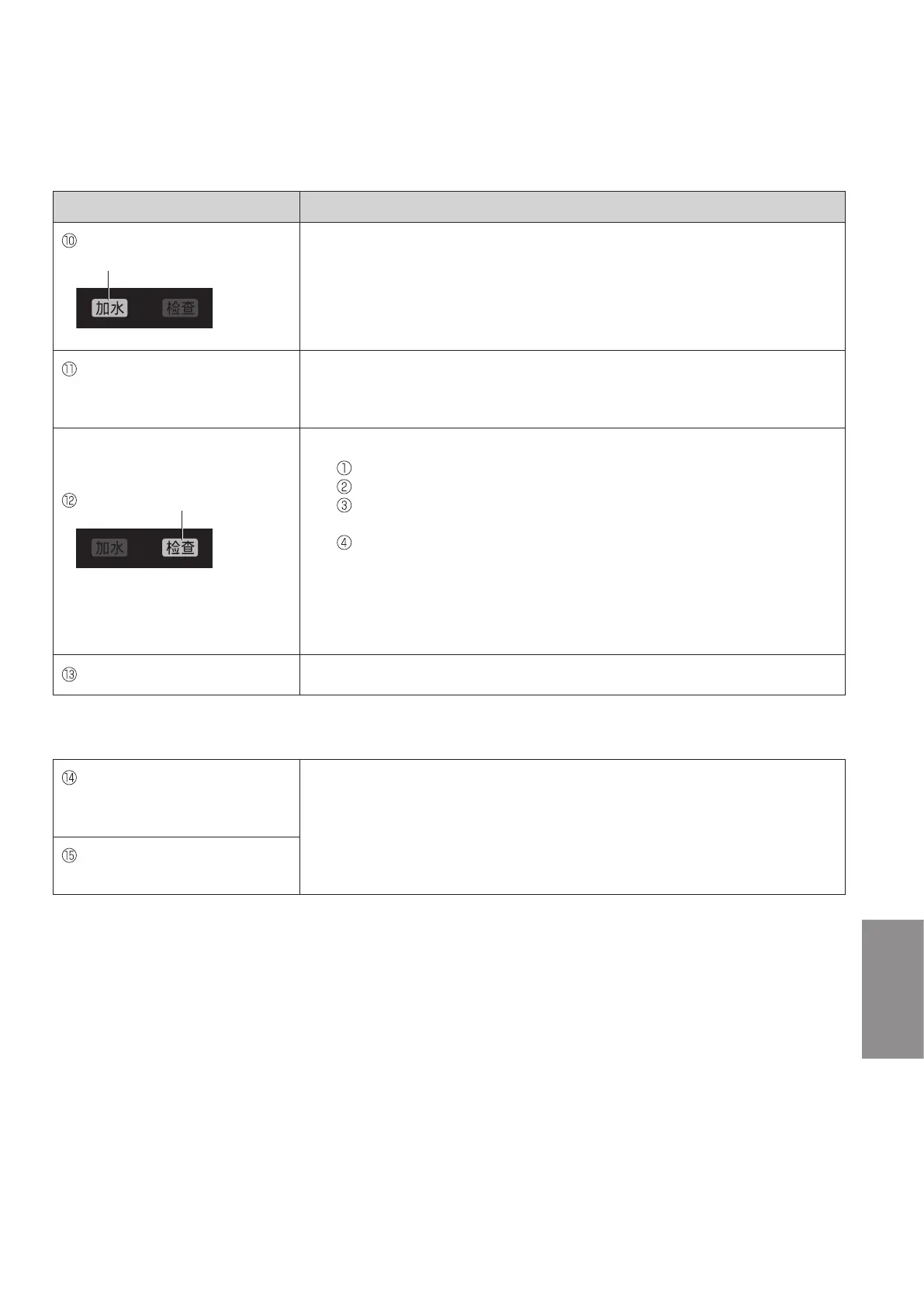
The“Watersupply”indicatoris
blinking.
●Is the tank filled with water? (P.37)
→Tocontinuehumidifying,fillthetankwithwater.(P.37)
The“Watersupply”indicatoris
blinking even though there is
water in the tank.
●Is the tray installed completely?
●Is the product inclined?
→Placetheproductontheflatandstableplatformorfloor.
The“Check”indicatorblinks.
●Is the product fell down?
→ Disconnect the power plug.
Raise the product. (Wipe off the spilled water.)
Leave the product more than half a day without operation.
(Dry the interior of the product completely, if water enters inside.)
Reconnect and turn on the product.
●Has the product been shaken, inclined, or given impact?
→Disconnectandconnectthepowerplugagain.
●Have magnets, metallic objects or similar objects been placed on the
product?
→Disconnectandconnectthepowerplugagain.
The product does not operate.
●Has the filter replacement notification indicator lit? (P.35)
Contact an authorized service center (as described in the warranty) immediately in the following case.
“Check”indicatorislitandall
“AirVolume”indicatorsare
blinking.
●Failure has occurred.
→Disconnectthepowerplugandcontactanauthorizedservicecenter
(as described in the warranty) for a check or repair.
All the indicators on the control
panel are blinking.



 To Next Page