Getting Started
32
First-time Operation
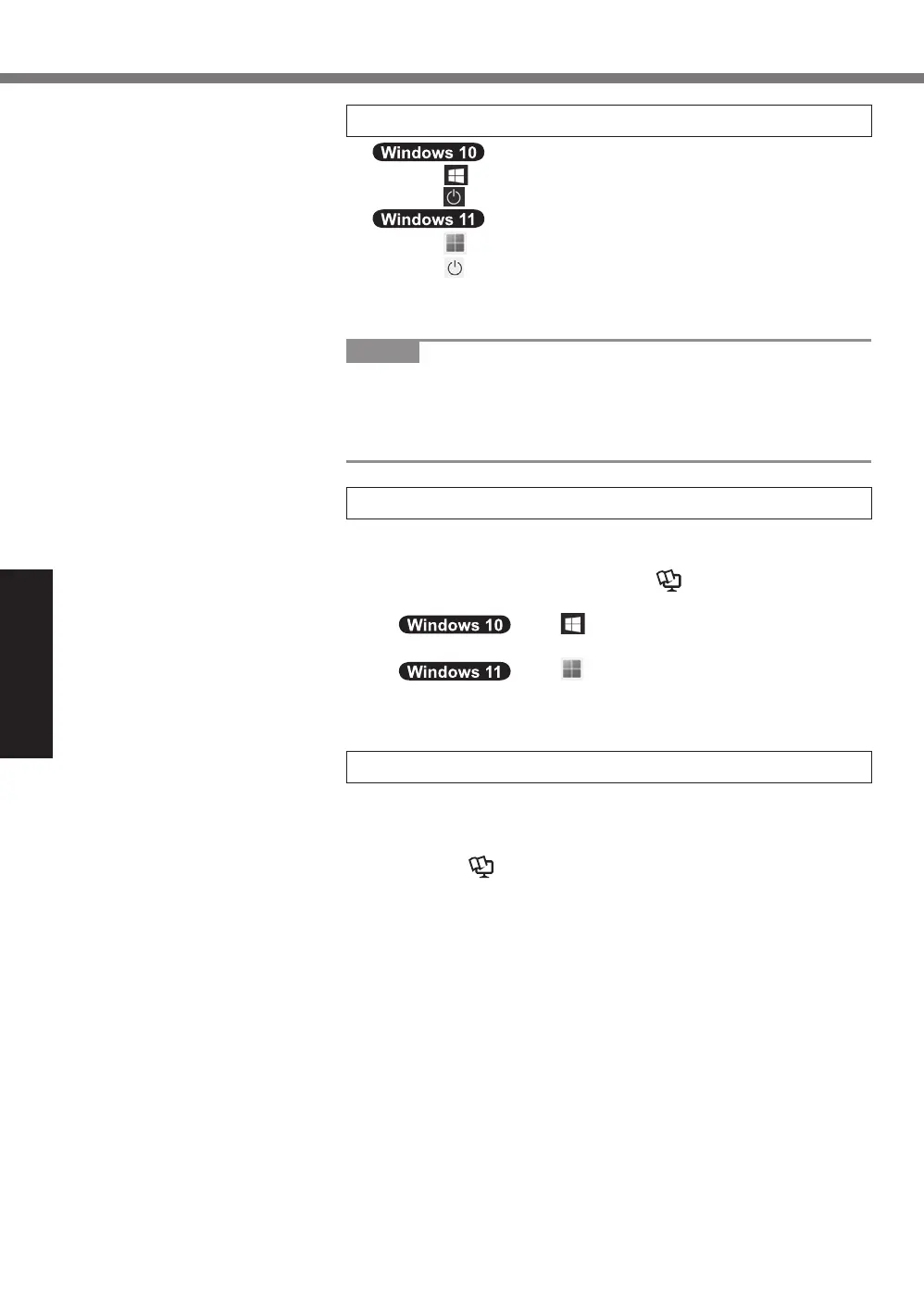
6 Restart the computer
A
Click
(Start).
B
Click
(Power) - [Restart].
A
Click
(Start).
B
Click
(Power) - [Restart].
l
A portion of the Panasonic PC Settings Utility functions will
be enabled after the computer restarts.
NOTE
l
When the “Emergency notification setting” screen appears,
read the on-screen messages carefully. Follow the on-screen
instructions. You can set the “Emergency notification setting”
after the setup of Windows is complete.
7 Update the on-screen manual
A
Connect to the internet. Sign in to Windows as an admin-
istrator.
For further information, refer to
Connect to a network.
B
Update the on-screen manual.
Click (Start) - [Panasonic PC Manual
Selector].
Click (Start) - [All apps] - [Panasonic PC
Manual Selector].
Follow the on-screen instructions.
8 Create a recovery disc
A recovery disc allows you to install OS and restore its fac-
tory default condition, in case, the recovery partition of the
flash memory is damaged.
Refer to
è
Operating Instructions - Reference Manual
“Important Operation/Settings”
“Create a Recovery Disc”
about creating the disc.












 To Next Page