13
Personalising Your Phone
Language
It is possible to change the language that the phone uses for both
display messages and text entry.
Idle > Menu > Personalise > Language > (select a preferred
language)
Changing the Ring Tones
The ring tones and volumes of the phone can be changed to one of
many pre-defined sounds. Alternatively you can use the Melody
Composer to generate a custom ring tone.
Idle > Menu > Personalise > Tones > Ring Type > (select a
preferred category) > (select a preferred sound)
Composing a Melody
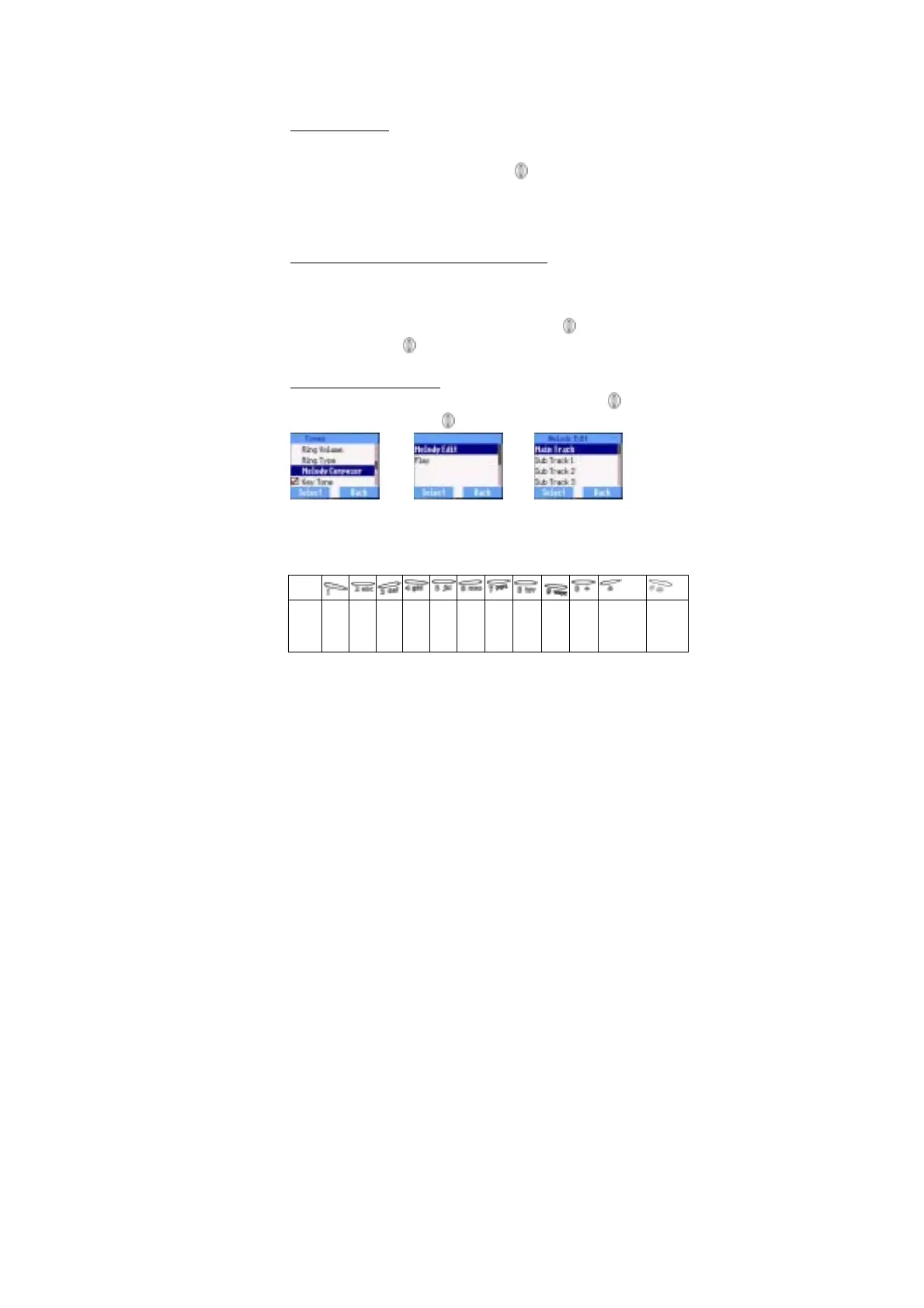
Idle > Menu > Personalise > Tones > Melody Composer > (select
My Music ) > Melody Edit > (select track)
Using the following table as a reference, enter the notes (from the
choice of low, middle and high), rests, and the durations of each, to
generate your composition.
Key
Func. C D E F G A B Rep.
˙
Rest Duration Low,
Middle,
High














 To Next Page