14
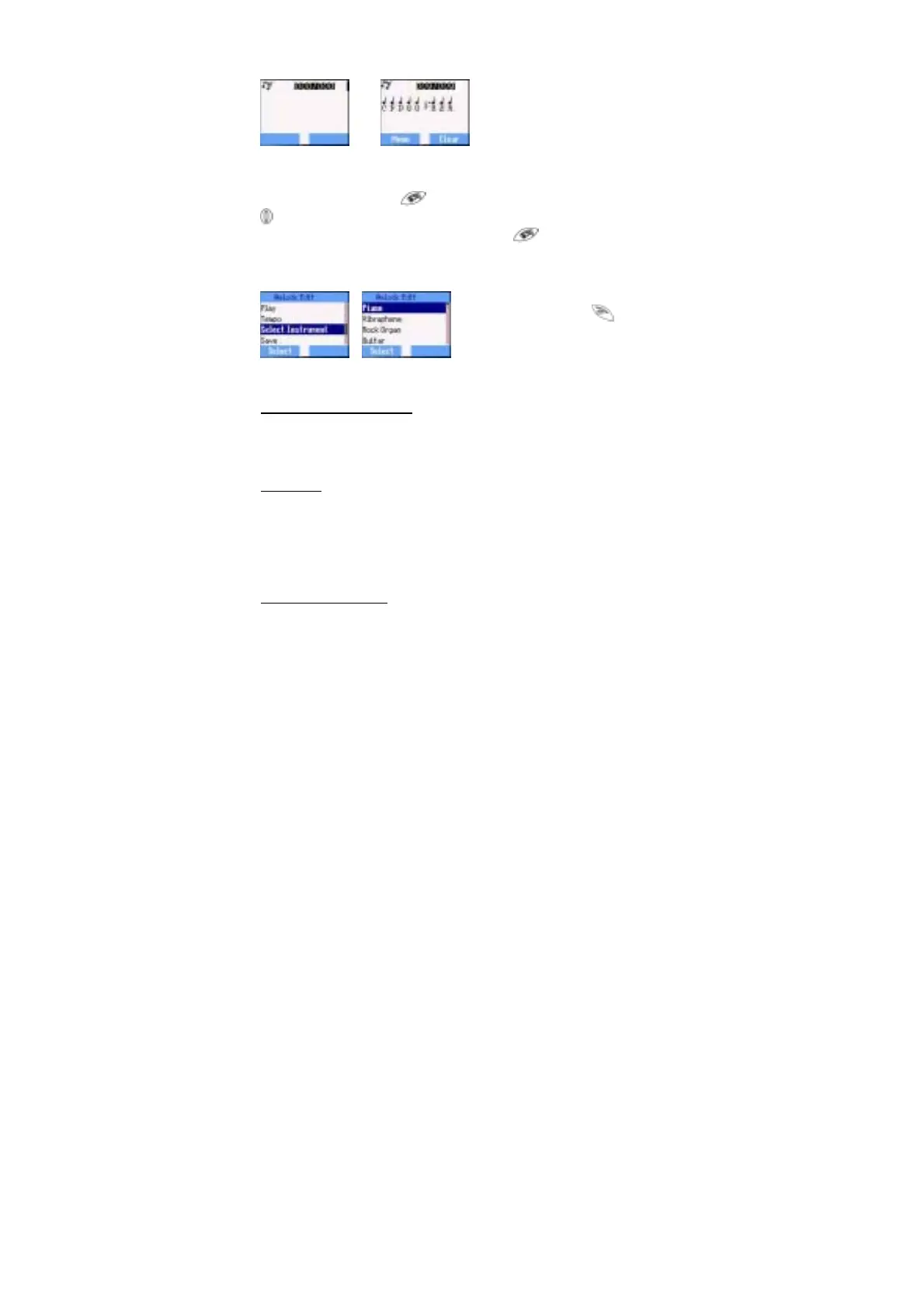
If you want to attach the sub tracks, remember to save your earlier main
track firstly and then press return to the previous page, then press
to select Sub Track and start another editing. Once you finish the
sub tracks edition, press Menu and Save. Press twice to jump to
previous pages, and select Play to listen to your melody.
After composing the melody, press Menu and you can choose a Tempo
and Instruments. When the
composition is complete to
save it.
Display Setting
You can set Idle Screen、 Greeting、Animation、Contrast and Back
Light.
Greeting
A personalised greeting can be programmed for when the phone is
switching on.
Idle > Menu > Personalise > Display Setting > Greeting > Edit
Use the text entry to add a greeting- see ‘‘Text Input’’ page 16.
Profile Mode
In the Profile Mode, you can choose and customise an appropriate mode
from Headset、Normal、Meeting、Noisy














 To Next Page